typescript
52 lines · 7 steps
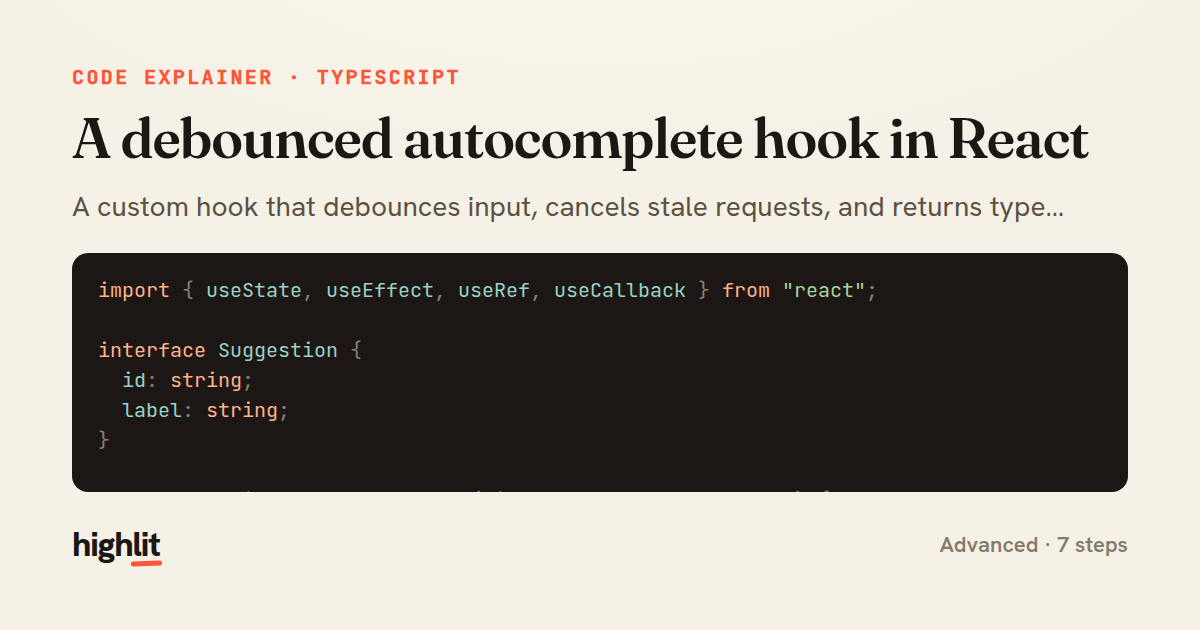
A debounced autocomplete hook in React
A custom hook that debounces input, cancels stale requests, and returns typed suggestions.
Explained by
highlit
1import { useState, useEffect, useRef, useCallback } from "react";
2
3interface Suggestion {
4 id: string;
5 label: string;
6}
7
8export function useAutocomplete(minLength = 2, delay = 300) {
9 const [query, setQuery] = useState("");
10 const [suggestions, setSuggestions] = useState<Suggestion[]>([]);
11 const [loading, setLoading] = useState(false);
12 const abortRef = useRef<AbortController | null>(null);
13
14 useEffect(() => {
15 const trimmed = query.trim();
16 if (trimmed.length < minLength) {
17 setSuggestions([]);
18 setLoading(false);
19 return;
20 }
21
22 const handle = setTimeout(async () => {
23 abortRef.current?.abort();
24 const controller = new AbortController();
25 abortRef.current = controller;
26 setLoading(true);
27
28 try {
29 const res = await fetch(
30 `/api/suggestions?q=${encodeURIComponent(trimmed)}`,
31 { signal: controller.signal },
32 );
33 if (!res.ok) throw new Error(`Request failed: ${res.status}`);
34 const data: Suggestion[] = await res.json();
35 setSuggestions(data);
36 } catch (err) {
37 if ((err as Error).name !== "AbortError") setSuggestions([]);
38 } finally {
39 if (abortRef.current === controller) setLoading(false);
40 }
41 }, delay);
42
43 return () => clearTimeout(handle);
44 }, [query, minLength, delay]);
45
46 const onChange = useCallback(
47 (e: React.ChangeEvent<HTMLInputElement>) => setQuery(e.target.value),
48 [],
49 );
50
51 return { query, suggestions, loading, onChange };
52}
01 / 01
STEP 01
‹ swipe to step through ›
Walkthrough
Space play
←→ step
click any line
Three takeaways
- 1Debouncing via setTimeout with an effect cleanup avoids firing a request on every keystroke.
- 2An AbortController ref lets you cancel in-flight requests so slow responses never overwrite newer ones.
- 3Guarding state updates against the current controller keeps loading flags accurate under rapid input.
Related explainers
typescript
import { registerLocaleData } from '@angular/common';
import localeFr from '@angular/common/locales/fr';
import localeFrExtra from '@angular/common/locales/extra/fr';
import localeDe from '@angular/common/locales/de';
Locale-aware bootstrapping in Angular
i18n
localization
dependency-injection
Intermediate
8 steps
python
from fastapi import FastAPI, WebSocket, WebSocketDisconnect

app = FastAPI()
Building a WebSocket chat with FastAPI
websockets
broadcast
connection-management
Intermediate
9 steps
typescript
import { Module } from '@nestjs/common';
import { ConfigModule } from '@nestjs/config';
import * as Joi from 'joi';
Validating env config at boot in NestJS
configuration
schema-validation
environment-variables
Intermediate
8 steps
typescript
import { Inject, Injectable, Logger } from '@nestjs/common';
import { CACHE_MANAGER } from '@nestjs/cache-manager';
import { Cache } from 'cache-manager';
import { InjectRepository } from '@nestjs/typeorm';
A cache-aside country lookup in NestJS
cache-aside
dependency-injection
batch-lookup
Intermediate
8 steps
rust
use axum::{
    extract::{Path, State},
    response::sse::{Event, KeepAlive, Sse},
};
Streaming import progress with SSE in Axum
server-sent-events
streams
watch-channel
Advanced
7 steps
typescript
import { Injectable, effect, signal, computed } from '@angular/core';

interface Preferences {
  theme: 'light' | 'dark';
A signal-based preferences store in Angular
signals
state-management
persistence
Intermediate
7 steps
Share this explainer
Here's the card — post it anywhere.
Made with highlit — turn any snippet into a walkthrough like this in about a minute.
Explain your code
Embed this explainer
Drop the interactive walkthrough into a blog or docs. Views never cost a credit.
<iframe src="https://highlit.co/explainers/a-debounced-autocomplete-hook-in-react-explained-typescript-97ee/embed?autoplay=1" width="100%" height="520" loading="lazy" style="border:0"></iframe>
Autoplay is on by default — add ?autoplay=0 to start paused.