typescript
49 lines · 7 steps
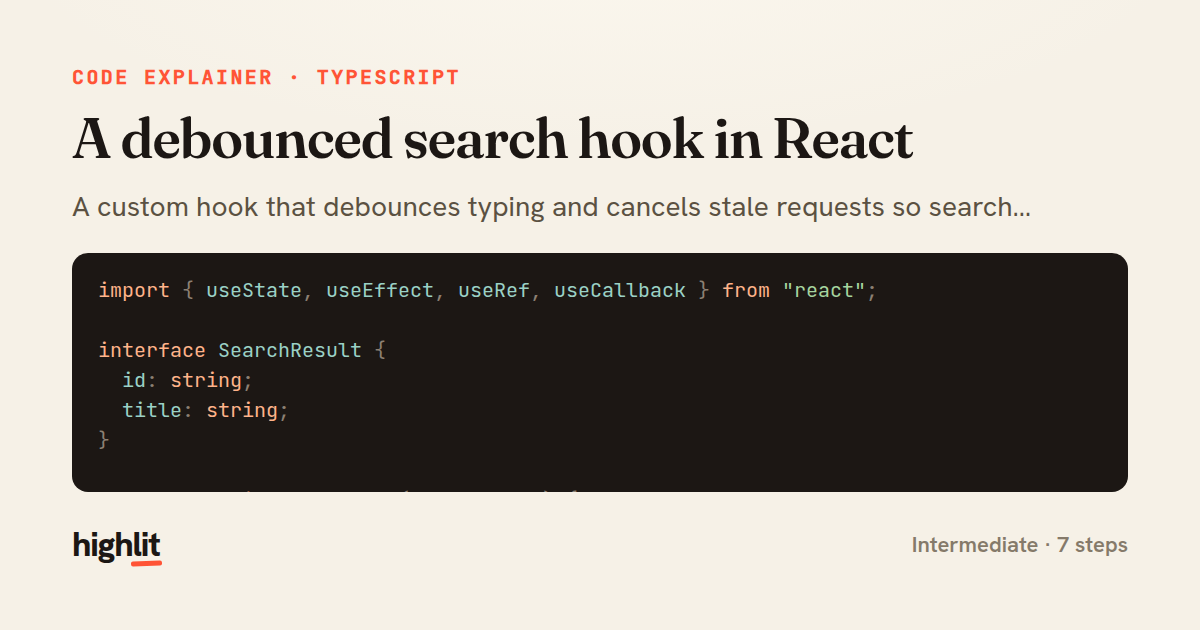
A debounced search hook in React
A custom hook that debounces typing and cancels stale requests so search results stay fresh and ordered.
Explained by
highlit
1import { useState, useEffect, useRef, useCallback } from "react";
2
3interface SearchResult {
4 id: string;
5 title: string;
6}
7
8export function useSearch(delay = 300) {
9 const [query, setQuery] = useState("");
10 const [results, setResults] = useState<SearchResult[]>([]);
11 const [loading, setLoading] = useState(false);
12 const abortRef = useRef<AbortController | null>(null);
13
14 useEffect(() => {
15 const trimmed = query.trim();
16 if (!trimmed) {
17 setResults([]);
18 setLoading(false);
19 return;
20 }
21
22 setLoading(true);
23 const handle = setTimeout(async () => {
24 abortRef.current?.abort();
25 const controller = new AbortController();
26 abortRef.current = controller;
27
28 try {
29 const res = await fetch(`/api/search?q=${encodeURIComponent(trimmed)}`, {
30 signal: controller.signal,
31 });
32 const data: SearchResult[] = await res.json();
33 setResults(data);
34 } catch (err) {
35 if ((err as Error).name !== "AbortError") setResults([]);
36 } finally {
37 if (!controller.signal.aborted) setLoading(false);
38 }
39 }, delay);
40
41 return () => clearTimeout(handle);
42 }, [query, delay]);
43
44 const onChange = useCallback((e: React.ChangeEvent<HTMLInputElement>) => {
45 setQuery(e.target.value);
46 }, []);
47
48 return { query, results, loading, onChange };
49}
01 / 01
STEP 01
‹ swipe to step through ›
Walkthrough
Space play
←→ step
click any line
Three takeaways
- 1Debouncing with setTimeout plus an effect cleanup prevents a request on every keystroke.
- 2An AbortController ref lets a new search cancel the previous in-flight one, avoiding out-of-order results.
- 3Guarding state updates against aborted requests keeps loading flags and results consistent.
Related explainers
typescript
import { registerLocaleData } from '@angular/common';
import localeFr from '@angular/common/locales/fr';
import localeFrExtra from '@angular/common/locales/extra/fr';
import localeDe from '@angular/common/locales/de';
Locale-aware bootstrapping in Angular
i18n
localization
dependency-injection
Intermediate
8 steps
python
from fastapi import FastAPI, WebSocket, WebSocketDisconnect

app = FastAPI()
Building a WebSocket chat with FastAPI
websockets
broadcast
connection-management
Intermediate
9 steps
typescript
import { Module } from '@nestjs/common';
import { ConfigModule } from '@nestjs/config';
import * as Joi from 'joi';
Validating env config at boot in NestJS
configuration
schema-validation
environment-variables
Intermediate
8 steps
typescript
import { Inject, Injectable, Logger } from '@nestjs/common';
import { CACHE_MANAGER } from '@nestjs/cache-manager';
import { Cache } from 'cache-manager';
import { InjectRepository } from '@nestjs/typeorm';
A cache-aside country lookup in NestJS
cache-aside
dependency-injection
batch-lookup
Intermediate
8 steps
rust
use axum::{
    extract::{Path, State},
    response::sse::{Event, KeepAlive, Sse},
};
Streaming import progress with SSE in Axum
server-sent-events
streams
watch-channel
Advanced
7 steps
typescript
import { Injectable, effect, signal, computed } from '@angular/core';

interface Preferences {
  theme: 'light' | 'dark';
A signal-based preferences store in Angular
signals
state-management
persistence
Intermediate
7 steps
Share this explainer
Here's the card — post it anywhere.
Made with highlit — turn any snippet into a walkthrough like this in about a minute.
Explain your code
Embed this explainer
Drop the interactive walkthrough into a blog or docs. Views never cost a credit.
<iframe src="https://highlit.co/explainers/a-debounced-search-hook-in-react-explained-typescript-ce98/embed?autoplay=1" width="100%" height="520" loading="lazy" style="border:0"></iframe>
Autoplay is on by default — add ?autoplay=0 to start paused.