ruby
32 lines · 8 steps
A Rake task to purge stale Active Storage blobs in Rails
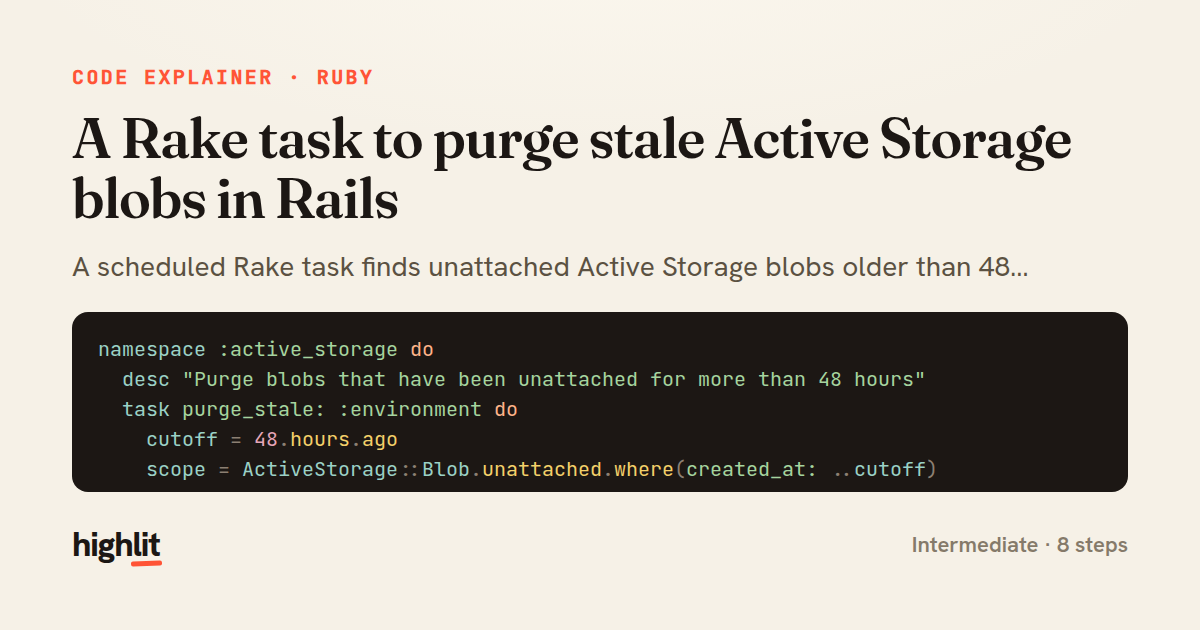
A scheduled Rake task finds unattached Active Storage blobs older than 48 hours and purges them in batches, logging and reporting failures.
Explained by
highlit
1namespace :active_storage do
2 desc "Purge blobs that have been unattached for more than 48 hours"
3 task purge_stale: :environment do
4 cutoff = 48.hours.ago
5 scope = ActiveStorage::Blob.unattached.where(created_at: ..cutoff)
6
7 total = scope.count
8 if total.zero?
9 Rails.logger.info("[active_storage:purge_stale] no stale blobs found")
10 next
11 end
12
13 Rails.logger.info("[active_storage:purge_stale] purging #{total} stale blob(s)")
14
15 purged = 0
16 failed = 0
17
18 scope.find_each(batch_size: 250) do |blob|
19 blob.purge
20 purged += 1
21 rescue ActiveStorage::FileNotFoundError
22 blob.destroy
23 purged += 1
24 rescue => e
25 failed += 1
26 Rails.logger.error("[active_storage:purge_stale] failed to purge blob #{blob.id} (#{blob.key}): #{e.class} #{e.message}")
27 Sentry.capture_exception(e, extra: { blob_id: blob.id, key: blob.key }) if defined?(Sentry)
28 end
29
30 Rails.logger.info("[active_storage:purge_stale] done: #{purged} purged, #{failed} failed")
31 end
32end
01 / 01
STEP 01
‹ swipe to step through ›
Walkthrough
Space play
←→ step
click any line
Three takeaways
- 1Batching with find_each keeps memory bounded when cleaning up potentially large result sets.
- 2Rescuing specific exceptions lets you handle known failure modes differently from unexpected ones.
- 3Counting successes and failures separately turns a maintenance task into an observable, auditable job.
Related explainers
rust
use serde::Deserialize;

#[derive(Debug, Deserialize)]
#[serde(untagged)]
Parsing flexible JSON shapes with serde
deserialization
enums
json
Intermediate
6 steps
ruby
require "shellwords"
require "open3"

module Backup
Building safe shell commands in Ruby
shell-out
subprocess
command-injection
Intermediate
7 steps
ruby
class UserAgentParser
  BROWSERS = [
    [/Edg\/([\d.]+)/, "Edge"],
    [/OPR\/([\d.]+)/, "Opera"],
Parsing user-agent strings in Ruby
regex
pattern-matching
lookup-tables
Intermediate
8 steps
ruby
class LogAggregator
  BUCKET_FORMAT = "%Y-%m-%dT%H:%M"

  def initialize(entries)
Bucketing log entries by the minute in Ruby
aggregation
hashing
enumerable
Intermediate
5 steps
ruby
class WeeklySignupsReport
  DEFAULT_WEEKS = 12

  def initialize(weeks: DEFAULT_WEEKS, source: User.all)
Building a weekly signups report in Rails
service object
aggregation
group by
Intermediate
7 steps
rust
use chrono::{Duration, NaiveDate};

#[derive(Debug)]
pub struct DateRange {
Parsing and iterating date ranges in Rust
error-handling
iterators
parsing
Intermediate
7 steps
Share this explainer
Here's the card — post it anywhere.
Made with highlit — turn any snippet into a walkthrough like this in about a minute.
Explain your code
Embed this explainer
Drop the interactive walkthrough into a blog or docs. Views never cost a credit.
<iframe src="https://highlit.co/explainers/a-rake-task-to-purge-stale-active-storage-blobs-in-rails-explained-ruby-ef9d/embed?autoplay=1" width="100%" height="520" loading="lazy" style="border:0"></iframe>
Autoplay is on by default — add ?autoplay=0 to start paused.