typescript
51 lines · 8 steps
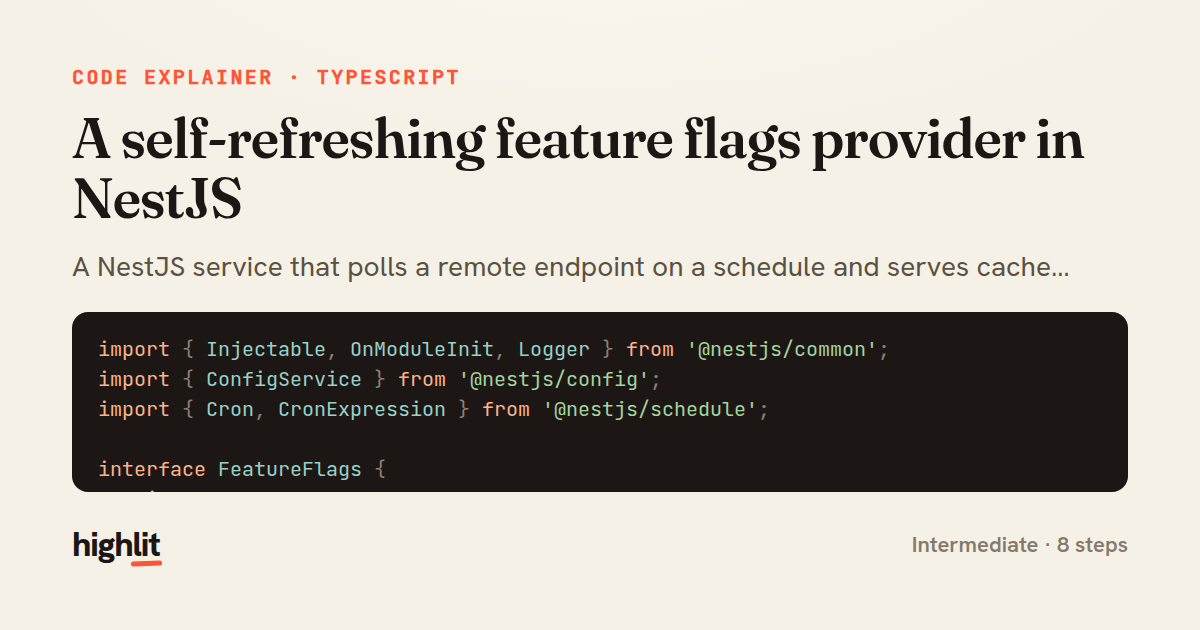
A self-refreshing feature flags provider in NestJS
A NestJS service that polls a remote endpoint on a schedule and serves cached feature flags that survive fetch failures.
Explained by
highlit
1import { Injectable, OnModuleInit, Logger } from '@nestjs/common';
2import { ConfigService } from '@nestjs/config';
3import { Cron, CronExpression } from '@nestjs/schedule';
4
5interface FeatureFlags {
6 maintenanceMode: boolean;
7 maxUploadBytes: number;
8 allowedRegions: string[];
9}
10
11@Injectable()
12export class FeatureFlagsProvider implements OnModuleInit {
13 private readonly logger = new Logger(FeatureFlagsProvider.name);
14 private flags: FeatureFlags = {
15 maintenanceMode: false,
16 maxUploadBytes: 5_000_000,
17 allowedRegions: [],
18 };
19
20 constructor(private readonly config: ConfigService) {}
21
22 async onModuleInit(): Promise<void> {
23 await this.refresh();
24 }
25
26 @Cron(CronExpression.EVERY_5_MINUTES)
27 async refresh(): Promise<void> {
28 const endpoint = this.config.getOrThrow<string>('FLAGS_ENDPOINT');
29
30 try {
31 const res = await fetch(endpoint, { headers: { accept: 'application/json' } });
32 if (!res.ok) {
33 throw new Error(`flag service responded ${res.status}`);
34 }
35
36 const next = (await res.json()) as FeatureFlags;
37 this.flags = Object.freeze(next);
38 this.logger.log(`Feature flags refreshed (maintenance=${next.maintenanceMode})`);
39 } catch (err) {
40 this.logger.warn(`Keeping cached flags: ${(err as Error).message}`);
41 }
42 }
43
44 get(): Readonly<FeatureFlags> {
45 return this.flags;
46 }
47
48 isEnabled(key: keyof FeatureFlags): boolean {
49 return Boolean(this.flags[key]);
50 }
51}
01 / 01
STEP 01
‹ swipe to step through ›
Walkthrough
Space play
←→ step
click any line
Three takeaways
- 1Serving from an in-memory cache means a flaky flag service never takes down the callers depending on it.
- 2Swallowing fetch errors and keeping the last-known-good state is a deliberate resilience choice, not a bug.
- 3Combining a lifecycle hook with a cron job gives you both an immediate first load and ongoing refreshes.
Related explainers
typescript
import { registerLocaleData } from '@angular/common';
import localeFr from '@angular/common/locales/fr';
import localeFrExtra from '@angular/common/locales/extra/fr';
import localeDe from '@angular/common/locales/de';
Locale-aware bootstrapping in Angular
i18n
localization
dependency-injection
Intermediate
8 steps
typescript
import { Module } from '@nestjs/common';
import { ConfigModule } from '@nestjs/config';
import * as Joi from 'joi';
Validating env config at boot in NestJS
configuration
schema-validation
environment-variables
Intermediate
8 steps
java
@Component
@Converter
public class EncryptedStringConverter implements AttributeConverter<String, String> {
Transparent column encryption in Spring & JPA
encryption
aes-gcm
jpa-converter
Advanced
10 steps
typescript
import { Inject, Injectable, Logger } from '@nestjs/common';
import { CACHE_MANAGER } from '@nestjs/cache-manager';
import { Cache } from 'cache-manager';
import { InjectRepository } from '@nestjs/typeorm';
A cache-aside country lookup in NestJS
cache-aside
dependency-injection
batch-lookup
Intermediate
8 steps
java
package com.acme.billing.config;

import org.springframework.boot.autoconfigure.condition.ConditionalOnProperty;
import org.springframework.boot.context.properties.ConfigurationProperties;
Feature-flagged beans with Spring @ConditionalOnProperty
feature-flags
conditional-beans
strategy-pattern
Intermediate
5 steps
typescript
import { Injectable, effect, signal, computed } from '@angular/core';

interface Preferences {
  theme: 'light' | 'dark';
A signal-based preferences store in Angular
signals
state-management
persistence
Intermediate
7 steps
Share this explainer
Here's the card — post it anywhere.
Made with highlit — turn any snippet into a walkthrough like this in about a minute.
Explain your code
Embed this explainer
Drop the interactive walkthrough into a blog or docs. Views never cost a credit.
<iframe src="https://highlit.co/explainers/a-self-refreshing-feature-flags-provider-in-nestjs-explained-typescript-dc0d/embed?autoplay=1" width="100%" height="520" loading="lazy" style="border:0"></iframe>
Autoplay is on by default — add ?autoplay=0 to start paused.