typescript
42 lines · 7 steps
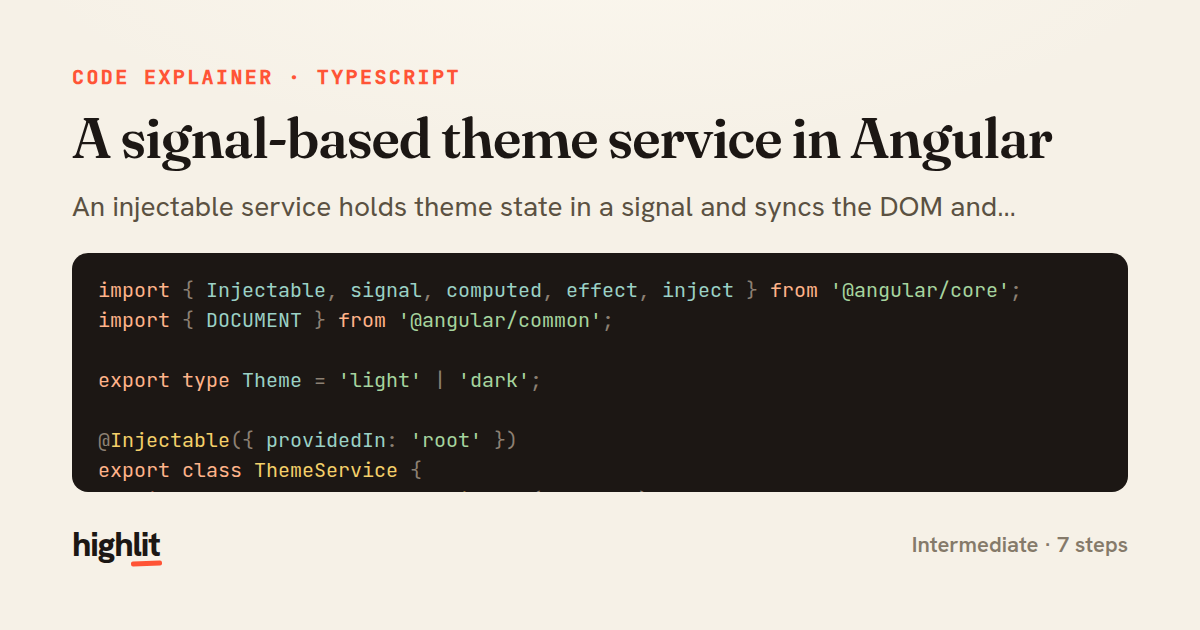
A signal-based theme service in Angular
An injectable service holds theme state in a signal and syncs the DOM and storage through an effect.
Explained by
highlit
1import { Injectable, signal, computed, effect, inject } from '@angular/core';
2import { DOCUMENT } from '@angular/common';
3
4export type Theme = 'light' | 'dark';
5
6@Injectable({ providedIn: 'root' })
7export class ThemeService {
8 private readonly document = inject(DOCUMENT);
9 private readonly storageKey = 'app.theme';
10
11 private readonly preference = signal<Theme>(this.readInitialTheme());
12
13 readonly theme = this.preference.asReadonly();
14 readonly isDark = computed(() => this.preference() === 'dark');
15
16 constructor() {
17 effect(() => {
18 const theme = this.preference();
19 const root = this.document.documentElement;
20 root.classList.toggle('dark', theme === 'dark');
21 root.style.colorScheme = theme;
22 localStorage.setItem(this.storageKey, theme);
23 });
24 }
25
26 toggle(): void {
27 this.preference.update(current => (current === 'dark' ? 'light' : 'dark'));
28 }
29
30 set(theme: Theme): void {
31 this.preference.set(theme);
32 }
33
34 private readInitialTheme(): Theme {
35 const stored = localStorage.getItem(this.storageKey);
36 if (stored === 'dark' || stored === 'light') {
37 return stored;
38 }
39 const prefersDark = window.matchMedia('(prefers-color-scheme: dark)').matches;
40 return prefersDark ? 'dark' : 'light';
41 }
42}
01 / 01
STEP 01
‹ swipe to step through ›
Walkthrough
Space play
←→ step
click any line
Three takeaways
- 1A single writable signal can serve as the source of truth while derived state stays in sync automatically.
- 2Effects are the right place for side effects that must mirror reactive state into the DOM or storage.
- 3Exposing signals as read-only and gating writes behind methods keeps state changes controlled and intentional.
Related explainers
typescript
import { registerLocaleData } from '@angular/common';
import localeFr from '@angular/common/locales/fr';
import localeFrExtra from '@angular/common/locales/extra/fr';
import localeDe from '@angular/common/locales/de';
Locale-aware bootstrapping in Angular
i18n
localization
dependency-injection
Intermediate
8 steps
typescript
import { Module } from '@nestjs/common';
import { ConfigModule } from '@nestjs/config';
import * as Joi from 'joi';
Validating env config at boot in NestJS
configuration
schema-validation
environment-variables
Intermediate
8 steps
java
@Component
@Converter
public class EncryptedStringConverter implements AttributeConverter<String, String> {
Transparent column encryption in Spring & JPA
encryption
aes-gcm
jpa-converter
Advanced
10 steps
typescript
import { Inject, Injectable, Logger } from '@nestjs/common';
import { CACHE_MANAGER } from '@nestjs/cache-manager';
import { Cache } from 'cache-manager';
import { InjectRepository } from '@nestjs/typeorm';
A cache-aside country lookup in NestJS
cache-aside
dependency-injection
batch-lookup
Intermediate
8 steps
java
package com.acme.billing.config;

import org.springframework.boot.autoconfigure.condition.ConditionalOnProperty;
import org.springframework.boot.context.properties.ConfigurationProperties;
Feature-flagged beans with Spring @ConditionalOnProperty
feature-flags
conditional-beans
strategy-pattern
Intermediate
5 steps
typescript
import { Injectable, effect, signal, computed } from '@angular/core';

interface Preferences {
  theme: 'light' | 'dark';
A signal-based preferences store in Angular
signals
state-management
persistence
Intermediate
7 steps
Share this explainer
Here's the card — post it anywhere.
Made with highlit — turn any snippet into a walkthrough like this in about a minute.
Explain your code
Embed this explainer
Drop the interactive walkthrough into a blog or docs. Views never cost a credit.
<iframe src="https://highlit.co/explainers/a-signal-based-theme-service-in-angular-explained-typescript-e126/embed?autoplay=1" width="100%" height="520" loading="lazy" style="border:0"></iframe>
Autoplay is on by default — add ?autoplay=0 to start paused.