typescript
48 lines · 8 steps
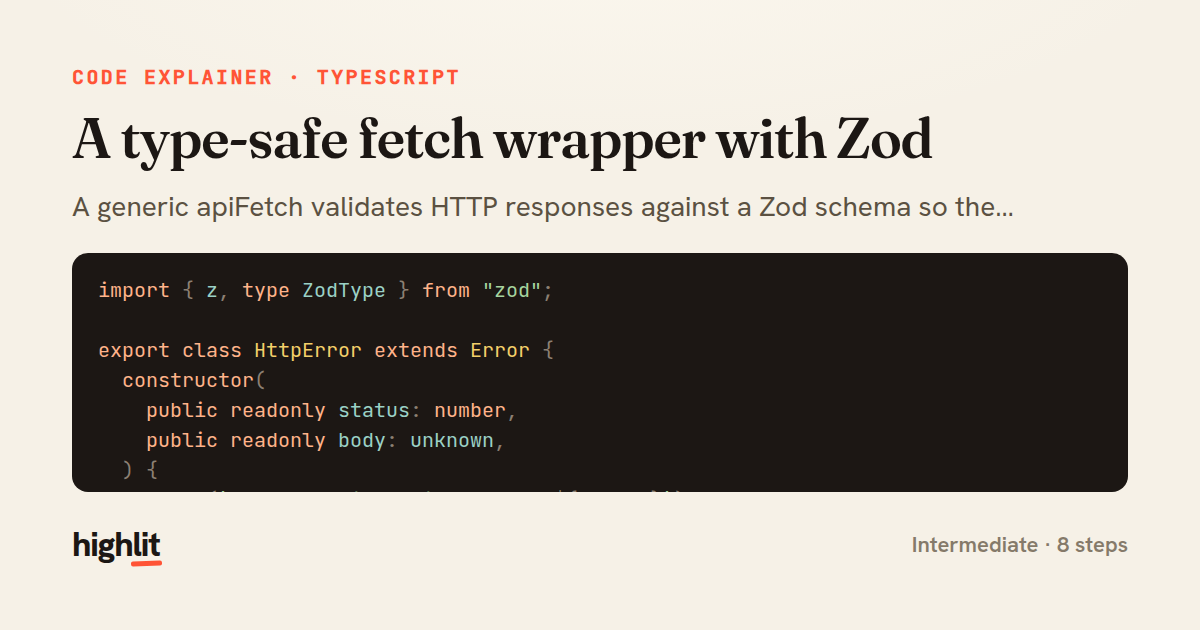
A type-safe fetch wrapper with Zod
A generic apiFetch validates HTTP responses against a Zod schema so the return type is inferred and checked at runtime.
Explained by
highlit
1import { z, type ZodType } from "zod";
2
3export class HttpError extends Error {
4 constructor(
5 public readonly status: number,
6 public readonly body: unknown,
7 ) {
8 super(`Request failed with status ${status}`);
9 this.name = "HttpError";
10 }
11}
12
13interface RequestOptions<TSchema extends ZodType> {
14 schema: TSchema;
15 method?: "GET" | "POST" | "PUT" | "PATCH" | "DELETE";
16 body?: unknown;
17 headers?: Record<string, string>;
18 signal?: AbortSignal;
19}
20
21export async function apiFetch<TSchema extends ZodType>(
22 url: string,
23 { schema, method = "GET", body, headers, signal }: RequestOptions<TSchema>,
24): Promise<z.infer<TSchema>> {
25 const response = await fetch(url, {
26 method,
27 signal,
28 headers: {
29 Accept: "application/json",
30 ...(body !== undefined && { "Content-Type": "application/json" }),
31 ...headers,
32 },
33 body: body !== undefined ? JSON.stringify(body) : undefined,
34 });
35
36 const raw = response.status === 204 ? null : await response.json();
37
38 if (!response.ok) {
39 throw new HttpError(response.status, raw);
40 }
41
42 const parsed = schema.safeParse(raw);
43 if (!parsed.success) {
44 throw new Error(`Response validation failed: ${parsed.error.message}`);
45 }
46
47 return parsed.data;
48}
01 / 01
STEP 01
‹ swipe to step through ›
Walkthrough
Space play
←→ step
click any line
Three takeaways
- 1Threading a Zod schema through a generic lets one function guarantee both compile-time types and runtime shape.
- 2A custom error class carrying status and body gives callers structured failure data instead of a bare message.
- 3Validating at the boundary means untyped JSON never leaks into the rest of your code unchecked.
Related explainers
typescript
import { registerLocaleData } from '@angular/common';
import localeFr from '@angular/common/locales/fr';
import localeFrExtra from '@angular/common/locales/extra/fr';
import localeDe from '@angular/common/locales/de';
Locale-aware bootstrapping in Angular
i18n
localization
dependency-injection
Intermediate
8 steps
rust
use serde::Deserialize;

#[derive(Debug, Deserialize)]
#[serde(untagged)]
Parsing flexible JSON shapes with serde
deserialization
enums
json
Intermediate
6 steps
ruby
require "shellwords"
require "open3"

module Backup
Building safe shell commands in Ruby
shell-out
subprocess
command-injection
Intermediate
7 steps
typescript
import { Module } from '@nestjs/common';
import { ConfigModule } from '@nestjs/config';
import * as Joi from 'joi';
Validating env config at boot in NestJS
configuration
schema-validation
environment-variables
Intermediate
8 steps
typescript
import { Inject, Injectable, Logger } from '@nestjs/common';
import { CACHE_MANAGER } from '@nestjs/cache-manager';
import { Cache } from 'cache-manager';
import { InjectRepository } from '@nestjs/typeorm';
A cache-aside country lookup in NestJS
cache-aside
dependency-injection
batch-lookup
Intermediate
8 steps
typescript
import { Injectable, effect, signal, computed } from '@angular/core';

interface Preferences {
  theme: 'light' | 'dark';
A signal-based preferences store in Angular
signals
state-management
persistence
Intermediate
7 steps
Share this explainer
Here's the card — post it anywhere.
Made with highlit — turn any snippet into a walkthrough like this in about a minute.
Explain your code
Embed this explainer
Drop the interactive walkthrough into a blog or docs. Views never cost a credit.
<iframe src="https://highlit.co/explainers/a-type-safe-fetch-wrapper-with-zod-explained-typescript-abdc/embed?autoplay=1" width="100%" height="520" loading="lazy" style="border:0"></iframe>
Autoplay is on by default — add ?autoplay=0 to start paused.