javascript
50 lines · 7 steps
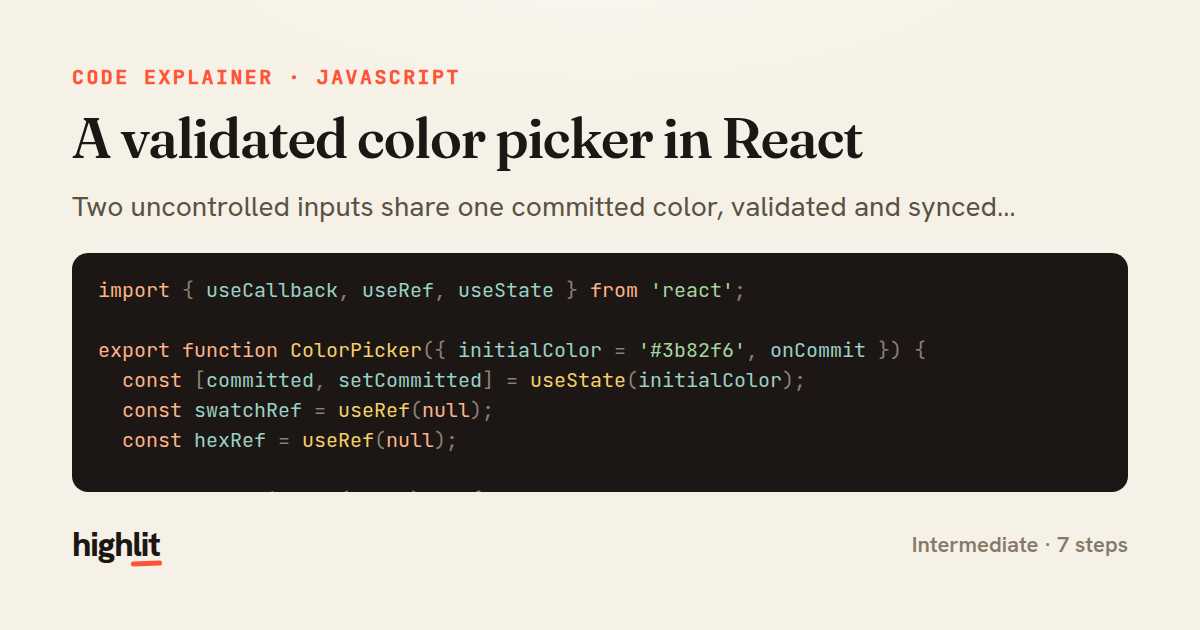
A validated color picker in React
Two uncontrolled inputs share one committed color, validated and synced through a single commit function.
Explained by
highlit
1import { useCallback, useRef, useState } from 'react';
2
3export function ColorPicker({ initialColor = '#3b82f6', onCommit }) {
4 const [committed, setCommitted] = useState(initialColor);
5 const swatchRef = useRef(null);
6 const hexRef = useRef(null);
7
8 const normalize = (value) => {
9 const trimmed = value.trim().replace(/^#?/, '#').toLowerCase();
10 return /^#[0-9a-f]{6}$/.test(trimmed) ? trimmed : null;
11 };
12
13 const commit = useCallback(
14 (raw) => {
15 const next = normalize(raw);
16 if (!next || next === committed) {
17 if (hexRef.current) hexRef.current.value = committed;
18 return;
19 }
20 setCommitted(next);
21 if (swatchRef.current) swatchRef.current.value = next;
22 if (hexRef.current) hexRef.current.value = next;
23 onCommit?.(next);
24 },
25 [committed, onCommit],
26 );
27
28 return (
29 <div className="color-picker">
30 <input
31 ref={swatchRef}
32 type="color"
33 aria-label="Pick color"
34 defaultValue={committed}
35 onBlur={(e) => commit(e.target.value)}
36 />
37 <input
38 ref={hexRef}
39 type="text"
40 inputMode="text"
41 spellCheck={false}
42 maxLength={7}
43 defaultValue={committed}
44 onBlur={(e) => commit(e.target.value)}
45 onKeyDown={(e) => e.key === 'Enter' && e.currentTarget.blur()}
46 />
47 <span className="color-picker__preview" style={{ backgroundColor: committed }} />
48 </div>
49 );
50}
01 / 01
STEP 01
‹ swipe to step through ›
Walkthrough
Space play
←→ step
click any line
Three takeaways
- 1Uncontrolled inputs with refs let you validate on commit rather than re-rendering on every keystroke.
- 2A single normalize-and-commit path keeps multiple inputs and derived UI in sync from one source of truth.
- 3Rejecting invalid or unchanged input by resetting the field's value gives users immediate, honest feedback.
Related explainers
php
<?php

namespace App\Services\Checkout;
Validating coupons with Laravel's Pipeline
pipeline
chain of responsibility
transactions
Intermediate
7 steps
javascript
function evaluate(expression) {
  const tokens = tokenize(expression);
  let pos = 0;
Building a recursive descent calculator
parsing
recursion
operator-precedence
Intermediate
8 steps
php
<?php

namespace App\Services;
How a password strength validator works in PHP
validation
regular-expressions
data-driven
Intermediate
8 steps
javascript
import { useState, useEffect, useCallback, useRef } from 'react';

const cache = new Map();
const inflight = new Map();
Building a stale-while-revalidate hook in React
caching
request-deduplication
custom-hooks
Advanced
10 steps
rust
use chrono::{Duration, NaiveDate};

#[derive(Debug)]
pub struct DateRange {
Parsing and iterating date ranges in Rust
error-handling
iterators
parsing
Intermediate
7 steps
javascript
import { useEffect, useRef, useState } from 'react';

export function useDelayedFlag(active, delay = 300) {
  const [visible, setVisible] = useState(false);
Delaying a loading spinner with a React hook
custom-hooks
debouncing
cleanup
Intermediate
8 steps
Share this explainer
Here's the card — post it anywhere.
Made with highlit — turn any snippet into a walkthrough like this in about a minute.
Explain your code
Embed this explainer
Drop the interactive walkthrough into a blog or docs. Views never cost a credit.
<iframe src="https://highlit.co/explainers/a-validated-color-picker-in-react-explained-javascript-a35d/embed?autoplay=1" width="100%" height="520" loading="lazy" style="border:0"></iframe>
Autoplay is on by default — add ?autoplay=0 to start paused.