ruby
39 lines · 8 steps
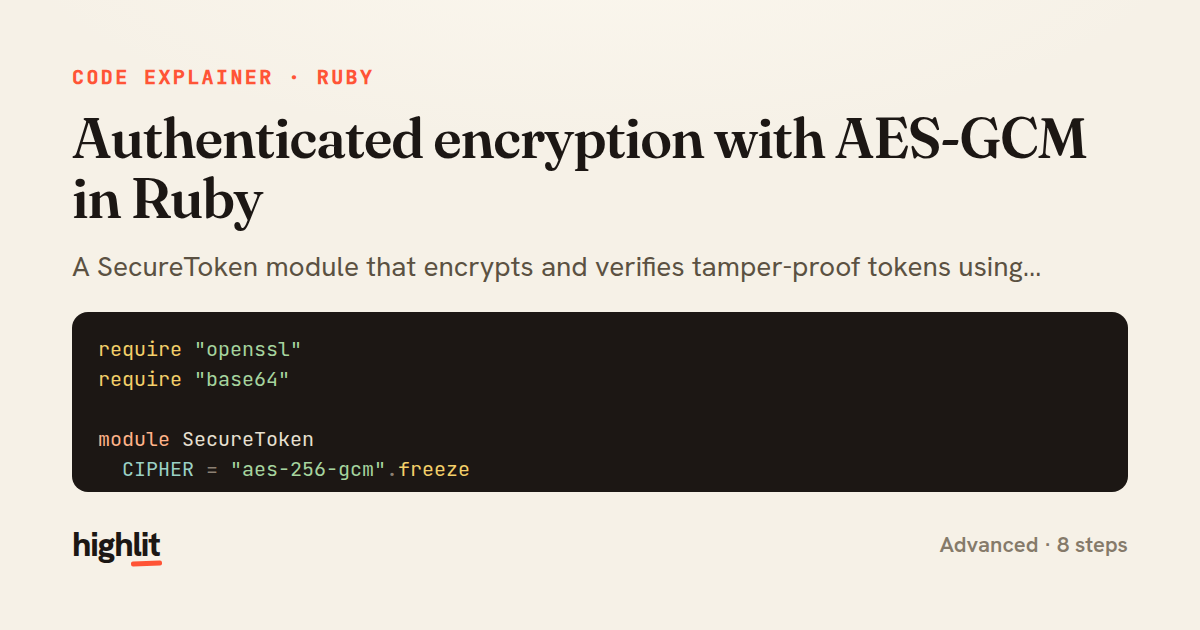
Authenticated encryption with AES-GCM in Ruby
A SecureToken module that encrypts and verifies tamper-proof tokens using AES-256-GCM.
Explained by
highlit
1require "openssl"
2require "base64"
3
4module SecureToken
5 CIPHER = "aes-256-gcm".freeze
6
7 module_function
8
9 def encrypt(plaintext, key)
10 cipher = OpenSSL::Cipher.new(CIPHER)
11 cipher.encrypt
12 cipher.key = key
13 iv = cipher.random_iv
14 cipher.auth_data = ""
15
16 ciphertext = cipher.update(plaintext) + cipher.final
17 tag = cipher.auth_tag
18
19 Base64.strict_encode64(iv + tag + ciphertext)
20 end
21
22 def decrypt(token, key)
23 blob = Base64.strict_decode64(token)
24 iv = blob.byteslice(0, 12)
25 tag = blob.byteslice(12, 16)
26 ciphertext = blob.byteslice(28..-1)
27
28 cipher = OpenSSL::Cipher.new(CIPHER)
29 cipher.decrypt
30 cipher.key = key
31 cipher.iv = iv
32 cipher.auth_tag = tag
33 cipher.auth_data = ""
34
35 cipher.update(ciphertext) + cipher.final
36 rescue OpenSSL::Cipher::CipherError
37 raise ArgumentError, "invalid or tampered token"
38 end
39end
01 / 01
STEP 01
‹ swipe to step through ›
Walkthrough
Space play
←→ step
click any line
Three takeaways
- 1GCM mode gives you both confidentiality and integrity through an authentication tag verified at decryption.
- 2Packing the IV and tag alongside the ciphertext keeps a token self-contained and portable.
- 3Rescuing CipherError turns a cryptographic failure into a clear signal that a token was tampered with.
Related explainers
ruby
require "shellwords"
require "open3"

module Backup
Building safe shell commands in Ruby
shell-out
subprocess
command-injection
Intermediate
7 steps
ruby
class UserAgentParser
  BROWSERS = [
    [/Edg\/([\d.]+)/, "Edge"],
    [/OPR\/([\d.]+)/, "Opera"],
Parsing user-agent strings in Ruby
regex
pattern-matching
lookup-tables
Intermediate
8 steps
java
@Component
@Converter
public class EncryptedStringConverter implements AttributeConverter<String, String> {
Transparent column encryption in Spring & JPA
encryption
aes-gcm
jpa-converter
Advanced
10 steps
python
import time
import uuid

from django.utils.deprecation import MiddlewareMixin
Attaching per-request context in Django
middleware
request lifecycle
multi-tenancy
Intermediate
7 steps
ruby
class LogAggregator
  BUCKET_FORMAT = "%Y-%m-%dT%H:%M"

  def initialize(entries)
Bucketing log entries by the minute in Ruby
aggregation
hashing
enumerable
Intermediate
5 steps
ruby
class WeeklySignupsReport
  DEFAULT_WEEKS = 12

  def initialize(weeks: DEFAULT_WEEKS, source: User.all)
Building a weekly signups report in Rails
service object
aggregation
group by
Intermediate
7 steps
Share this explainer
Here's the card — post it anywhere.
Made with highlit — turn any snippet into a walkthrough like this in about a minute.
Explain your code
Embed this explainer
Drop the interactive walkthrough into a blog or docs. Views never cost a credit.
<iframe src="https://highlit.co/explainers/authenticated-encryption-with-aes-gcm-in-ruby-explained-ruby-efb0/embed?autoplay=1" width="100%" height="520" loading="lazy" style="border:0"></iframe>
Autoplay is on by default — add ?autoplay=0 to start paused.