php
20 lines · 3 steps
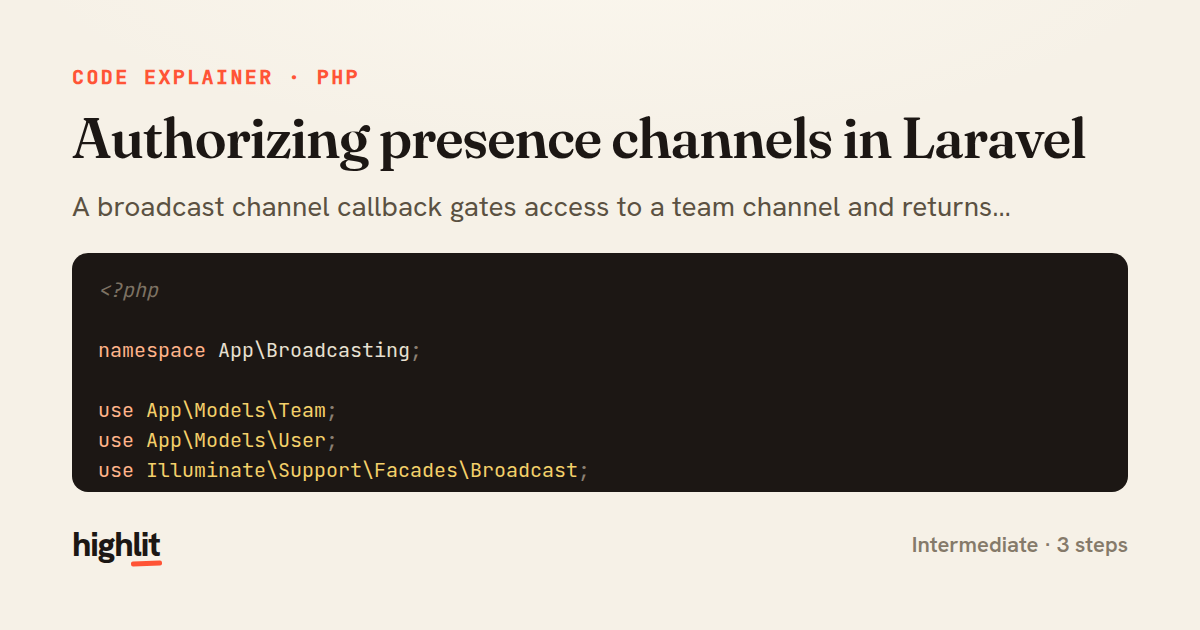
Authorizing presence channels in Laravel
A broadcast channel callback gates access to a team channel and returns presence data for members.
Explained by
highlit
1<?php
2
3namespace App\Broadcasting;
4
5use App\Models\Team;
6use App\Models\User;
7use Illuminate\Support\Facades\Broadcast;
8
9Broadcast::channel('team.{team}', function (User $user, Team $team) {
10 if (! $user->belongsToTeam($team)) {
11 return false;
12 }
13
14 return [
15 'id' => $user->id,
16 'name' => $user->name,
17 'avatar' => $user->avatar_url,
18 'role' => $team->roleFor($user),
19 ];
20});
01 / 01
STEP 01
‹ swipe to step through ›
Walkthrough
Space play
←→ step
click any line
Three takeaways
- 1Channel callbacks double as gatekeepers: returning false denies subscription while a truthy value grants it.
- 2On presence channels, the returned array becomes the member's public identity shared with everyone else in the channel.
- 3Route-model binding resolves the channel's {team} placeholder into a full model before your logic runs.
Related explainers
php
<?php

class NameParser
{
Parsing a full name into components in PHP
string-parsing
arrays
normalization
Intermediate
8 steps
python
from fastapi import FastAPI, WebSocket, WebSocketDisconnect

app = FastAPI()
Building a WebSocket chat with FastAPI
websockets
broadcast
connection-management
Intermediate
9 steps
php
<?php

namespace App\Services\Checkout;
Validating coupons with Laravel's Pipeline
pipeline
chain of responsibility
transactions
Intermediate
7 steps
php
<?php

namespace App\Services;
How a password strength validator works in PHP
validation
regular-expressions
data-driven
Intermediate
8 steps
php
<?php

namespace App\Services;
Building a cached daily leaderboard in Laravel
caching
aggregation
eager-loading
Intermediate
9 steps
php
<?php

final class RotatingFileLogger
{
How a rotating file logger works in PHP
logging
file-rotation
io
Intermediate
9 steps
Share this explainer
Here's the card — post it anywhere.
Made with highlit — turn any snippet into a walkthrough like this in about a minute.
Explain your code
Embed this explainer
Drop the interactive walkthrough into a blog or docs. Views never cost a credit.
<iframe src="https://highlit.co/explainers/authorizing-presence-channels-in-laravel-explained-php-eafd/embed?autoplay=1" width="100%" height="520" loading="lazy" style="border:0"></iframe>
Autoplay is on by default — add ?autoplay=0 to start paused.