python
39 lines · 8 steps
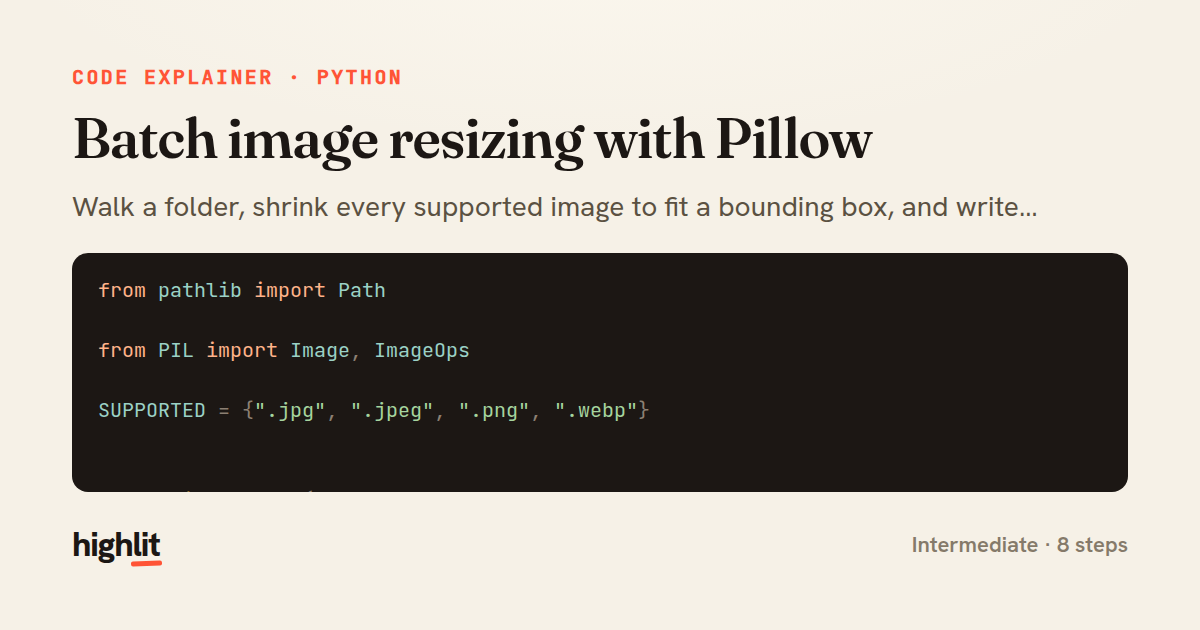
Batch image resizing with Pillow
Walk a folder, shrink every supported image to fit a bounding box, and write clean copies to a destination.
Explained by
highlit
1from pathlib import Path
2
3from PIL import Image, ImageOps
4
5SUPPORTED = {".jpg", ".jpeg", ".png", ".webp"}
6
7
8def resize_folder(
9 source: Path,
10 dest: Path,
11 max_size: tuple[int, int] = (1280, 1280),
12 quality: int = 85,
13) -> list[Path]:
14 dest.mkdir(parents=True, exist_ok=True)
15 written: list[Path] = []
16
17 for path in sorted(source.iterdir()):
18 if path.suffix.lower() not in SUPPORTED:
19 continue
20
21 try:
22 with Image.open(path) as img:
23 img = ImageOps.exif_transpose(img)
24 img.thumbnail(max_size, Image.Resampling.LANCZOS)
25
26 out_path = dest / path.name
27 save_kwargs = {"optimize": True}
28
29 if img.mode in ("RGBA", "P") and path.suffix.lower() in {".jpg", ".jpeg"}:
30 img = img.convert("RGB")
31 if path.suffix.lower() in {".jpg", ".jpeg", ".webp"}:
32 save_kwargs["quality"] = quality
33
34 img.save(out_path, **save_kwargs)
35 written.append(out_path)
36 except (OSError, Image.DecompressionBombError) as exc:
37 print(f"skipping {path.name}: {exc}")
38
39 return written
01 / 01
STEP 01
‹ swipe to step through ›
Walkthrough
Space play
←→ step
click any line
Three takeaways
- 1A whitelist set plus suffix checks keeps a batch job from choking on unrelated files.
- 2thumbnail resizes in place while preserving aspect ratio, so a bounding box never distorts an image.
- 3Wrapping each file in its own try/except lets one corrupt image fail without aborting the whole run.
Related explainers
rust
use serde::Deserialize;

#[derive(Debug, Deserialize)]
#[serde(untagged)]
Parsing flexible JSON shapes with serde
deserialization
enums
json
Intermediate
6 steps
ruby
require "shellwords"
require "open3"

module Backup
Building safe shell commands in Ruby
shell-out
subprocess
command-injection
Intermediate
7 steps
python
from fastapi import FastAPI, WebSocket, WebSocketDisconnect

app = FastAPI()
Building a WebSocket chat with FastAPI
websockets
broadcast
connection-management
Intermediate
9 steps
python
import time
import uuid

from django.utils.deprecation import MiddlewareMixin
Attaching per-request context in Django
middleware
request lifecycle
multi-tenancy
Intermediate
7 steps
python
import random
from typing import Iterator, List
How reservoir sampling picks k items
reservoir-sampling
streaming
randomness
Intermediate
5 steps
rust
use chrono::{Duration, NaiveDate};

#[derive(Debug)]
pub struct DateRange {
Parsing and iterating date ranges in Rust
error-handling
iterators
parsing
Intermediate
7 steps
Share this explainer
Here's the card — post it anywhere.
Made with highlit — turn any snippet into a walkthrough like this in about a minute.
Explain your code
Embed this explainer
Drop the interactive walkthrough into a blog or docs. Views never cost a credit.
<iframe src="https://highlit.co/explainers/batch-image-resizing-with-pillow-explained-python-1196/embed?autoplay=1" width="100%" height="520" loading="lazy" style="border:0"></iframe>
Autoplay is on by default — add ?autoplay=0 to start paused.