python
36 lines · 7 steps
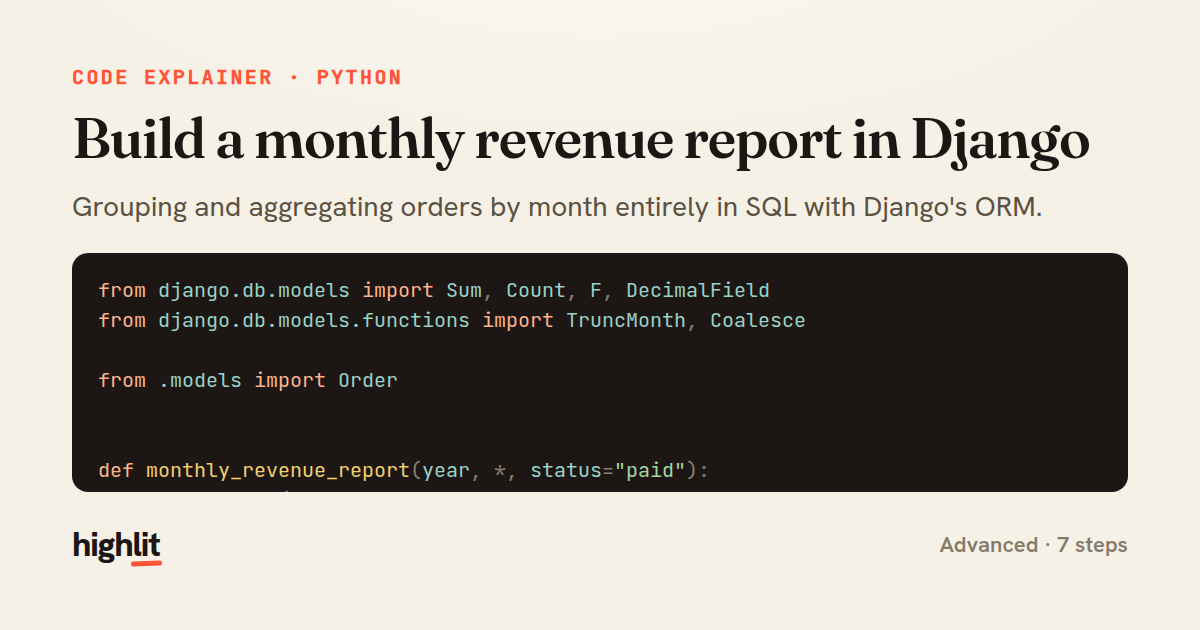
Build a monthly revenue report in Django
Grouping and aggregating orders by month entirely in SQL with Django's ORM.
Explained by
highlit
1from django.db.models import Sum, Count, F, DecimalField
2from django.db.models.functions import TruncMonth, Coalesce
3
4from .models import Order
5
6
7def monthly_revenue_report(year, *, status="paid"):
8 queryset = (
9 Order.objects.filter(
10 placed_at__year=year,
11 status=status,
12 )
13 .annotate(month=TruncMonth("placed_at"))
14 .values("month")
15 .annotate(
16 gross_revenue=Coalesce(
17 Sum(F("line_items__unit_price") * F("line_items__quantity")),
18 0,
19 output_field=DecimalField(max_digits=12, decimal_places=2),
20 ),
21 refunds=Coalesce(Sum("refunds__amount"), 0, output_field=DecimalField()),
22 order_count=Count("id", distinct=True),
23 )
24 .annotate(net_revenue=F("gross_revenue") - F("refunds"))
25 .order_by("month")
26 )
27
28 return [
29 {
30 "month": row["month"].strftime("%Y-%m"),
31 "orders": row["order_count"],
32 "gross": row["gross_revenue"],
33 "net": row["net_revenue"],
34 }
35 for row in queryset
36 ]
01 / 01
STEP 01
‹ swipe to step through ›
Walkthrough
Space play
←→ step
click any line
Three takeaways
- 1Chaining values() then annotate() turns the ORM into a SQL GROUP BY over the chosen column.
- 2Coalesce guards aggregates against NULL so empty sums return a usable zero instead of None.
- 3Pushing arithmetic into F expressions keeps computation in the database rather than in Python.
Related explainers
python
from fastapi import FastAPI, WebSocket, WebSocketDisconnect

app = FastAPI()
Building a WebSocket chat with FastAPI
websockets
broadcast
connection-management
Intermediate
9 steps
python
import time
import uuid

from django.utils.deprecation import MiddlewareMixin
Attaching per-request context in Django
middleware
request lifecycle
multi-tenancy
Intermediate
7 steps
ruby
class LogAggregator
  BUCKET_FORMAT = "%Y-%m-%dT%H:%M"

  def initialize(entries)
Bucketing log entries by the minute in Ruby
aggregation
hashing
enumerable
Intermediate
5 steps
ruby
class WeeklySignupsReport
  DEFAULT_WEEKS = 12

  def initialize(weeks: DEFAULT_WEEKS, source: User.all)
Building a weekly signups report in Rails
service object
aggregation
group by
Intermediate
7 steps
python
import random
from typing import Iterator, List
How reservoir sampling picks k items
reservoir-sampling
streaming
randomness
Intermediate
5 steps
php
<?php

namespace App\Services;
Building a cached daily leaderboard in Laravel
caching
aggregation
eager-loading
Intermediate
9 steps
Share this explainer
Here's the card — post it anywhere.
Made with highlit — turn any snippet into a walkthrough like this in about a minute.
Explain your code
Embed this explainer
Drop the interactive walkthrough into a blog or docs. Views never cost a credit.
<iframe src="https://highlit.co/explainers/build-a-monthly-revenue-report-in-django-explained-python-310e/embed?autoplay=1" width="100%" height="520" loading="lazy" style="border:0"></iframe>
Autoplay is on by default — add ?autoplay=0 to start paused.