javascript
53 lines · 9 steps
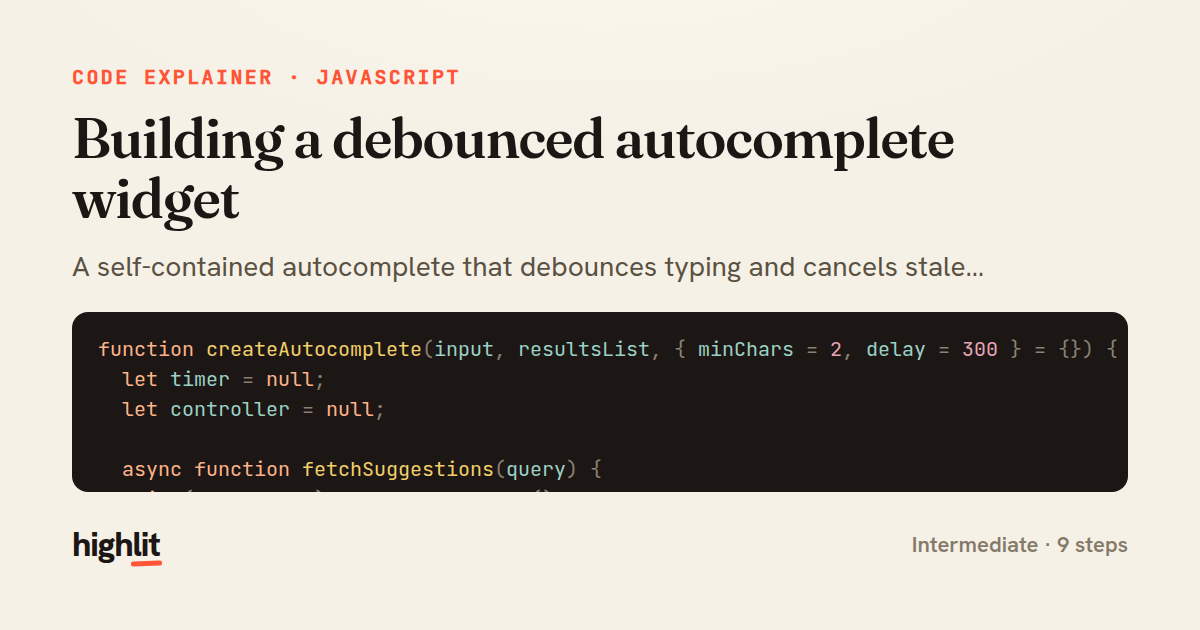
Building a debounced autocomplete widget
A self-contained autocomplete that debounces typing and cancels stale requests as you search.
Explained by
highlit
1function createAutocomplete(input, resultsList, { minChars = 2, delay = 300 } = {}) {
2 let timer = null;
3 let controller = null;
4
5 async function fetchSuggestions(query) {
6 if (controller) controller.abort();
7 controller = new AbortController();
8
9 try {
10 const res = await fetch(`/api/search?q=${encodeURIComponent(query)}`, {
11 signal: controller.signal,
12 headers: { Accept: 'application/json' },
13 });
14 if (!res.ok) throw new Error(`Search failed: ${res.status}`);
15 const suggestions = await res.json();
16 render(suggestions);
17 } catch (err) {
18 if (err.name !== 'AbortError') console.error(err);
19 }
20 }
21
22 function render(suggestions) {
23 resultsList.replaceChildren();
24 for (const { id, label } of suggestions) {
25 const li = document.createElement('li');
26 li.textContent = label;
27 li.dataset.id = id;
28 li.setAttribute('role', 'option');
29 resultsList.appendChild(li);
30 }
31 resultsList.hidden = suggestions.length === 0;
32 }
33
34 input.addEventListener('input', () => {
35 const query = input.value.trim();
36 clearTimeout(timer);
37
38 if (query.length < minChars) {
39 resultsList.replaceChildren();
40 resultsList.hidden = true;
41 return;
42 }
43
44 timer = setTimeout(() => fetchSuggestions(query), delay);
45 });
46
47 resultsList.addEventListener('click', (e) => {
48 const li = e.target.closest('li[data-id]');
49 if (!li) return;
50 input.value = li.textContent;
51 resultsList.hidden = true;
52 });
53}
01 / 01
STEP 01
‹ swipe to step through ›
Walkthrough
Space play
←→ step
click any line
Three takeaways
- 1Debouncing with setTimeout avoids firing a request on every keystroke.
- 2AbortController cancels in-flight requests so slow responses can't overwrite fresh ones.
- 3Closures over timer and controller keep per-widget state private without a class.
Related explainers
javascript
function evaluate(expression) {
  const tokens = tokenize(expression);
  let pos = 0;
Building a recursive descent calculator
parsing
recursion
operator-precedence
Intermediate
8 steps
javascript
import { useState, useEffect, useCallback, useRef } from 'react';

const cache = new Map();
const inflight = new Map();
Building a stale-while-revalidate hook in React
caching
request-deduplication
custom-hooks
Advanced
10 steps
javascript
import { useEffect, useRef, useState } from 'react';

export function useDelayedFlag(active, delay = 300) {
  const [visible, setVisible] = useState(false);
Delaying a loading spinner with a React hook
custom-hooks
debouncing
cleanup
Intermediate
8 steps
javascript
const SWIPE_THRESHOLD = 80;
const MAX_TRANSLATE = 120;

export function attachSwipeToDismiss(element, onDismiss) {
Building a swipe-to-dismiss gesture in JS
touch-events
gesture-detection
dom-manipulation
Intermediate
10 steps
python
from typing import Any, Sequence, Mapping


def render_markdown_table(
Rendering an aligned Markdown table in Python
string formatting
data transformation
closures
Intermediate
8 steps
javascript
const { pool } = require('./db');

function withTransaction() {
  return async (req, res, next) => {
A per-request transaction middleware in Express
middleware
database-transactions
connection-pooling
Advanced
7 steps
Share this explainer
Here's the card — post it anywhere.
Made with highlit — turn any snippet into a walkthrough like this in about a minute.
Explain your code
Embed this explainer
Drop the interactive walkthrough into a blog or docs. Views never cost a credit.
<iframe src="https://highlit.co/explainers/building-a-debounced-autocomplete-widget-explained-javascript-de03/embed?autoplay=1" width="100%" height="520" loading="lazy" style="border:0"></iframe>
Autoplay is on by default — add ?autoplay=0 to start paused.