javascript
63 lines · 10 steps
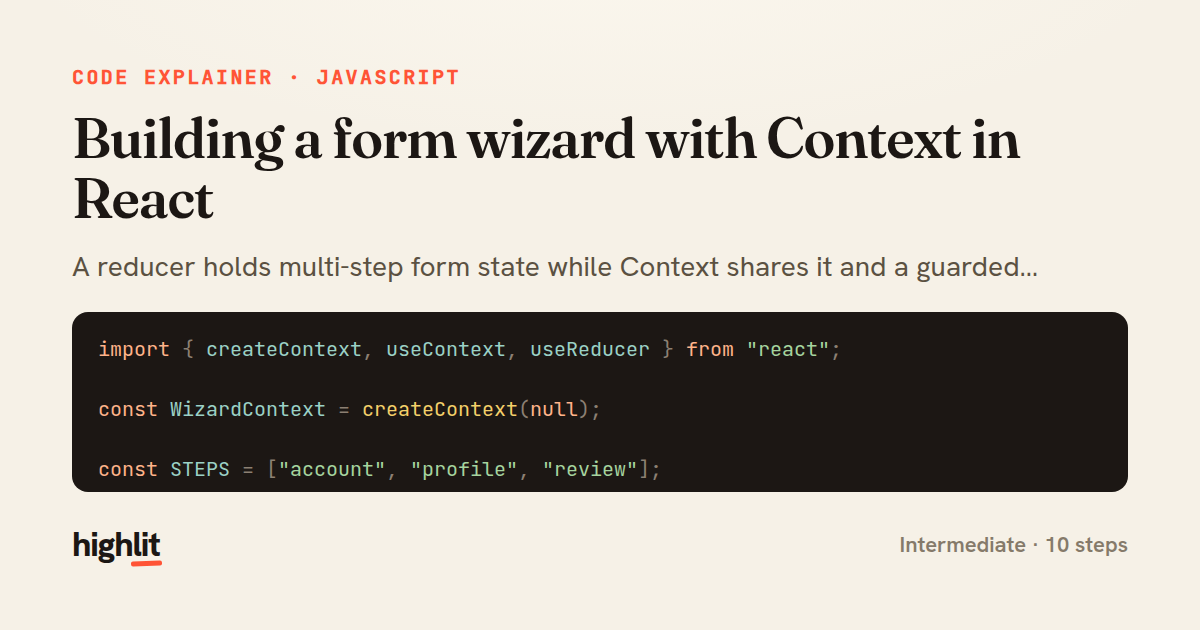
Building a form wizard with Context in React
A reducer holds multi-step form state while Context shares it and a guarded hook exposes it to any child.
Explained by
highlit
1import { createContext, useContext, useReducer } from "react";
2
3const WizardContext = createContext(null);
4
5const STEPS = ["account", "profile", "review"];
6
7const initialState = {
8 stepIndex: 0,
9 data: { email: "", password: "", name: "", bio: "" },
10 errors: {},
11};
12
13function wizardReducer(state, action) {
14 switch (action.type) {
15 case "UPDATE_FIELD":
16 return {
17 ...state,
18 data: { ...state.data, [action.field]: action.value },
19 errors: { ...state.errors, [action.field]: undefined },
20 };
21 case "SET_ERRORS":
22 return { ...state, errors: action.errors };
23 case "NEXT":
24 return {
25 ...state,
26 stepIndex: Math.min(state.stepIndex + 1, STEPS.length - 1),
27 };
28 case "BACK":
29 return { ...state, stepIndex: Math.max(state.stepIndex - 1, 0) };
30 case "RESET":
31 return initialState;
32 default:
33 return state;
34 }
35}
36
37export function WizardProvider({ children }) {
38 const [state, dispatch] = useReducer(wizardReducer, initialState);
39 const step = STEPS[state.stepIndex];
40
41 const value = {
42 ...state,
43 step,
44 isFirst: state.stepIndex === 0,
45 isLast: state.stepIndex === STEPS.length - 1,
46 setField: (field, val) =>
47 dispatch({ type: "UPDATE_FIELD", field, value: val }),
48 next: () => dispatch({ type: "NEXT" }),
49 back: () => dispatch({ type: "BACK" }),
50 fail: (errors) => dispatch({ type: "SET_ERRORS", errors }),
51 reset: () => dispatch({ type: "RESET" }),
52 };
53
54 return (
55 <WizardContext.Provider value={value}>{children}</WizardContext.Provider>
56 );
57}
58
59export function useWizard() {
60 const ctx = useContext(WizardContext);
61 if (!ctx) throw new Error("useWizard must be used within a WizardProvider");
62 return ctx;
63}
01 / 01
STEP 01
‹ swipe to step through ›
Walkthrough
Space play
←→ step
click any line
Three takeaways
- 1A reducer centralizes complex multi-step state so every transition is explicit and traceable.
- 2Bundling state plus action helpers into one Context value gives consumers a clean, intent-revealing API.
- 3A guarded custom hook turns a missing provider into a loud, immediate error instead of a silent null.
Related explainers
javascript
function evaluate(expression) {
  const tokens = tokenize(expression);
  let pos = 0;
Building a recursive descent calculator
parsing
recursion
operator-precedence
Intermediate
8 steps
typescript
import { Injectable, effect, signal, computed } from '@angular/core';

interface Preferences {
  theme: 'light' | 'dark';
A signal-based preferences store in Angular
signals
state-management
persistence
Intermediate
7 steps
javascript
import { useState, useEffect, useCallback, useRef } from 'react';

const cache = new Map();
const inflight = new Map();
Building a stale-while-revalidate hook in React
caching
request-deduplication
custom-hooks
Advanced
10 steps
typescript
import { useEffect, useState } from "react";

interface Section {
  id: string;
Building a scroll-spy hook in React
custom-hooks
intersectionobserver
dom-observation
Intermediate
8 steps
javascript
import { useEffect, useRef, useState } from 'react';

export function useDelayedFlag(active, delay = 300) {
  const [visible, setVisible] = useState(false);
Delaying a loading spinner with a React hook
custom-hooks
debouncing
cleanup
Intermediate
8 steps
javascript
const SWIPE_THRESHOLD = 80;
const MAX_TRANSLATE = 120;

export function attachSwipeToDismiss(element, onDismiss) {
Building a swipe-to-dismiss gesture in JS
touch-events
gesture-detection
dom-manipulation
Intermediate
10 steps
Share this explainer
Here's the card — post it anywhere.
Made with highlit — turn any snippet into a walkthrough like this in about a minute.
Explain your code
Embed this explainer
Drop the interactive walkthrough into a blog or docs. Views never cost a credit.
<iframe src="https://highlit.co/explainers/building-a-form-wizard-with-context-in-react-explained-javascript-cdeb/embed?autoplay=1" width="100%" height="520" loading="lazy" style="border:0"></iframe>
Autoplay is on by default — add ?autoplay=0 to start paused.