javascript
37 lines · 7 steps
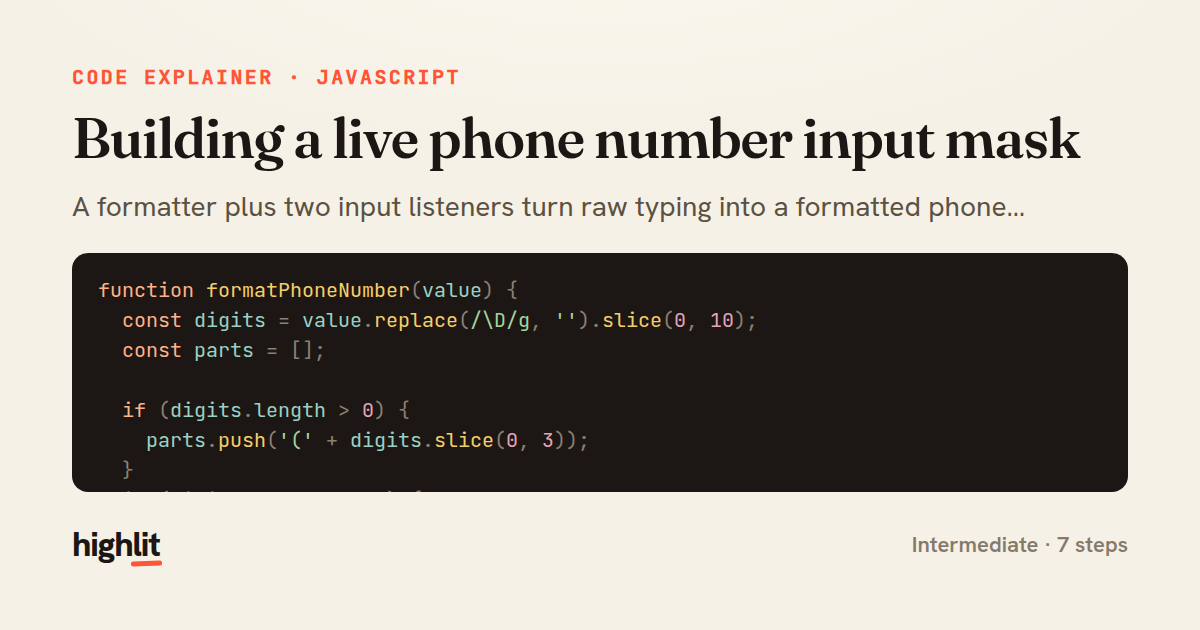
Building a live phone number input mask
A formatter plus two input listeners turn raw typing into a formatted phone number while keeping the caret sane.
Explained by
highlit
1function formatPhoneNumber(value) {
2 const digits = value.replace(/\D/g, '').slice(0, 10);
3 const parts = [];
4
5 if (digits.length > 0) {
6 parts.push('(' + digits.slice(0, 3));
7 }
8 if (digits.length >= 4) {
9 parts.push(') ' + digits.slice(3, 6));
10 }
11 if (digits.length >= 7) {
12 parts.push('-' + digits.slice(6, 10));
13 }
14
15 return parts.join('');
16}
17
18function attachPhoneMask(input) {
19 input.addEventListener('input', (event) => {
20 const el = event.target;
21 const previousLength = el.value.length;
22 const caret = el.selectionStart;
23
24 el.value = formatPhoneNumber(el.value);
25
26 const delta = el.value.length - previousLength;
27 const nextCaret = Math.max(0, caret + delta);
28 el.setSelectionRange(nextCaret, nextCaret);
29 });
30
31 input.addEventListener('keydown', (event) => {
32 if (event.key === 'Backspace' && /[)\s-]$/.test(event.target.value)) {
33 event.preventDefault();
34 event.target.value = event.target.value.replace(/[)\s-]+$/, '');
35 }
36 });
37}
01 / 01
STEP 01
‹ swipe to step through ›
Walkthrough
Space play
←→ step
click any line
Three takeaways
- 1Always normalize input to raw digits before applying formatting so punctuation never compounds.
- 2Reformatting an input field shifts characters, so adjust the caret by the change in length to avoid jumping the cursor.
- 3Intercepting Backspace on separator characters prevents users from getting stuck deleting punctuation they didn't type.
Related explainers
ruby
class UserAgentParser
  BROWSERS = [
    [/Edg\/([\d.]+)/, "Edge"],
    [/OPR\/([\d.]+)/, "Opera"],
Parsing user-agent strings in Ruby
regex
pattern-matching
lookup-tables
Intermediate
8 steps
javascript
function evaluate(expression) {
  const tokens = tokenize(expression);
  let pos = 0;
Building a recursive descent calculator
parsing
recursion
operator-precedence
Intermediate
8 steps
javascript
import { useState, useEffect, useCallback, useRef } from 'react';

const cache = new Map();
const inflight = new Map();
Building a stale-while-revalidate hook in React
caching
request-deduplication
custom-hooks
Advanced
10 steps
javascript
import { useEffect, useRef, useState } from 'react';

export function useDelayedFlag(active, delay = 300) {
  const [visible, setVisible] = useState(false);
Delaying a loading spinner with a React hook
custom-hooks
debouncing
cleanup
Intermediate
8 steps
python
import re
from functools import total_ordering
from typing import Optional
Parsing and comparing semantic versions
regex
operator-overloading
sorting
Intermediate
7 steps
javascript
const SWIPE_THRESHOLD = 80;
const MAX_TRANSLATE = 120;

export function attachSwipeToDismiss(element, onDismiss) {
Building a swipe-to-dismiss gesture in JS
touch-events
gesture-detection
dom-manipulation
Intermediate
10 steps
Share this explainer
Here's the card — post it anywhere.
Made with highlit — turn any snippet into a walkthrough like this in about a minute.
Explain your code
Embed this explainer
Drop the interactive walkthrough into a blog or docs. Views never cost a credit.
<iframe src="https://highlit.co/explainers/building-a-live-phone-number-input-mask-explained-javascript-c192/embed?autoplay=1" width="100%" height="520" loading="lazy" style="border:0"></iframe>
Autoplay is on by default — add ?autoplay=0 to start paused.