python
57 lines · 8 steps
Building a multi-step form with Django wizards
A SessionWizardView splits one long application into three validated steps and persists the combined result at the end.
Explained by
highlit
1from django import forms
2from django.contrib.auth import get_user_model
3from django.shortcuts import redirect
4from formtools.wizard.views import SessionWizardView
5
6from .models import Application
7from .tasks import send_application_confirmation
8
9
10class ApplicantForm(forms.Form):
11 full_name = forms.CharField(max_length=120)
12 email = forms.EmailField()
13 phone = forms.CharField(max_length=32, required=False)
14
15
16class EmploymentForm(forms.Form):
17 employer = forms.CharField(max_length=120)
18 annual_income = forms.DecimalField(max_digits=10, decimal_places=2)
19 years_employed = forms.IntegerField(min_value=0)
20
21
22class ReviewForm(forms.Form):
23 accept_terms = forms.BooleanField(
24 label="I confirm the information above is accurate",
25 )
26
27
28class ApplicationWizard(SessionWizardView):
29 form_list = [
30 ("applicant", ApplicantForm),
31 ("employment", EmploymentForm),
32 ("review", ReviewForm),
33 ]
34 template_name = "applications/wizard_step.html"
35
36 def get_template_names(self):
37 return [f"applications/wizard_{self.steps.current}.html", self.template_name]
38
39 def get_context_data(self, form, **kwargs):
40 context = super().get_context_data(form=form, **kwargs)
41 if self.steps.current == "review":
42 context["summary"] = self.get_all_cleaned_data()
43 return context
44
45 def done(self, form_list, form_dict, **kwargs):
46 data = self.get_all_cleaned_data()
47 application = Application.objects.create(
48 user=self.request.user if self.request.user.is_authenticated else None,
49 full_name=data["full_name"],
50 email=data["email"],
51 phone=data["phone"],
52 employer=data["employer"],
53 annual_income=data["annual_income"],
54 years_employed=data["years_employed"],
55 )
56 send_application_confirmation.delay(application.pk)
57 return redirect("applications:submitted", pk=application.pk)
01 / 01
STEP 01
‹ swipe to step through ›
Walkthrough
Space play
←→ step
click any line
Three takeaways
- 1Splitting a large form into discrete step classes keeps each screen focused and independently validatable.
- 2A wizard view holds partial data in the session, so the final handler can assemble everything at once.
- 3Offloading side effects like email to a background task keeps the submission response fast.
Related explainers
python
from fastapi import FastAPI, WebSocket, WebSocketDisconnect

app = FastAPI()
Building a WebSocket chat with FastAPI
websockets
broadcast
connection-management
Intermediate
9 steps
php
<?php

namespace App\Services\Checkout;
Validating coupons with Laravel's Pipeline
pipeline
chain of responsibility
transactions
Intermediate
7 steps
python
import time
import uuid

from django.utils.deprecation import MiddlewareMixin
Attaching per-request context in Django
middleware
request lifecycle
multi-tenancy
Intermediate
7 steps
php
<?php

namespace App\Services;
How a password strength validator works in PHP
validation
regular-expressions
data-driven
Intermediate
8 steps
python
import random
from typing import Iterator, List
How reservoir sampling picks k items
reservoir-sampling
streaming
randomness
Intermediate
5 steps
rust
use chrono::{Duration, NaiveDate};

#[derive(Debug)]
pub struct DateRange {
Parsing and iterating date ranges in Rust
error-handling
iterators
parsing
Intermediate
7 steps
Share this explainer
Here's the card — post it anywhere.
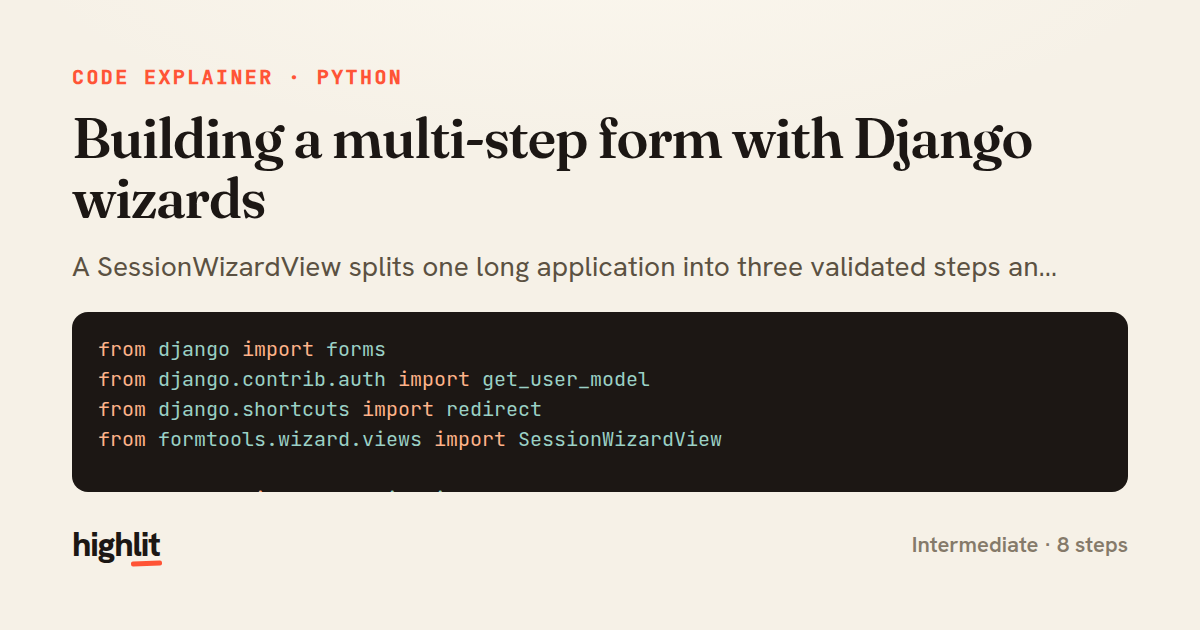
Made with highlit — turn any snippet into a walkthrough like this in about a minute.
Explain your code
Embed this explainer
Drop the interactive walkthrough into a blog or docs. Views never cost a credit.
<iframe src="https://highlit.co/explainers/building-a-multi-step-form-with-django-wizards-explained-python-c1ee/embed?autoplay=1" width="100%" height="520" loading="lazy" style="border:0"></iframe>
Autoplay is on by default — add ?autoplay=0 to start paused.