php
46 lines · 8 steps
Building a paginated XML sitemap in Laravel
A controller that splits published posts across a sitemap index and per-page URL sets to stay under search-engine size limits.
Explained by
highlit
1<?php
2
3namespace App\Http\Controllers;
4
5use App\Models\Post;
6use Illuminate\Http\Request;
7use Illuminate\Support\Facades\Response;
8
9class SitemapController extends Controller
10{
11 private const PER_PAGE = 5000;
12
13 public function index()
14 {
15 $total = Post::published()->count();
16 $pages = (int) ceil($total / self::PER_PAGE);
17
18 $sitemaps = collect(range(1, max($pages, 1)))->map(fn ($page) => [
19 'loc' => route('sitemap.page', ['page' => $page]),
20 'lastmod' => now()->toAtomString(),
21 ]);
22
23 return Response::view('sitemaps.index', compact('sitemaps'))
24 ->header('Content-Type', 'application/xml');
25 }
26
27 public function page(int $page)
28 {
29 $posts = Post::published()
30 ->orderByDesc('updated_at')
31 ->forPage($page, self::PER_PAGE)
32 ->get(['slug', 'updated_at']);
33
34 abort_if($posts->isEmpty(), 404);
35
36 $urls = $posts->map(fn (Post $post) => [
37 'loc' => route('posts.show', $post->slug),
38 'lastmod' => $post->updated_at->toAtomString(),
39 'changefreq' => 'weekly',
40 'priority' => '0.8',
41 ]);
42
43 return Response::view('sitemaps.page', compact('urls'))
44 ->header('Content-Type', 'application/xml');
45 }
46}
01 / 01
STEP 01
‹ swipe to step through ›
Walkthrough
Space play
←→ step
click any line
Three takeaways
- 1Sitemaps cap at 50,000 URLs per file, so a sitemap index pointing to paginated children keeps large sites compliant.
- 2Deriving page count from a COUNT query means the index automatically grows and shrinks as content changes.
- 3Selecting only the columns you render keeps large exports memory-light and fast.
Related explainers
php
<?php

class NameParser
{
Parsing a full name into components in PHP
string-parsing
arrays
normalization
Intermediate
8 steps
php
<?php

namespace App\Services\Checkout;
Validating coupons with Laravel's Pipeline
pipeline
chain of responsibility
transactions
Intermediate
7 steps
php
<?php

namespace App\Services;
How a password strength validator works in PHP
validation
regular-expressions
data-driven
Intermediate
8 steps
php
<?php

namespace App\Services;
Building a cached daily leaderboard in Laravel
caching
aggregation
eager-loading
Intermediate
9 steps
php
<?php

final class RotatingFileLogger
{
How a rotating file logger works in PHP
logging
file-rotation
io
Intermediate
9 steps
php
class TwoFactorController extends Controller
{
    public function show(Request $request): View|RedirectResponse
    {
Two-factor auth challenge flow in Laravel
authentication
two-factor
middleware
Intermediate
10 steps
Share this explainer
Here's the card — post it anywhere.
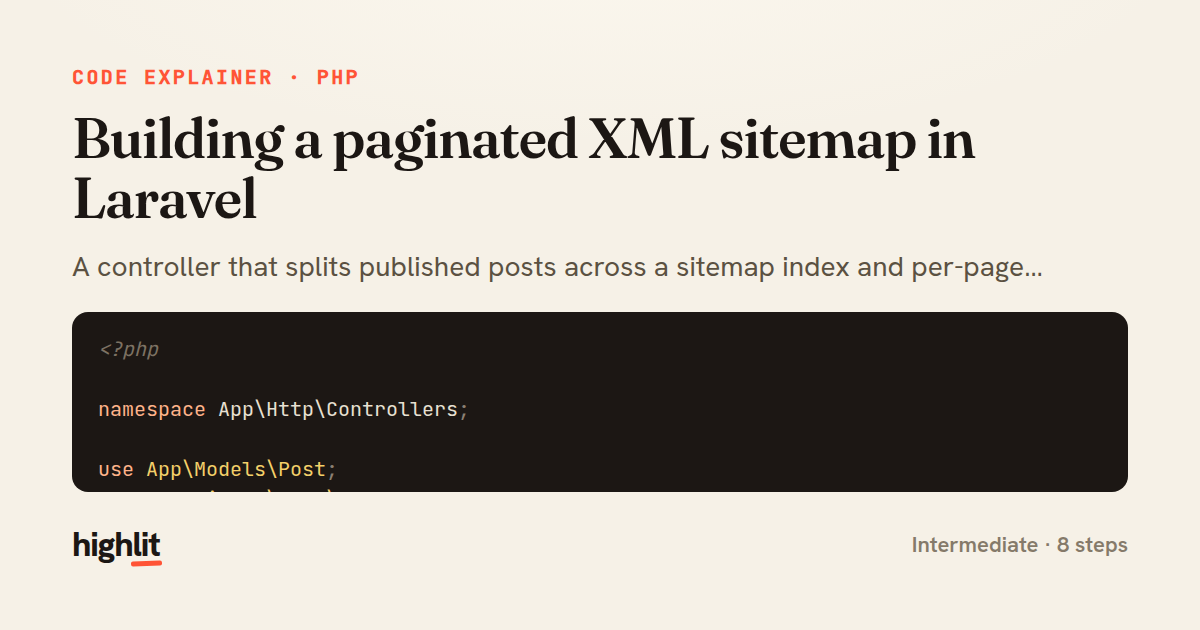
Made with highlit — turn any snippet into a walkthrough like this in about a minute.
Explain your code
Embed this explainer
Drop the interactive walkthrough into a blog or docs. Views never cost a credit.
<iframe src="https://highlit.co/explainers/building-a-paginated-xml-sitemap-in-laravel-explained-php-70c1/embed?autoplay=1" width="100%" height="520" loading="lazy" style="border:0"></iframe>
Autoplay is on by default — add ?autoplay=0 to start paused.