javascript
50 lines · 9 steps
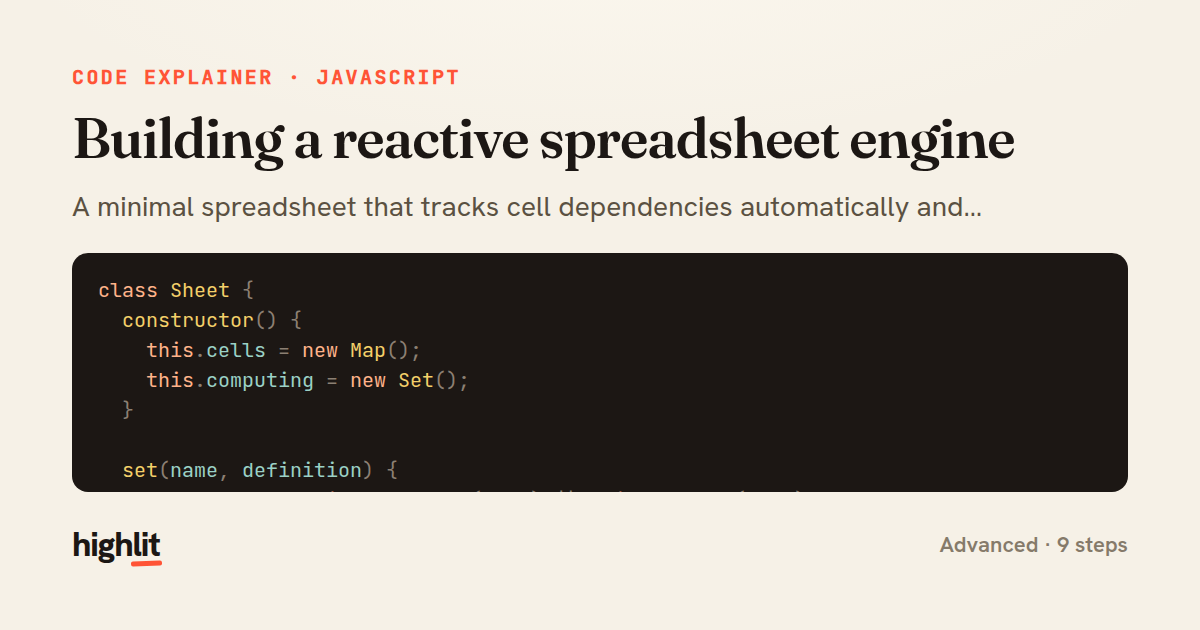
Building a reactive spreadsheet engine
A minimal spreadsheet that tracks cell dependencies automatically and recomputes downstream cells when a formula changes.
Explained by
highlit
1class Sheet {
2 constructor() {
3 this.cells = new Map();
4 this.computing = new Set();
5 }
6
7 set(name, definition) {
8 const cell = this.cells.get(name) || this._create(name);
9 cell.deps.forEach((dep) => this.cells.get(dep)?.dependents.delete(name));
10 cell.deps = new Set();
11 cell.formula = typeof definition === 'function' ? definition : () => definition;
12 this._recompute(name);
13 }
14
15 get(name) {
16 const reader = this._activeReader;
17 if (reader) {
18 this.cells.get(reader).deps.add(name);
19 this._create(name).dependents.add(reader);
20 }
21 return this._create(name).value;
22 }
23
24 _create(name) {
25 if (!this.cells.has(name)) {
26 this.cells.set(name, { value: undefined, formula: () => undefined, deps: new Set(), dependents: new Set() });
27 }
28 return this.cells.get(name);
29 }
30
31 _recompute(name) {
32 if (this.computing.has(name)) {
33 throw new Error(`Circular reference detected at ${name}`);
34 }
35 this.computing.add(name);
36 const cell = this.cells.get(name);
37 const prevReader = this._activeReader;
38 this._activeReader = name;
39 try {
40 cell.value = cell.formula((ref) => this.get(ref));
41 } finally {
42 this._activeReader = prevReader;
43 this.computing.delete(name);
44 }
45 for (const dependent of cell.dependents) {
46 this._recompute(dependent);
47 }
48 return cell.value;
49 }
50}
01 / 01
STEP 01
‹ swipe to step through ›
Walkthrough
Space play
←→ step
click any line
Three takeaways
- 1Dependency edges can be discovered automatically by recording which cells are read during a formula's evaluation.
- 2Tracking a currently-computing set turns infinite recursion from circular formulas into a clean, catchable error.
- 3Recomputing a cell's dependents recursively propagates a single change through the entire graph.
Related explainers
javascript
function evaluate(expression) {
  const tokens = tokenize(expression);
  let pos = 0;
Building a recursive descent calculator
parsing
recursion
operator-precedence
Intermediate
8 steps
typescript
import { Injectable, effect, signal, computed } from '@angular/core';

interface Preferences {
  theme: 'light' | 'dark';
A signal-based preferences store in Angular
signals
state-management
persistence
Intermediate
7 steps
javascript
import { useState, useEffect, useCallback, useRef } from 'react';

const cache = new Map();
const inflight = new Map();
Building a stale-while-revalidate hook in React
caching
request-deduplication
custom-hooks
Advanced
10 steps
javascript
import { useEffect, useRef, useState } from 'react';

export function useDelayedFlag(active, delay = 300) {
  const [visible, setVisible] = useState(false);
Delaying a loading spinner with a React hook
custom-hooks
debouncing
cleanup
Intermediate
8 steps
javascript
const SWIPE_THRESHOLD = 80;
const MAX_TRANSLATE = 120;

export function attachSwipeToDismiss(element, onDismiss) {
Building a swipe-to-dismiss gesture in JS
touch-events
gesture-detection
dom-manipulation
Intermediate
10 steps
typescript
import { Pipe, PipeTransform } from '@angular/core';

@Pipe({
  name: 'chunk',
A memoized chunk pipe in Angular
memoization
weakmap
pure-pipes
Intermediate
7 steps
Share this explainer
Here's the card — post it anywhere.
Made with highlit — turn any snippet into a walkthrough like this in about a minute.
Explain your code
Embed this explainer
Drop the interactive walkthrough into a blog or docs. Views never cost a credit.
<iframe src="https://highlit.co/explainers/building-a-reactive-spreadsheet-engine-explained-javascript-cdcd/embed?autoplay=1" width="100%" height="520" loading="lazy" style="border:0"></iframe>
Autoplay is on by default — add ?autoplay=0 to start paused.