javascript
39 lines · 7 steps
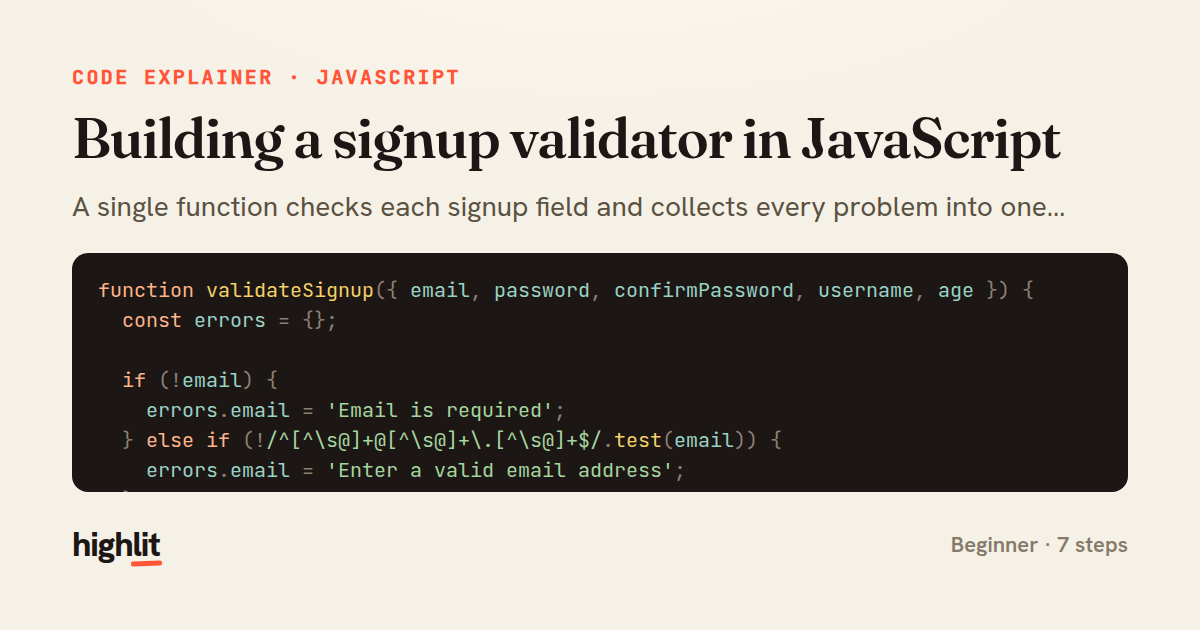
Building a signup validator in JavaScript
A single function checks each signup field and collects every problem into one errors object.
Explained by
highlit
1function validateSignup({ email, password, confirmPassword, username, age }) {
2 const errors = {};
3
4 if (!email) {
5 errors.email = 'Email is required';
6 } else if (!/^[^\s@]+@[^\s@]+\.[^\s@]+$/.test(email)) {
7 errors.email = 'Enter a valid email address';
8 }
9
10 if (!username) {
11 errors.username = 'Username is required';
12 } else if (username.length < 3) {
13 errors.username = 'Username must be at least 3 characters';
14 } else if (!/^[a-zA-Z0-9_]+$/.test(username)) {
15 errors.username = 'Username may only contain letters, numbers, and underscores';
16 }
17
18 if (!password) {
19 errors.password = 'Password is required';
20 } else if (password.length < 8) {
21 errors.password = 'Password must be at least 8 characters';
22 } else if (!/[0-9]/.test(password) || !/[a-zA-Z]/.test(password)) {
23 errors.password = 'Password must include letters and numbers';
24 }
25
26 if (confirmPassword !== password) {
27 errors.confirmPassword = 'Passwords do not match';
28 }
29
30 const parsedAge = Number(age);
31 if (!Number.isInteger(parsedAge) || parsedAge < 13) {
32 errors.age = 'You must be at least 13 years old';
33 }
34
35 return {
36 valid: Object.keys(errors).length === 0,
37 errors,
38 };
39}
01 / 01
STEP 01
‹ swipe to step through ›
Walkthrough
Space play
←→ step
click any line
Three takeaways
- 1Accumulating all failures into one object gives users every error at once instead of one at a time.
- 2Ordering checks from presence to format lets each branch assume the field exists.
- 3Returning both a boolean and the details keeps the caller's control flow simple while preserving specifics.
Related explainers
php
<?php

namespace App\Services\Checkout;
Validating coupons with Laravel's Pipeline
pipeline
chain of responsibility
transactions
Intermediate
7 steps
ruby
class UserAgentParser
  BROWSERS = [
    [/Edg\/([\d.]+)/, "Edge"],
    [/OPR\/([\d.]+)/, "Opera"],
Parsing user-agent strings in Ruby
regex
pattern-matching
lookup-tables
Intermediate
8 steps
javascript
function evaluate(expression) {
  const tokens = tokenize(expression);
  let pos = 0;
Building a recursive descent calculator
parsing
recursion
operator-precedence
Intermediate
8 steps
php
<?php

namespace App\Services;
How a password strength validator works in PHP
validation
regular-expressions
data-driven
Intermediate
8 steps
javascript
import { useState, useEffect, useCallback, useRef } from 'react';

const cache = new Map();
const inflight = new Map();
Building a stale-while-revalidate hook in React
caching
request-deduplication
custom-hooks
Advanced
10 steps
rust
use chrono::{Duration, NaiveDate};

#[derive(Debug)]
pub struct DateRange {
Parsing and iterating date ranges in Rust
error-handling
iterators
parsing
Intermediate
7 steps
Share this explainer
Here's the card — post it anywhere.
Made with highlit — turn any snippet into a walkthrough like this in about a minute.
Explain your code
Embed this explainer
Drop the interactive walkthrough into a blog or docs. Views never cost a credit.
<iframe src="https://highlit.co/explainers/building-a-signup-validator-in-javascript-explained-javascript-de28/embed?autoplay=1" width="100%" height="520" loading="lazy" style="border:0"></iframe>
Autoplay is on by default — add ?autoplay=0 to start paused.