javascript
50 lines · 8 steps
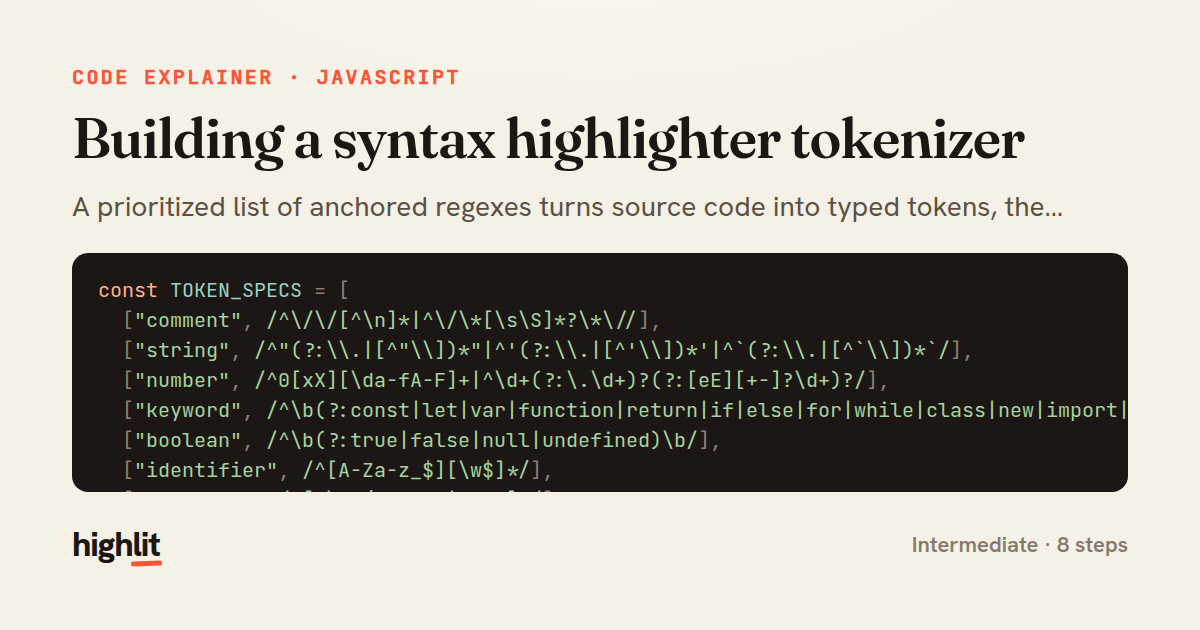
Building a syntax highlighter tokenizer
A prioritized list of anchored regexes turns source code into typed tokens, then wraps each in a styled span.
Explained by
highlit
1const TOKEN_SPECS = [
2 ["comment", /^\/\/[^\n]*|^\/\*[\s\S]*?\*\//],
3 ["string", /^"(?:\\.|[^"\\])*"|^'(?:\\.|[^'\\])*'|^`(?:\\.|[^`\\])*`/],
4 ["number", /^0[xX][\da-fA-F]+|^\d+(?:\.\d+)?(?:[eE][+-]?\d+)?/],
5 ["keyword", /^\b(?:const|let|var|function|return|if|else|for|while|class|new|import|export|from|await|async)\b/],
6 ["boolean", /^\b(?:true|false|null|undefined)\b/],
7 ["identifier", /^[A-Za-z_$][\w$]*/],
8 ["operator", /^[+\-*/%=<>!&|^~?:]+/],
9 ["punctuation", /^[{}()\[\];,.]/],
10 ["whitespace", /^\s+/],
11];
12
13const ESCAPES = { "&": "&", "<": "<", ">": ">" };
14const escapeHtml = (str) => str.replace(/[&<>]/g, (c) => ESCAPES[c]);
15
16function tokenize(source) {
17 const tokens = [];
18 let rest = source;
19
20 while (rest.length > 0) {
21 let matched = false;
22
23 for (const [type, pattern] of TOKEN_SPECS) {
24 const match = pattern.exec(rest);
25 if (!match) continue;
26
27 tokens.push({ type, value: match[0] });
28 rest = rest.slice(match[0].length);
29 matched = true;
30 break;
31 }
32
33 if (!matched) {
34 tokens.push({ type: "unknown", value: rest[0] });
35 rest = rest.slice(1);
36 }
37 }
38
39 return tokens;
40}
41
42function highlight(source) {
43 return tokenize(source)
44 .map(({ type, value }) =>
45 type === "whitespace"
46 ? value
47 : `<span class="tok-${type}">${escapeHtml(value)}</span>`
48 )
49 .join("");
50}
01 / 01
STEP 01
‹ swipe to step through ›
Walkthrough
Space play
←→ step
click any line
Three takeaways
- 1Ordering token rules by specificity lets earlier, greedier patterns win before broader ones can misclassify input.
- 2Anchoring every regex with ^ and slicing the matched length turns pattern matching into a forward-consuming scanner.
- 3Always escape user text before injecting it into HTML, even inside a display-only tool.
Related explainers
javascript
function evaluate(expression) {
  const tokens = tokenize(expression);
  let pos = 0;
Building a recursive descent calculator
parsing
recursion
operator-precedence
Intermediate
8 steps
php
<?php

namespace App\Services;
How a password strength validator works in PHP
validation
regular-expressions
data-driven
Intermediate
8 steps
javascript
import { useState, useEffect, useCallback, useRef } from 'react';

const cache = new Map();
const inflight = new Map();
Building a stale-while-revalidate hook in React
caching
request-deduplication
custom-hooks
Advanced
10 steps
javascript
import { useEffect, useRef, useState } from 'react';

export function useDelayedFlag(active, delay = 300) {
  const [visible, setVisible] = useState(false);
Delaying a loading spinner with a React hook
custom-hooks
debouncing
cleanup
Intermediate
8 steps
ruby
class SnippetHighlighter
  CONTEXT_RADIUS = 60
  MAX_TERMS = 8
Building search-result snippets in Ruby
regular-expressions
text-processing
search
Intermediate
9 steps
javascript
const SWIPE_THRESHOLD = 80;
const MAX_TRANSLATE = 120;

export function attachSwipeToDismiss(element, onDismiss) {
Building a swipe-to-dismiss gesture in JS
touch-events
gesture-detection
dom-manipulation
Intermediate
10 steps
Share this explainer
Here's the card — post it anywhere.
Made with highlit — turn any snippet into a walkthrough like this in about a minute.
Explain your code
Embed this explainer
Drop the interactive walkthrough into a blog or docs. Views never cost a credit.
<iframe src="https://highlit.co/explainers/building-a-syntax-highlighter-tokenizer-explained-javascript-0833/embed?autoplay=1" width="100%" height="520" loading="lazy" style="border:0"></iframe>
Autoplay is on by default — add ?autoplay=0 to start paused.