python
37 lines · 7 steps
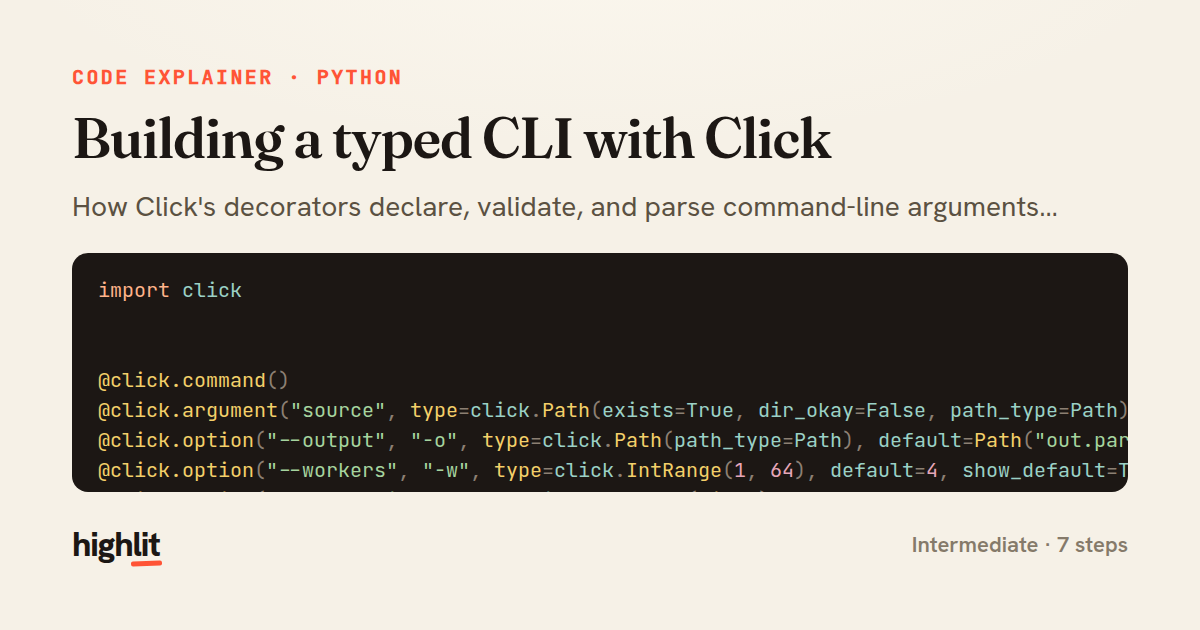
Building a typed CLI with Click
How Click's decorators declare, validate, and parse command-line arguments into typed Python values.
Explained by
highlit
1import click
2
3
4@click.command()
5@click.argument("source", type=click.Path(exists=True, dir_okay=False, path_type=Path))
6@click.option("--output", "-o", type=click.Path(path_type=Path), default=Path("out.parquet"), show_default=True)
7@click.option("--workers", "-w", type=click.IntRange(1, 64), default=4, show_default=True)
8@click.option("--chunk-size", type=click.IntRange(min=1), default=10_000, show_default=True)
9@click.option("--compression", type=click.Choice(["snappy", "gzip", "zstd"]), default="snappy")
10@click.option("--since", type=click.DateTime(formats=["%Y-%m-%d"]), default=None)
11@click.option("--dry-run/--no-dry-run", default=False)
12@click.option("-v", "--verbose", count=True)
13def ingest(source, output, workers, chunk_size, compression, since, dry_run, verbose):
14 config = IngestConfig(
15 source=source,
16 output=output,
17 workers=workers,
18 chunk_size=chunk_size,
19 compression=compression,
20 since=since,
21 dry_run=dry_run,
22 log_level=logging.WARNING - min(verbose, 2) * 10,
23 )
24 logging.basicConfig(level=config.log_level)
25 run_pipeline(config)
26
27
28@dataclass(frozen=True, slots=True)
29class IngestConfig:
30 source: Path
31 output: Path
32 workers: int
33 chunk_size: int
34 compression: str
35 since: datetime | None
36 dry_run: bool
37 log_level: int
01 / 01
STEP 01
‹ swipe to step through ›
Walkthrough
Space play
←→ step
click any line
Three takeaways
- 1Click's type objects validate and coerce arguments before your function ever runs.
- 2Layering decorators keeps parsing declarative so the function body handles only logic.
- 3A frozen dataclass gives parsed CLI values a single immutable home to pass downstream.
Related explainers
python
from fastapi import FastAPI, WebSocket, WebSocketDisconnect

app = FastAPI()
Building a WebSocket chat with FastAPI
websockets
broadcast
connection-management
Intermediate
9 steps
php
<?php

namespace App\Services\Checkout;
Validating coupons with Laravel's Pipeline
pipeline
chain of responsibility
transactions
Intermediate
7 steps
python
import time
import uuid

from django.utils.deprecation import MiddlewareMixin
Attaching per-request context in Django
middleware
request lifecycle
multi-tenancy
Intermediate
7 steps
php
<?php

namespace App\Services;
How a password strength validator works in PHP
validation
regular-expressions
data-driven
Intermediate
8 steps
python
import random
from typing import Iterator, List
How reservoir sampling picks k items
reservoir-sampling
streaming
randomness
Intermediate
5 steps
rust
use chrono::{Duration, NaiveDate};

#[derive(Debug)]
pub struct DateRange {
Parsing and iterating date ranges in Rust
error-handling
iterators
parsing
Intermediate
7 steps
Share this explainer
Here's the card — post it anywhere.
Made with highlit — turn any snippet into a walkthrough like this in about a minute.
Explain your code
Embed this explainer
Drop the interactive walkthrough into a blog or docs. Views never cost a credit.
<iframe src="https://highlit.co/explainers/building-a-typed-cli-with-click-explained-python-0532/embed?autoplay=1" width="100%" height="520" loading="lazy" style="border:0"></iframe>
Autoplay is on by default — add ?autoplay=0 to start paused.