ruby
42 lines · 9 steps
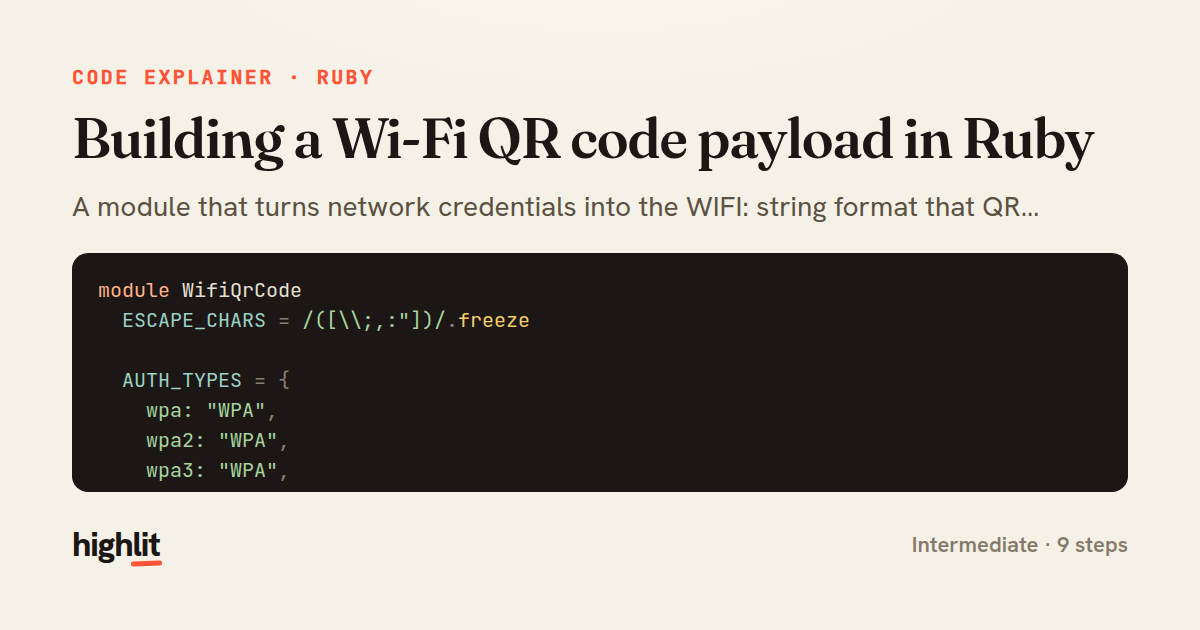
Building a Wi-Fi QR code payload in Ruby
A module that turns network credentials into the WIFI: string format that QR scanners understand.
Explained by
highlit
1module WifiQrCode
2 ESCAPE_CHARS = /([\\;,:"])/.freeze
3
4 AUTH_TYPES = {
5 wpa: "WPA",
6 wpa2: "WPA",
7 wpa3: "WPA",
8 wep: "WEP",
9 none: "nopass"
10 }.freeze
11
12 module_function
13
14 def payload(ssid:, password: nil, auth: :wpa2, hidden: false)
15 auth_type = AUTH_TYPES.fetch(auth) do
16 raise ArgumentError, "unsupported auth type: #{auth.inspect}"
17 end
18
19 if auth_type == "nopass"
20 password = nil
21 elsif password.to_s.empty?
22 raise ArgumentError, "password required for #{auth} networks"
23 end
24
25 fields = {
26 "T" => auth_type,
27 "S" => escape(ssid),
28 "P" => (escape(password) unless password.nil?),
29 "H" => ("true" if hidden)
30 }
31
32 segments = fields.filter_map do |key, value|
33 "#{key}:#{value}" unless value.nil?
34 end
35
36 "WIFI:#{segments.join(';')};;"
37 end
38
39 def escape(value)
40 value.to_s.gsub(ESCAPE_CHARS, '\\\\\1')
41 end
42end
01 / 01
STEP 01
‹ swipe to step through ›
Walkthrough
Space play
←→ step
click any line
Three takeaways
- 1Mapping user-facing aliases to a canonical vocabulary keeps input flexible while output stays consistent.
- 2Escaping reserved characters before joining fields prevents delimiters in data from corrupting the format.
- 3Building a hash then filtering nils cleanly omits optional fields from a serialized string.
Related explainers
ruby
require "shellwords"
require "open3"

module Backup
Building safe shell commands in Ruby
shell-out
subprocess
command-injection
Intermediate
7 steps
php
<?php

namespace App\Services\Checkout;
Validating coupons with Laravel's Pipeline
pipeline
chain of responsibility
transactions
Intermediate
7 steps
ruby
class UserAgentParser
  BROWSERS = [
    [/Edg\/([\d.]+)/, "Edge"],
    [/OPR\/([\d.]+)/, "Opera"],
Parsing user-agent strings in Ruby
regex
pattern-matching
lookup-tables
Intermediate
8 steps
php
<?php

namespace App\Services;
How a password strength validator works in PHP
validation
regular-expressions
data-driven
Intermediate
8 steps
ruby
class LogAggregator
  BUCKET_FORMAT = "%Y-%m-%dT%H:%M"

  def initialize(entries)
Bucketing log entries by the minute in Ruby
aggregation
hashing
enumerable
Intermediate
5 steps
ruby
class WeeklySignupsReport
  DEFAULT_WEEKS = 12

  def initialize(weeks: DEFAULT_WEEKS, source: User.all)
Building a weekly signups report in Rails
service object
aggregation
group by
Intermediate
7 steps
Share this explainer
Here's the card — post it anywhere.
Made with highlit — turn any snippet into a walkthrough like this in about a minute.
Explain your code
Embed this explainer
Drop the interactive walkthrough into a blog or docs. Views never cost a credit.
<iframe src="https://highlit.co/explainers/building-a-wi-fi-qr-code-payload-in-ruby-explained-ruby-ecc8/embed?autoplay=1" width="100%" height="520" loading="lazy" style="border:0"></iframe>
Autoplay is on by default — add ?autoplay=0 to start paused.