php
23 lines · 8 steps
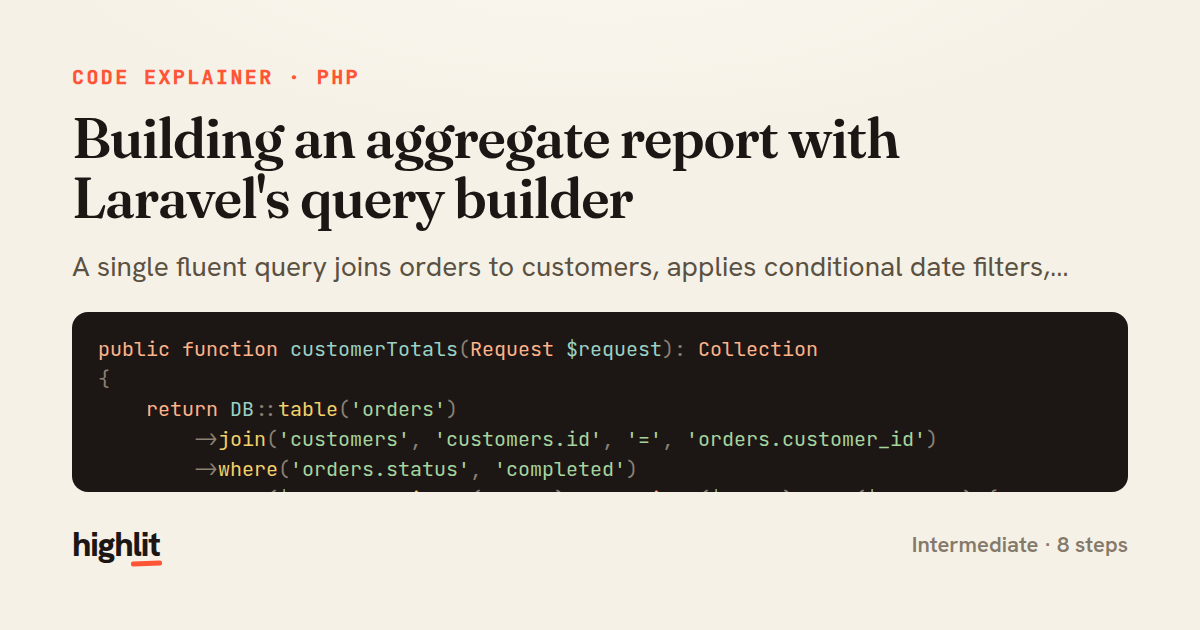
Building an aggregate report with Laravel's query builder
A single fluent query joins orders to customers, applies conditional date filters, and aggregates per-customer revenue.
Explained by
highlit
1public function customerTotals(Request $request): Collection
2{
3 return DB::table('orders')
4 ->join('customers', 'customers.id', '=', 'orders.customer_id')
5 ->where('orders.status', 'completed')
6 ->when($request->filled('from'), function ($query) use ($request) {
7 $query->whereDate('orders.created_at', '>=', $request->date('from'));
8 })
9 ->when($request->filled('to'), function ($query) use ($request) {
10 $query->whereDate('orders.created_at', '<=', $request->date('to'));
11 })
12 ->selectRaw('customers.id as customer_id')
13 ->selectRaw('customers.name')
14 ->selectRaw('COUNT(orders.id) as order_count')
15 ->selectRaw('SUM(orders.total_cents) as revenue_cents')
16 ->selectRaw('ROUND(AVG(orders.total_cents)) as avg_order_cents')
17 ->selectRaw('MAX(orders.created_at) as last_order_at')
18 ->groupBy('customers.id', 'customers.name')
19 ->havingRaw('SUM(orders.total_cents) > ?', [$request->integer('min_revenue', 0)])
20 ->orderByDesc('revenue_cents')
21 ->limit(50)
22 ->get();
23}
01 / 01
STEP 01
‹ swipe to step through ›
Walkthrough
Space play
←→ step
click any line
Three takeaways
- 1The query builder's fluent chain lets you compose complex SQL without hand-writing the whole statement.
- 2when() keeps optional filters clean by only applying clauses when a condition holds, avoiding branching logic outside the chain.
- 3Aggregate reports pair selectRaw expressions with groupBy and havingRaw to summarize and filter grouped rows.
Related explainers
php
<?php

class NameParser
{
Parsing a full name into components in PHP
string-parsing
arrays
normalization
Intermediate
8 steps
php
<?php

namespace App\Services\Checkout;
Validating coupons with Laravel's Pipeline
pipeline
chain of responsibility
transactions
Intermediate
7 steps
php
<?php

namespace App\Services;
How a password strength validator works in PHP
validation
regular-expressions
data-driven
Intermediate
8 steps
ruby
class LogAggregator
  BUCKET_FORMAT = "%Y-%m-%dT%H:%M"

  def initialize(entries)
Bucketing log entries by the minute in Ruby
aggregation
hashing
enumerable
Intermediate
5 steps
ruby
class WeeklySignupsReport
  DEFAULT_WEEKS = 12

  def initialize(weeks: DEFAULT_WEEKS, source: User.all)
Building a weekly signups report in Rails
service object
aggregation
group by
Intermediate
7 steps
php
<?php

namespace App\Services;
Building a cached daily leaderboard in Laravel
caching
aggregation
eager-loading
Intermediate
9 steps
Share this explainer
Here's the card — post it anywhere.
Made with highlit — turn any snippet into a walkthrough like this in about a minute.
Explain your code
Embed this explainer
Drop the interactive walkthrough into a blog or docs. Views never cost a credit.
<iframe src="https://highlit.co/explainers/building-an-aggregate-report-with-laravel-s-query-builder-explained-php-bd4f/embed?autoplay=1" width="100%" height="520" loading="lazy" style="border:0"></iframe>
Autoplay is on by default — add ?autoplay=0 to start paused.