javascript
45 lines · 6 steps
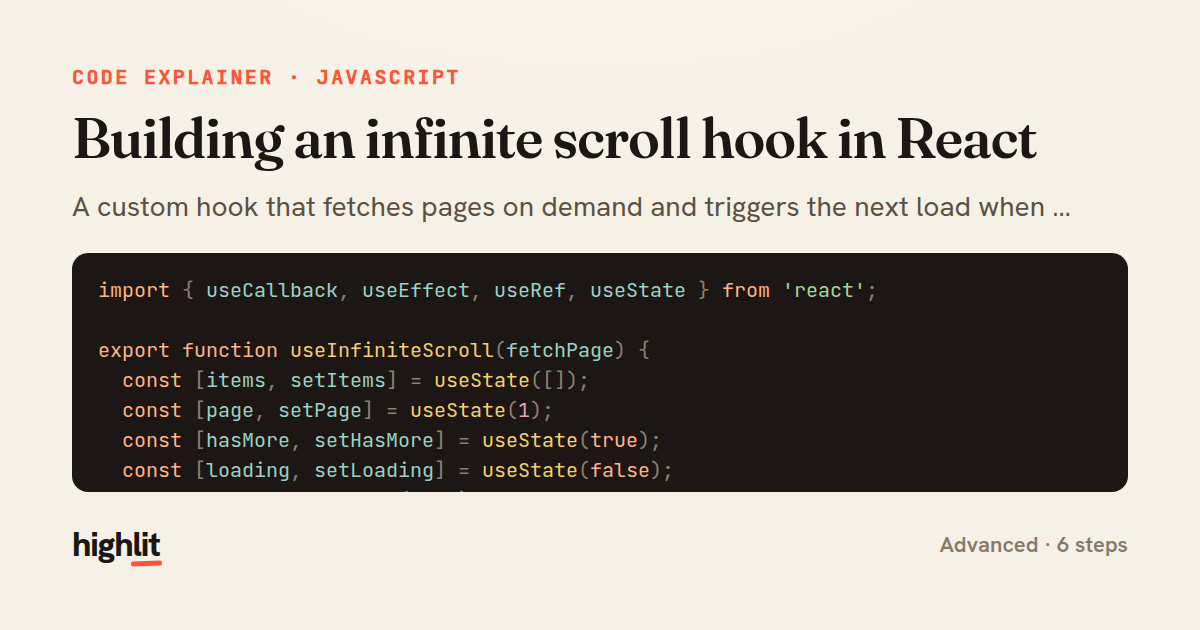
Building an infinite scroll hook in React
A custom hook that fetches pages on demand and triggers the next load when a sentinel element scrolls into view.
Explained by
highlit
1import { useCallback, useEffect, useRef, useState } from 'react';
2
3export function useInfiniteScroll(fetchPage) {
4 const [items, setItems] = useState([]);
5 const [page, setPage] = useState(1);
6 const [hasMore, setHasMore] = useState(true);
7 const [loading, setLoading] = useState(false);
8 const observer = useRef(null);
9
10 useEffect(() => {
11 let cancelled = false;
12 setLoading(true);
13 fetchPage(page)
14 .then((batch) => {
15 if (cancelled) return;
16 setItems((prev) => [...prev, ...batch.items]);
17 setHasMore(batch.hasMore);
18 })
19 .finally(() => {
20 if (!cancelled) setLoading(false);
21 });
22 return () => {
23 cancelled = true;
24 };
25 }, [page, fetchPage]);
26
27 const sentinelRef = useCallback(
28 (node) => {
29 if (loading) return;
30 if (observer.current) observer.current.disconnect();
31 observer.current = new IntersectionObserver(
32 ([entry]) => {
33 if (entry.isIntersecting && hasMore) {
34 setPage((prev) => prev + 1);
35 }
36 },
37 { rootMargin: '200px' }
38 );
39 if (node) observer.current.observe(node);
40 },
41 [loading, hasMore]
42 );
43
44 return { items, loading, hasMore, sentinelRef };
45}
01 / 01
STEP 01
‹ swipe to step through ›
Walkthrough
Space play
←→ step
click any line
Three takeaways
- 1An IntersectionObserver lets you trigger loading lazily based on scroll position instead of wiring up scroll listeners.
- 2A cancelled flag in an effect cleanup guards against state updates from a stale or out-of-order fetch.
- 3A callback ref re-runs whenever the node or its dependencies change, making it ideal for attaching observers to dynamic elements.
Related explainers
javascript
function evaluate(expression) {
  const tokens = tokenize(expression);
  let pos = 0;
Building a recursive descent calculator
parsing
recursion
operator-precedence
Intermediate
8 steps
javascript
import { useState, useEffect, useCallback, useRef } from 'react';

const cache = new Map();
const inflight = new Map();
Building a stale-while-revalidate hook in React
caching
request-deduplication
custom-hooks
Advanced
10 steps
typescript
import { useEffect, useState } from "react";

interface Section {
  id: string;
Building a scroll-spy hook in React
custom-hooks
intersectionobserver
dom-observation
Intermediate
8 steps
javascript
import { useEffect, useRef, useState } from 'react';

export function useDelayedFlag(active, delay = 300) {
  const [visible, setVisible] = useState(false);
Delaying a loading spinner with a React hook
custom-hooks
debouncing
cleanup
Intermediate
8 steps
javascript
const SWIPE_THRESHOLD = 80;
const MAX_TRANSLATE = 120;

export function attachSwipeToDismiss(element, onDismiss) {
Building a swipe-to-dismiss gesture in JS
touch-events
gesture-detection
dom-manipulation
Intermediate
10 steps
javascript
const { pool } = require('./db');

function withTransaction() {
  return async (req, res, next) => {
A per-request transaction middleware in Express
middleware
database-transactions
connection-pooling
Advanced
7 steps
Share this explainer
Here's the card — post it anywhere.
Made with highlit — turn any snippet into a walkthrough like this in about a minute.
Explain your code
Embed this explainer
Drop the interactive walkthrough into a blog or docs. Views never cost a credit.
<iframe src="https://highlit.co/explainers/building-an-infinite-scroll-hook-in-react-explained-javascript-ec6a/embed?autoplay=1" width="100%" height="520" loading="lazy" style="border:0"></iframe>
Autoplay is on by default — add ?autoplay=0 to start paused.