typescript
56 lines · 8 steps
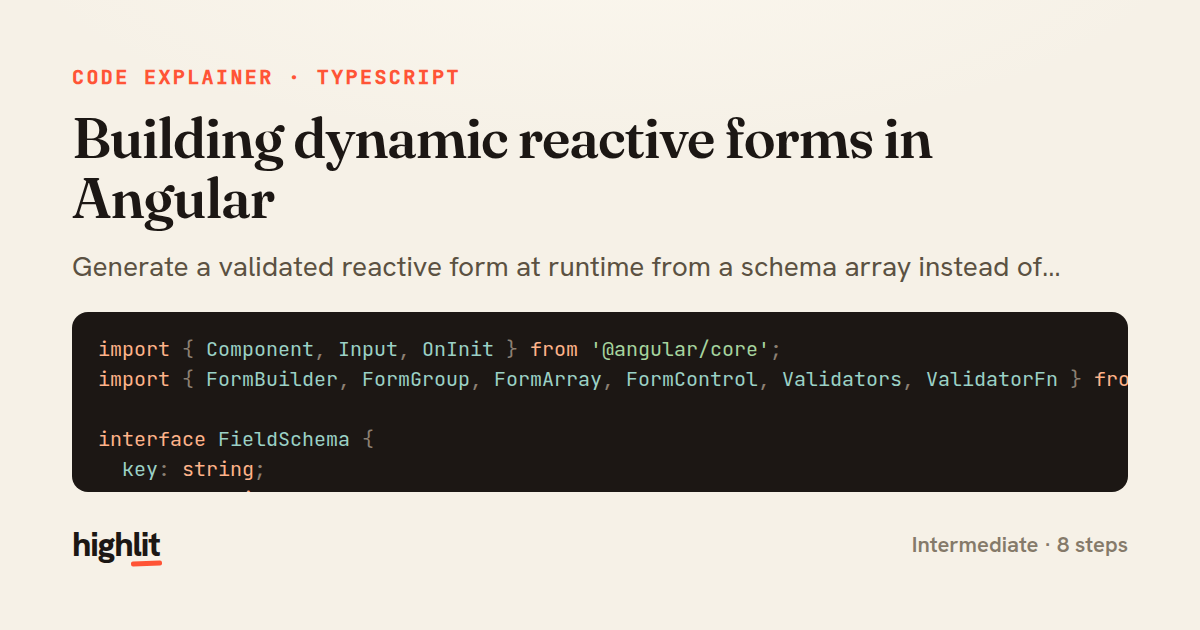
Building dynamic reactive forms in Angular
Generate a validated reactive form at runtime from a schema array instead of hardcoding controls.
Explained by
highlit
1import { Component, Input, OnInit } from '@angular/core';
2import { FormBuilder, FormGroup, FormArray, FormControl, Validators, ValidatorFn } from '@angular/forms';
3
4interface FieldSchema {
5 key: string;
6 label: string;
7 type: 'text' | 'number' | 'email' | 'checkbox' | 'select';
8 required?: boolean;
9 min?: number;
10 max?: number;
11 options?: { value: string; label: string }[];
12}
13
14@Component({
15 selector: 'app-dynamic-form',
16 templateUrl: './dynamic-form.component.html',
17})
18export class DynamicFormComponent implements OnInit {
19 @Input() schema: FieldSchema[] = [];
20
21 form!: FormGroup;
22
23 constructor(private fb: FormBuilder) {}
24
25 ngOnInit(): void {
26 this.form = this.fb.group({
27 fields: this.fb.array(this.schema.map((field) => this.buildControl(field))),
28 });
29 }
30
31 get fields(): FormArray<FormControl> {
32 return this.form.get('fields') as FormArray<FormControl>;
33 }
34
35 private buildControl(field: FieldSchema): FormControl {
36 const validators: ValidatorFn[] = [];
37 if (field.required) {
38 validators.push(field.type === 'checkbox' ? Validators.requiredTrue : Validators.required);
39 }
40 if (field.type === 'email') validators.push(Validators.email);
41 if (field.min != null) validators.push(Validators.min(field.min));
42 if (field.max != null) validators.push(Validators.max(field.max));
43
44 const initial = field.type === 'checkbox' ? false : '';
45 return this.fb.control(initial, validators);
46 }
47
48 submit(): { key: string; value: unknown }[] {
49 this.form.markAllAsTouched();
50 if (this.form.invalid) return [];
51 return this.schema.map((field, i) => ({
52 key: field.key,
53 value: this.fields.at(i).value,
54 }));
55 }
56}
01 / 01
STEP 01
‹ swipe to step through ›
Walkthrough
Space play
←→ step
click any line
Three takeaways
- 1A schema-driven form lets you describe fields as data and generate controls, so new fields need no template or class changes.
- 2Building validators conditionally from each field's metadata keeps validation rules colocated with the field definition.
- 3Marking a form as touched before checking validity ensures error messages surface when the user attempts submission.
Related explainers
typescript
import { registerLocaleData } from '@angular/common';
import localeFr from '@angular/common/locales/fr';
import localeFrExtra from '@angular/common/locales/extra/fr';
import localeDe from '@angular/common/locales/de';
Locale-aware bootstrapping in Angular
i18n
localization
dependency-injection
Intermediate
8 steps
typescript
import { Module } from '@nestjs/common';
import { ConfigModule } from '@nestjs/config';
import * as Joi from 'joi';
Validating env config at boot in NestJS
configuration
schema-validation
environment-variables
Intermediate
8 steps
php
<?php

namespace App\Services\Checkout;
Validating coupons with Laravel's Pipeline
pipeline
chain of responsibility
transactions
Intermediate
7 steps
typescript
import { Inject, Injectable, Logger } from '@nestjs/common';
import { CACHE_MANAGER } from '@nestjs/cache-manager';
import { Cache } from 'cache-manager';
import { InjectRepository } from '@nestjs/typeorm';
A cache-aside country lookup in NestJS
cache-aside
dependency-injection
batch-lookup
Intermediate
8 steps
php
<?php

namespace App\Services;
How a password strength validator works in PHP
validation
regular-expressions
data-driven
Intermediate
8 steps
typescript
import { Injectable, effect, signal, computed } from '@angular/core';

interface Preferences {
  theme: 'light' | 'dark';
A signal-based preferences store in Angular
signals
state-management
persistence
Intermediate
7 steps
Share this explainer
Here's the card — post it anywhere.
Made with highlit — turn any snippet into a walkthrough like this in about a minute.
Explain your code
Embed this explainer
Drop the interactive walkthrough into a blog or docs. Views never cost a credit.
<iframe src="https://highlit.co/explainers/building-dynamic-reactive-forms-in-angular-explained-typescript-09d9/embed?autoplay=1" width="100%" height="520" loading="lazy" style="border:0"></iframe>
Autoplay is on by default — add ?autoplay=0 to start paused.