python
44 lines · 7 steps
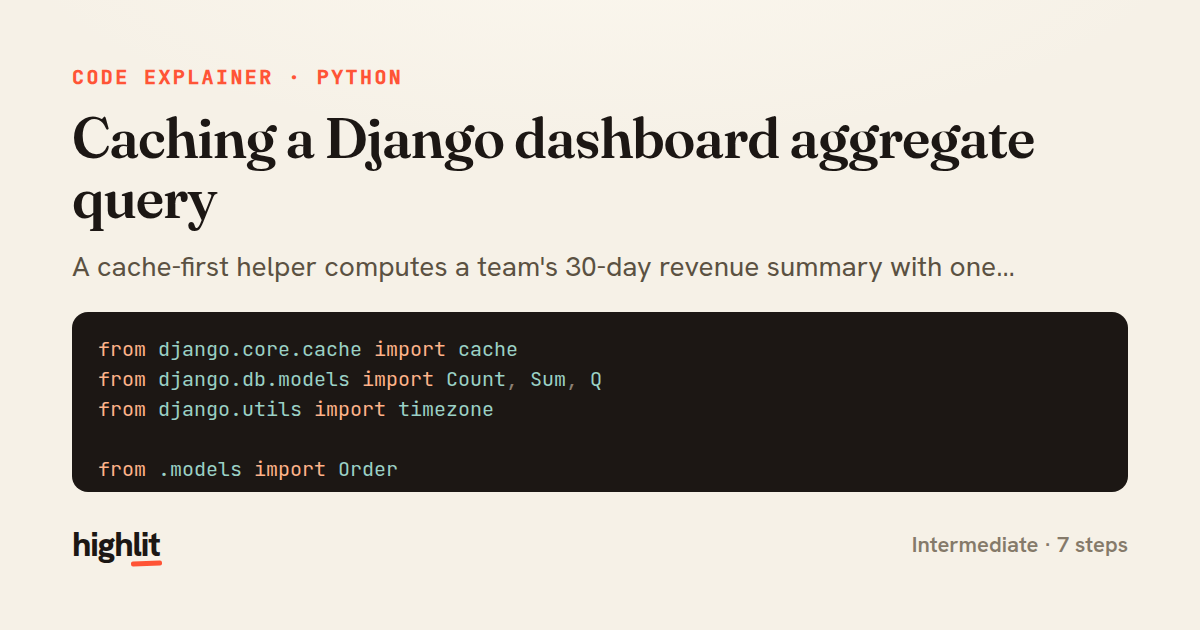
Caching a Django dashboard aggregate query
A cache-first helper computes a team's 30-day revenue summary with one aggregate query, then stores the result for fifteen minutes.
Explained by
highlit
1from django.core.cache import cache
2from django.db.models import Count, Sum, Q
3from django.utils import timezone
4
5from .models import Order
6
7
8def get_revenue_summary(team_id, *, force_refresh=False):
9 cache_key = f"dashboard:revenue_summary:team={team_id}"
10 summary = cache.get(cache_key)
11
12 if summary is not None and not force_refresh:
13 return summary
14
15 window_start = timezone.now() - timezone.timedelta(days=30)
16
17 aggregates = (
18 Order.objects.filter(team_id=team_id, created_at__gte=window_start)
19 .aggregate(
20 gross_revenue=Sum("total", filter=Q(status="paid")),
21 refunded=Sum("total", filter=Q(status="refunded")),
22 paid_orders=Count("pk", filter=Q(status="paid")),
23 open_orders=Count("pk", filter=Q(status="pending")),
24 )
25 )
26
27 gross = aggregates["gross_revenue"] or 0
28 refunded = aggregates["refunded"] or 0
29
30 summary = {
31 "gross_revenue": gross,
32 "refunded": refunded,
33 "net_revenue": gross - refunded,
34 "paid_orders": aggregates["paid_orders"],
35 "open_orders": aggregates["open_orders"],
36 "generated_at": timezone.now().isoformat(),
37 }
38
39 cache.set(cache_key, summary, timeout=60 * 15)
40 return summary
41
42
43def invalidate_revenue_summary(team_id):
44 cache.delete(f"dashboard:revenue_summary:team={team_id}")
01 / 01
STEP 01
‹ swipe to step through ›
Walkthrough
Space play
←→ step
click any line
Three takeaways
- 1A stable, parameterized cache key lets you read, write, and invalidate the same value consistently.
- 2Filtered aggregates compute several conditional totals in a single database round trip.
- 3Pairing a cache-set with an explicit delete function keeps derived data fresh when the source changes.
Related explainers
python
from fastapi import FastAPI, WebSocket, WebSocketDisconnect

app = FastAPI()
Building a WebSocket chat with FastAPI
websockets
broadcast
connection-management
Intermediate
9 steps
python
import time
import uuid

from django.utils.deprecation import MiddlewareMixin
Attaching per-request context in Django
middleware
request lifecycle
multi-tenancy
Intermediate
7 steps
ruby
class LogAggregator
  BUCKET_FORMAT = "%Y-%m-%dT%H:%M"

  def initialize(entries)
Bucketing log entries by the minute in Ruby
aggregation
hashing
enumerable
Intermediate
5 steps
javascript
import { useState, useEffect, useCallback, useRef } from 'react';

const cache = new Map();
const inflight = new Map();
Building a stale-while-revalidate hook in React
caching
request-deduplication
custom-hooks
Advanced
10 steps
ruby
class WeeklySignupsReport
  DEFAULT_WEEKS = 12

  def initialize(weeks: DEFAULT_WEEKS, source: User.all)
Building a weekly signups report in Rails
service object
aggregation
group by
Intermediate
7 steps
python
import random
from typing import Iterator, List
How reservoir sampling picks k items
reservoir-sampling
streaming
randomness
Intermediate
5 steps
Share this explainer
Here's the card — post it anywhere.
Made with highlit — turn any snippet into a walkthrough like this in about a minute.
Explain your code
Embed this explainer
Drop the interactive walkthrough into a blog or docs. Views never cost a credit.
<iframe src="https://highlit.co/explainers/caching-a-django-dashboard-aggregate-query-explained-python-0c71/embed?autoplay=1" width="100%" height="520" loading="lazy" style="border:0"></iframe>
Autoplay is on by default — add ?autoplay=0 to start paused.