ruby
36 lines · 5 steps
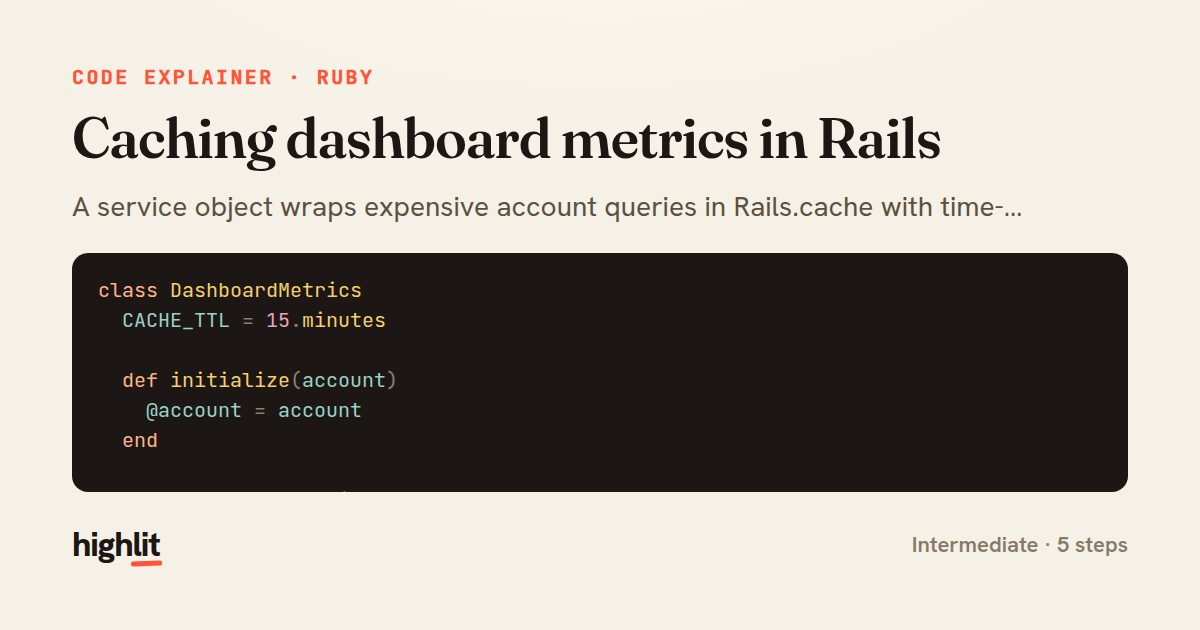
Caching dashboard metrics in Rails
A service object wraps expensive account queries in Rails.cache with time-bucketed keys so results stay fresh but cheap.
Explained by
highlit
1class DashboardMetrics
2 CACHE_TTL = 15.minutes
3
4 def initialize(account)
5 @account = account
6 end
7
8 def monthly_recurring_revenue
9 Rails.cache.fetch(mrr_cache_key, expires_in: CACHE_TTL) do
10 @account.subscriptions
11 .active
12 .joins(:plan)
13 .sum("plans.amount_cents * subscriptions.quantity")
14 end
15 end
16
17 def active_users_count
18 Rails.cache.fetch(active_users_cache_key, expires_in: CACHE_TTL) do
19 @account.users.where("last_seen_at > ?", 30.days.ago).count
20 end
21 end
22
23 private
24
25 def mrr_cache_key
26 ["account", @account.id, "mrr", current_bucket].join("/")
27 end
28
29 def active_users_cache_key
30 ["account", @account.id, "active_users", current_bucket].join("/")
31 end
32
33 def current_bucket
34 (Time.current.to_i / CACHE_TTL.to_i)
35 end
36end
01 / 01
STEP 01
‹ swipe to step through ›
Walkthrough
Space play
←→ step
click any line
Three takeaways
- 1Wrapping expensive aggregate queries in Rails.cache.fetch trades a little staleness for large read savings.
- 2Embedding a time bucket in the cache key gives you automatic expiry aligned to a window without relying solely on TTL.
- 3A plain service object keeps caching logic out of models and controllers where it would otherwise sprawl.
Related explainers
ruby
require "shellwords"
require "open3"

module Backup
Building safe shell commands in Ruby
shell-out
subprocess
command-injection
Intermediate
7 steps
ruby
class UserAgentParser
  BROWSERS = [
    [/Edg\/([\d.]+)/, "Edge"],
    [/OPR\/([\d.]+)/, "Opera"],
Parsing user-agent strings in Ruby
regex
pattern-matching
lookup-tables
Intermediate
8 steps
ruby
class LogAggregator
  BUCKET_FORMAT = "%Y-%m-%dT%H:%M"

  def initialize(entries)
Bucketing log entries by the minute in Ruby
aggregation
hashing
enumerable
Intermediate
5 steps
javascript
import { useState, useEffect, useCallback, useRef } from 'react';

const cache = new Map();
const inflight = new Map();
Building a stale-while-revalidate hook in React
caching
request-deduplication
custom-hooks
Advanced
10 steps
ruby
class WeeklySignupsReport
  DEFAULT_WEEKS = 12

  def initialize(weeks: DEFAULT_WEEKS, source: User.all)
Building a weekly signups report in Rails
service object
aggregation
group by
Intermediate
7 steps
php
<?php

namespace App\Services;
Building a cached daily leaderboard in Laravel
caching
aggregation
eager-loading
Intermediate
9 steps
Share this explainer
Here's the card — post it anywhere.
Made with highlit — turn any snippet into a walkthrough like this in about a minute.
Explain your code
Embed this explainer
Drop the interactive walkthrough into a blog or docs. Views never cost a credit.
<iframe src="https://highlit.co/explainers/caching-dashboard-metrics-in-rails-explained-ruby-10d1/embed?autoplay=1" width="100%" height="520" loading="lazy" style="border:0"></iframe>
Autoplay is on by default — add ?autoplay=0 to start paused.