javascript
34 lines · 8 steps
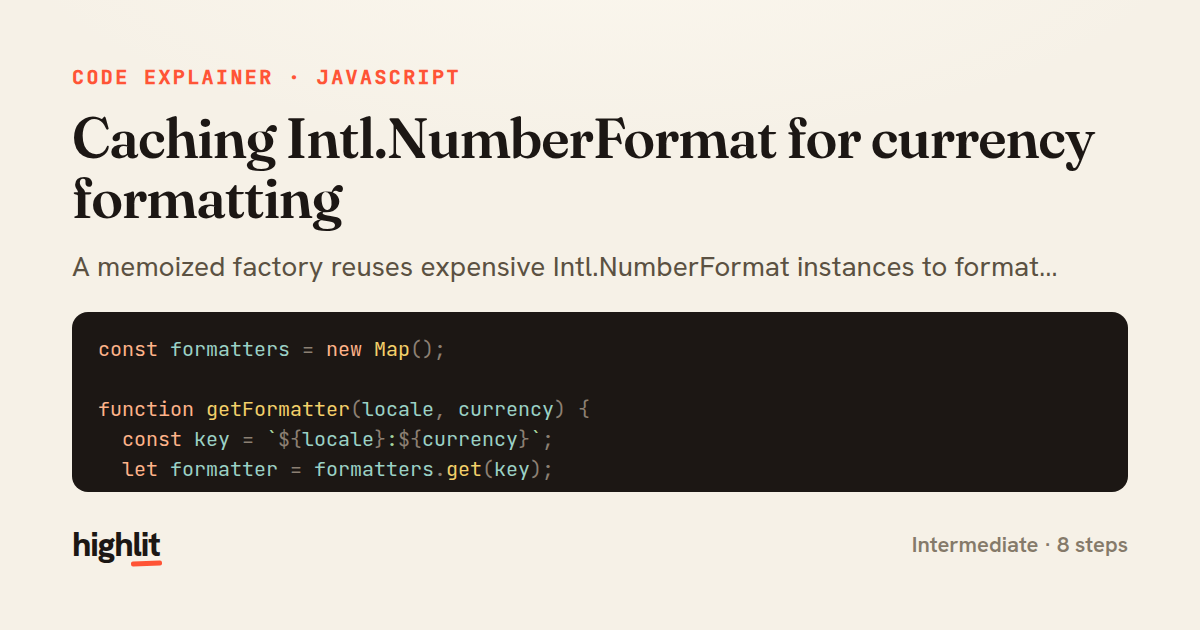
Caching Intl.NumberFormat for currency formatting
A memoized factory reuses expensive Intl.NumberFormat instances to format currency, cents, and ranges.
Explained by
highlit
1const formatters = new Map();
2
3function getFormatter(locale, currency) {
4 const key = `${locale}:${currency}`;
5 let formatter = formatters.get(key);
6
7 if (!formatter) {
8 formatter = new Intl.NumberFormat(locale, {
9 style: 'currency',
10 currency,
11 currencyDisplay: 'symbol',
12 });
13 formatters.set(key, formatter);
14 }
15
16 return formatter;
17}
18
19export function formatCurrency(amount, { locale = 'en-US', currency = 'USD' } = {}) {
20 if (amount == null || Number.isNaN(amount)) {
21 return '';
22 }
23
24 return getFormatter(locale, currency).format(amount);
25}
26
27export function formatFromCents(cents, options = {}) {
28 return formatCurrency(cents / 100, options);
29}
30
31export function formatRange(min, max, options = {}) {
32 const formatter = getFormatter(options.locale ?? 'en-US', options.currency ?? 'USD');
33 return formatter.formatRange(min, max);
34}
01 / 01
STEP 01
‹ swipe to step through ›
Walkthrough
Space play
←→ step
click any line
Three takeaways
- 1Constructing Intl formatters is costly, so caching them by their configuration avoids repeated setup.
- 2A composite string key lets a single Map memoize across multiple independent parameters.
- 3Sharing one cached formatter behind several public helpers keeps behavior consistent and cheap.
Related explainers
javascript
function evaluate(expression) {
  const tokens = tokenize(expression);
  let pos = 0;
Building a recursive descent calculator
parsing
recursion
operator-precedence
Intermediate
8 steps
javascript
import { useState, useEffect, useCallback, useRef } from 'react';

const cache = new Map();
const inflight = new Map();
Building a stale-while-revalidate hook in React
caching
request-deduplication
custom-hooks
Advanced
10 steps
php
<?php

namespace App\Services;
Building a cached daily leaderboard in Laravel
caching
aggregation
eager-loading
Intermediate
9 steps
python
import secrets

from django.contrib.auth import authenticate, login
from django.core.cache import cache
Two-factor login with OTP in Django
two-factor-auth
one-time-passwords
caching
Intermediate
9 steps
javascript
import { useEffect, useRef, useState } from 'react';

export function useDelayedFlag(active, delay = 300) {
  const [visible, setVisible] = useState(false);
Delaying a loading spinner with a React hook
custom-hooks
debouncing
cleanup
Intermediate
8 steps
javascript
const SWIPE_THRESHOLD = 80;
const MAX_TRANSLATE = 120;

export function attachSwipeToDismiss(element, onDismiss) {
Building a swipe-to-dismiss gesture in JS
touch-events
gesture-detection
dom-manipulation
Intermediate
10 steps
Share this explainer
Here's the card — post it anywhere.
Made with highlit — turn any snippet into a walkthrough like this in about a minute.
Explain your code
Embed this explainer
Drop the interactive walkthrough into a blog or docs. Views never cost a credit.
<iframe src="https://highlit.co/explainers/caching-intl-numberformat-for-currency-formatting-explained-javascript-6321/embed?autoplay=1" width="100%" height="520" loading="lazy" style="border:0"></iframe>
Autoplay is on by default — add ?autoplay=0 to start paused.