php
43 lines · 8 steps
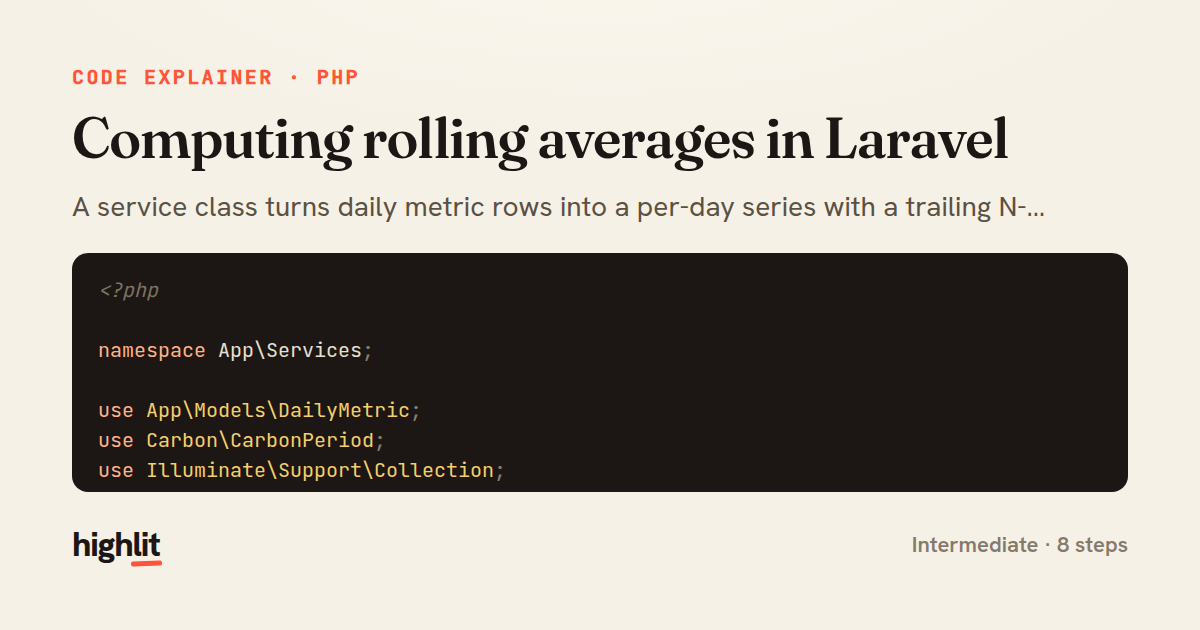
Computing rolling averages in Laravel
A service class turns daily metric rows into a per-day series with a trailing N-day rolling average.
Explained by
highlit
1<?php
2
3namespace App\Services;
4
5use App\Models\DailyMetric;
6use Carbon\CarbonPeriod;
7use Illuminate\Support\Collection;
8
9class RollingAverageCalculator
10{
11 public function __construct(private int $window = 7)
12 {
13 }
14
15 public function forRange(string $metric, \DateTimeInterface $from, \DateTimeInterface $to): Collection
16 {
17 $totals = DailyMetric::query()
18 ->where('name', $metric)
19 ->whereBetween('recorded_on', [$from, $to])
20 ->pluck('value', 'recorded_on')
21 ->mapWithKeys(fn ($value, $date) => [substr($date, 0, 10) => (float) $value]);
22
23 return collect(CarbonPeriod::create($from, $to))
24 ->map(function ($day) use ($totals) {
25 $date = $day->toDateString();
26 $windowStart = $day->copy()->subDays($this->window - 1);
27
28 $values = collect(CarbonPeriod::create($windowStart, $day))
29 ->map(fn ($d) => $totals->get($d->toDateString()))
30 ->filter(fn ($v) => $v !== null);
31
32 return [
33 'date' => $date,
34 'value' => $totals->get($date, 0.0),
35 'rolling_average' => $values->isEmpty()
36 ? null
37 : round($values->avg(), 2),
38 'samples' => $values->count(),
39 ];
40 })
41 ->values();
42 }
43}
01 / 01
STEP 01
‹ swipe to step through ›
Walkthrough
Space play
←→ step
click any line
Three takeaways
- 1Loading raw values into a date-keyed map once lets you compute every window with fast in-memory lookups instead of repeated queries.
- 2Iterating a CarbonPeriod gives you a gap-free day-by-day spine even when the underlying data has missing days.
- 3Tracking the sample count alongside the average makes partial or sparse windows honest rather than silently misleading.
Related explainers
php
<?php

class NameParser
{
Parsing a full name into components in PHP
string-parsing
arrays
normalization
Intermediate
8 steps
php
<?php

namespace App\Services\Checkout;
Validating coupons with Laravel's Pipeline
pipeline
chain of responsibility
transactions
Intermediate
7 steps
php
<?php

namespace App\Services;
How a password strength validator works in PHP
validation
regular-expressions
data-driven
Intermediate
8 steps
php
<?php

namespace App\Services;
Building a cached daily leaderboard in Laravel
caching
aggregation
eager-loading
Intermediate
9 steps
php
<?php

final class RotatingFileLogger
{
How a rotating file logger works in PHP
logging
file-rotation
io
Intermediate
9 steps
php
class TwoFactorController extends Controller
{
    public function show(Request $request): View|RedirectResponse
    {
Two-factor auth challenge flow in Laravel
authentication
two-factor
middleware
Intermediate
10 steps
Share this explainer
Here's the card — post it anywhere.
Made with highlit — turn any snippet into a walkthrough like this in about a minute.
Explain your code
Embed this explainer
Drop the interactive walkthrough into a blog or docs. Views never cost a credit.
<iframe src="https://highlit.co/explainers/computing-rolling-averages-in-laravel-explained-php-aac4/embed?autoplay=1" width="100%" height="520" loading="lazy" style="border:0"></iframe>
Autoplay is on by default — add ?autoplay=0 to start paused.