javascript
40 lines · 8 steps
Copying to the clipboard with a fallback
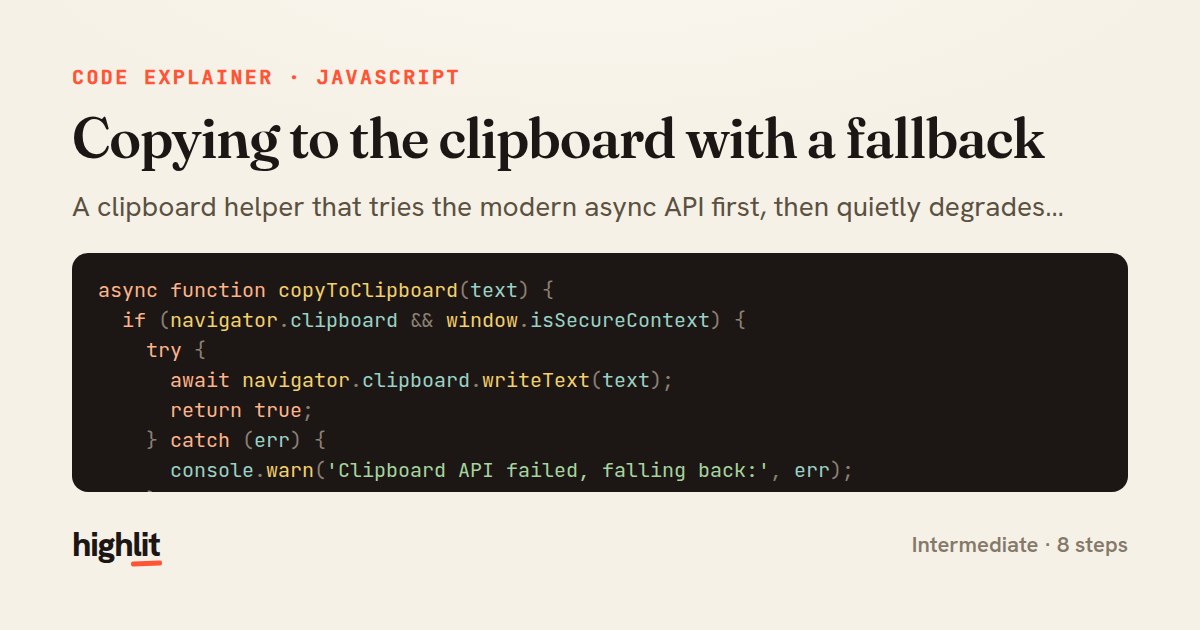
A clipboard helper that tries the modern async API first, then quietly degrades to the legacy execCommand path.
Explained by
highlit
1async function copyToClipboard(text) {
2 if (navigator.clipboard && window.isSecureContext) {
3 try {
4 await navigator.clipboard.writeText(text);
5 return true;
6 } catch (err) {
7 console.warn('Clipboard API failed, falling back:', err);
8 }
9 }
10
11 const textarea = document.createElement('textarea');
12 textarea.value = text;
13 textarea.setAttribute('readonly', '');
14 textarea.style.position = 'fixed';
15 textarea.style.top = '-9999px';
16 textarea.style.opacity = '0';
17 document.body.appendChild(textarea);
18
19 const selection = document.getSelection();
20 const savedRange = selection.rangeCount > 0 ? selection.getRangeAt(0) : null;
21
22 textarea.select();
23 textarea.setSelectionRange(0, textarea.value.length);
24
25 let succeeded = false;
26 try {
27 succeeded = document.execCommand('copy');
28 } catch (err) {
29 console.error('Fallback copy failed:', err);
30 }
31
32 document.body.removeChild(textarea);
33
34 if (savedRange) {
35 selection.removeAllRanges();
36 selection.addRange(savedRange);
37 }
38
39 return succeeded;
40}
01 / 01
STEP 01
‹ swipe to step through ›
Walkthrough
Space play
←→ step
click any line
Three takeaways
- 1Feature-detect the modern API but always keep a working fallback for older or insecure contexts.
- 2The legacy copy path requires a real, selected DOM element, so build and clean up a hidden textarea.
- 3Restoring the user's prior selection keeps the copy operation invisible and non-disruptive.
Related explainers
rust
use serde::Deserialize;

#[derive(Debug, Deserialize)]
#[serde(untagged)]
Parsing flexible JSON shapes with serde
deserialization
enums
json
Intermediate
6 steps
ruby
require "shellwords"
require "open3"

module Backup
Building safe shell commands in Ruby
shell-out
subprocess
command-injection
Intermediate
7 steps
javascript
function evaluate(expression) {
  const tokens = tokenize(expression);
  let pos = 0;
Building a recursive descent calculator
parsing
recursion
operator-precedence
Intermediate
8 steps
javascript
import { useState, useEffect, useCallback, useRef } from 'react';

const cache = new Map();
const inflight = new Map();
Building a stale-while-revalidate hook in React
caching
request-deduplication
custom-hooks
Advanced
10 steps
rust
use chrono::{Duration, NaiveDate};

#[derive(Debug)]
pub struct DateRange {
Parsing and iterating date ranges in Rust
error-handling
iterators
parsing
Intermediate
7 steps
javascript
import { useEffect, useRef, useState } from 'react';

export function useDelayedFlag(active, delay = 300) {
  const [visible, setVisible] = useState(false);
Delaying a loading spinner with a React hook
custom-hooks
debouncing
cleanup
Intermediate
8 steps
Share this explainer
Here's the card — post it anywhere.
Made with highlit — turn any snippet into a walkthrough like this in about a minute.
Explain your code
Embed this explainer
Drop the interactive walkthrough into a blog or docs. Views never cost a credit.
<iframe src="https://highlit.co/explainers/copying-to-the-clipboard-with-a-fallback-explained-javascript-dcf0/embed?autoplay=1" width="100%" height="520" loading="lazy" style="border:0"></iframe>
Autoplay is on by default — add ?autoplay=0 to start paused.