ruby
41 lines · 7 steps
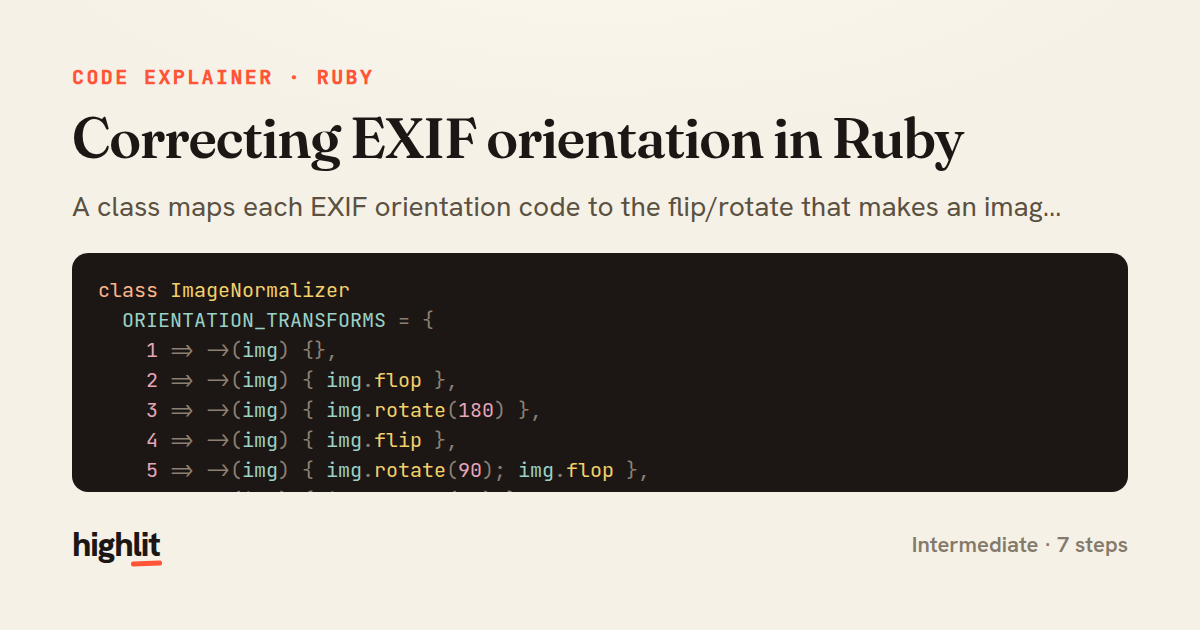
Correcting EXIF orientation in Ruby
A class maps each EXIF orientation code to the flip/rotate that makes an image appear upright.
Explained by
highlit
1class ImageNormalizer
2 ORIENTATION_TRANSFORMS = {
3 1 => ->(img) {},
4 2 => ->(img) { img.flop },
5 3 => ->(img) { img.rotate(180) },
6 4 => ->(img) { img.flip },
7 5 => ->(img) { img.rotate(90); img.flop },
8 6 => ->(img) { img.rotate(90) },
9 7 => ->(img) { img.rotate(-90); img.flop },
10 8 => ->(img) { img.rotate(-90) }
11 }.freeze
12
13 def initialize(path)
14 @image = MiniMagick::Image.open(path)
15 end
16
17 def normalize!
18 orientation = raw_orientation
19 return @image if orientation.nil? || orientation == 1
20
21 transform = ORIENTATION_TRANSFORMS.fetch(orientation, ->(img) {})
22 transform.call(@image)
23
24 @image.combine_options do |cmd|
25 cmd.orient "top-left"
26 cmd.strip
27 end
28
29 @image.write(@image.path)
30 @image
31 end
32
33 private
34
35 def raw_orientation
36 value = @image.exif["Orientation"] || @image.data.dig("properties", "exif:Orientation")
37 Integer(value)
38 rescue ArgumentError, TypeError
39 nil
40 end
41end
01 / 01
STEP 01
‹ swipe to step through ›
Walkthrough
Space play
←→ step
click any line
Three takeaways
- 1A frozen hash of lambdas turns a branching problem into a clean table lookup keyed by an enum-like value.
- 2Correcting pixels isn't enough — you must also reset or strip the metadata so viewers don't re-apply the rotation.
- 3Wrapping parsing in a rescue that returns nil lets callers treat missing or malformed data as a no-op case.
Related explainers
rust
use serde::Deserialize;

#[derive(Debug, Deserialize)]
#[serde(untagged)]
Parsing flexible JSON shapes with serde
deserialization
enums
json
Intermediate
6 steps
ruby
require "shellwords"
require "open3"

module Backup
Building safe shell commands in Ruby
shell-out
subprocess
command-injection
Intermediate
7 steps
ruby
class UserAgentParser
  BROWSERS = [
    [/Edg\/([\d.]+)/, "Edge"],
    [/OPR\/([\d.]+)/, "Opera"],
Parsing user-agent strings in Ruby
regex
pattern-matching
lookup-tables
Intermediate
8 steps
ruby
class LogAggregator
  BUCKET_FORMAT = "%Y-%m-%dT%H:%M"

  def initialize(entries)
Bucketing log entries by the minute in Ruby
aggregation
hashing
enumerable
Intermediate
5 steps
ruby
class WeeklySignupsReport
  DEFAULT_WEEKS = 12

  def initialize(weeks: DEFAULT_WEEKS, source: User.all)
Building a weekly signups report in Rails
service object
aggregation
group by
Intermediate
7 steps
rust
use chrono::{Duration, NaiveDate};

#[derive(Debug)]
pub struct DateRange {
Parsing and iterating date ranges in Rust
error-handling
iterators
parsing
Intermediate
7 steps
Share this explainer
Here's the card — post it anywhere.
Made with highlit — turn any snippet into a walkthrough like this in about a minute.
Explain your code
Embed this explainer
Drop the interactive walkthrough into a blog or docs. Views never cost a credit.
<iframe src="https://highlit.co/explainers/correcting-exif-orientation-in-ruby-explained-ruby-1ee3/embed?autoplay=1" width="100%" height="520" loading="lazy" style="border:0"></iframe>
Autoplay is on by default — add ?autoplay=0 to start paused.