java
42 lines · 6 steps
Counting HTTP statuses with Java streams
Stream a log file line by line, pull out HTTP status codes with a regex, and tally them without loading everything into memory.
Explained by
highlit
1package com.example.logs;
2
3import java.io.IOException;
4import java.io.UncheckedIOException;
5import java.nio.charset.StandardCharsets;
6import java.nio.file.Files;
7import java.nio.file.Path;
8import java.util.Map;
9import java.util.regex.Matcher;
10import java.util.regex.Pattern;
11import java.util.stream.Collectors;
12import java.util.stream.Stream;
13
14public final class AccessLogAnalyzer {
15
16 private static final Pattern STATUS = Pattern.compile("\"\\s(\\d{3})\\s");
17
18 public Map<Integer, Long> countByStatus(Path logFile) throws IOException {
19 try (Stream<String> lines = Files.lines(logFile, StandardCharsets.UTF_8)) {
20 return lines
21 .map(STATUS::matcher)
22 .filter(Matcher::find)
23 .map(m -> Integer.parseInt(m.group(1)))
24 .collect(Collectors.groupingBy(
25 status -> status,
26 Collectors.counting()));
27 }
28 }
29
30 public long countServerErrors(Path logFile) {
31 try (Stream<String> lines = Files.lines(logFile, StandardCharsets.UTF_8)) {
32 return lines
33 .map(STATUS::matcher)
34 .filter(Matcher::find)
35 .map(m -> Integer.parseInt(m.group(1)))
36 .filter(status -> status >= 500)
37 .count();
38 } catch (IOException e) {
39 throw new UncheckedIOException("Failed to read " + logFile, e);
40 }
41 }
42}
01 / 01
STEP 01
‹ swipe to step through ›
Walkthrough
Space play
←→ step
click any line
Three takeaways
- 1Files.lines returns a lazy stream that must be closed, so wrapping it in try-with-resources frees the file handle even on a partial read.
- 2Collectors.groupingBy paired with counting turns a stream of values into a frequency map in one pass.
- 3Wrapping a checked IOException in UncheckedIOException lets a method stay clean while still surfacing failures.
Related explainers
ruby
class UserAgentParser
  BROWSERS = [
    [/Edg\/([\d.]+)/, "Edge"],
    [/OPR\/([\d.]+)/, "Opera"],
Parsing user-agent strings in Ruby
regex
pattern-matching
lookup-tables
Intermediate
8 steps
java
@Component
@Converter
public class EncryptedStringConverter implements AttributeConverter<String, String> {
Transparent column encryption in Spring & JPA
encryption
aes-gcm
jpa-converter
Advanced
10 steps
rust
use axum::{
    extract::{Path, State},
    response::sse::{Event, KeepAlive, Sse},
};
Streaming import progress with SSE in Axum
server-sent-events
streams
watch-channel
Advanced
7 steps
java
package com.acme.billing.config;

import org.springframework.boot.autoconfigure.condition.ConditionalOnProperty;
import org.springframework.boot.context.properties.ConfigurationProperties;
Feature-flagged beans with Spring @ConditionalOnProperty
feature-flags
conditional-beans
strategy-pattern
Intermediate
5 steps
java
public static Map<String, String> parseCookieHeader(String header) {
    Map<String, String> cookies = new LinkedHashMap<>();
    if (header == null || header.isBlank()) {
        return cookies;
Parsing an HTTP Cookie header in Java
string-parsing
http
url-decoding
Intermediate
6 steps
java
public class TimedSocketReader {

    private static final int READ_TIMEOUT_MS = 5_000;
    private static final int CONNECT_TIMEOUT_MS = 3_000;
Reading a socket with connect and read timeouts
sockets
timeouts
io
Intermediate
8 steps
Share this explainer
Here's the card — post it anywhere.
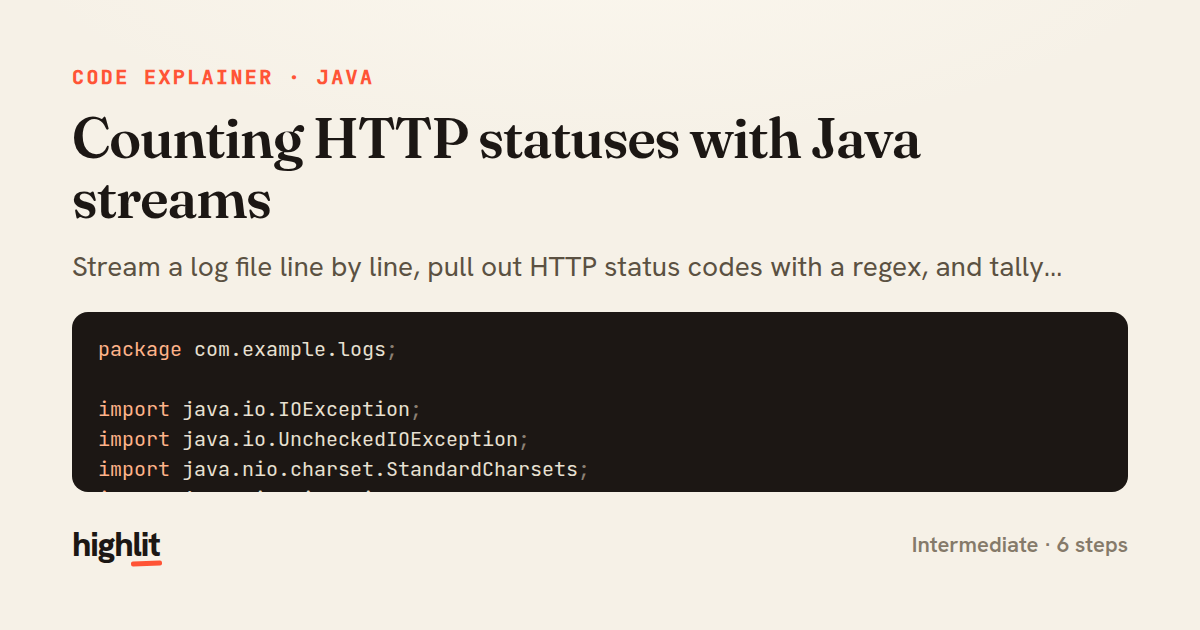
Made with highlit — turn any snippet into a walkthrough like this in about a minute.
Explain your code
Embed this explainer
Drop the interactive walkthrough into a blog or docs. Views never cost a credit.
<iframe src="https://highlit.co/explainers/counting-http-statuses-with-java-streams-explained-java-5964/embed?autoplay=1" width="100%" height="520" loading="lazy" style="border:0"></iframe>
Autoplay is on by default — add ?autoplay=0 to start paused.