ruby
39 lines · 7 steps
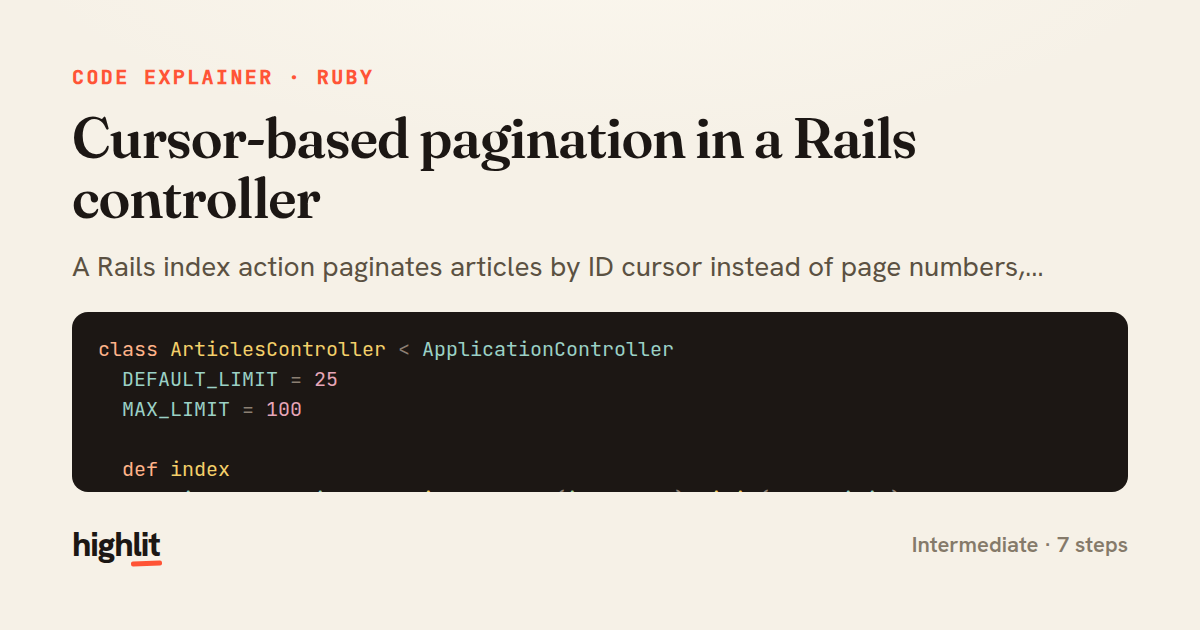
Cursor-based pagination in a Rails controller
A Rails index action paginates articles by ID cursor instead of page numbers, keeping results stable and queries efficient.
Explained by
highlit
1class ArticlesController < ApplicationController
2 DEFAULT_LIMIT = 25
3 MAX_LIMIT = 100
4
5 def index
6 articles = Article.published.order(id: :desc).limit(page_limit)
7 articles = articles.where("articles.id < ?", cursor) if cursor
8
9 records = articles.to_a
10
11 render json: {
12 articles: records.map { |a| serialize(a) },
13 next_cursor: records.size == page_limit ? records.last.id : nil
14 }
15 end
16
17 private
18
19 def cursor
20 Integer(params[:cursor]) if params[:cursor].present?
21 rescue ArgumentError
22 nil
23 end
24
25 def page_limit
26 limit = params.fetch(:limit, DEFAULT_LIMIT).to_i
27 limit = DEFAULT_LIMIT if limit <= 0
28 [limit, MAX_LIMIT].min
29 end
30
31 def serialize(article)
32 {
33 id: article.id,
34 title: article.title,
35 slug: article.slug,
36 published_at: article.published_at.iso8601
37 }
38 end
39end
01 / 01
STEP 01
‹ swipe to step through ›
Walkthrough
Space play
←→ step
click any line
Three takeaways
- 1Cursor pagination uses a stable ordering key like a descending ID instead of offsets, so results don't shift when rows are inserted.
- 2Returning next_cursor only when a full page was fetched gives clients a clean signal for when to stop.
- 3Sanitizing limit and cursor params up front protects the query from bad input and abusive page sizes.
Related explainers
ruby
require "shellwords"
require "open3"

module Backup
Building safe shell commands in Ruby
shell-out
subprocess
command-injection
Intermediate
7 steps
ruby
class UserAgentParser
  BROWSERS = [
    [/Edg\/([\d.]+)/, "Edge"],
    [/OPR\/([\d.]+)/, "Opera"],
Parsing user-agent strings in Ruby
regex
pattern-matching
lookup-tables
Intermediate
8 steps
ruby
class LogAggregator
  BUCKET_FORMAT = "%Y-%m-%dT%H:%M"

  def initialize(entries)
Bucketing log entries by the minute in Ruby
aggregation
hashing
enumerable
Intermediate
5 steps
ruby
class WeeklySignupsReport
  DEFAULT_WEEKS = 12

  def initialize(weeks: DEFAULT_WEEKS, source: User.all)
Building a weekly signups report in Rails
service object
aggregation
group by
Intermediate
7 steps
ruby
class ApplicationController < ActionController::Base
  EXPERIMENTS = {
    checkout_button_color: %w[control blue green],
    onboarding_flow: %w[control streamlined]
How A/B test cohorts are assigned in Rails
a-b-testing
cookies
hashing
Intermediate
8 steps
go
package middleware

import (
	"net/http"
Per-plan export limits in Gin middleware
middleware
rate-limiting
authorization
Intermediate
7 steps
Share this explainer
Here's the card — post it anywhere.
Made with highlit — turn any snippet into a walkthrough like this in about a minute.
Explain your code
Embed this explainer
Drop the interactive walkthrough into a blog or docs. Views never cost a credit.
<iframe src="https://highlit.co/explainers/cursor-based-pagination-in-a-rails-controller-explained-ruby-7df7/embed?autoplay=1" width="100%" height="520" loading="lazy" style="border:0"></iframe>
Autoplay is on by default — add ?autoplay=0 to start paused.