javascript
46 lines · 8 steps
Exposing an imperative handle in React
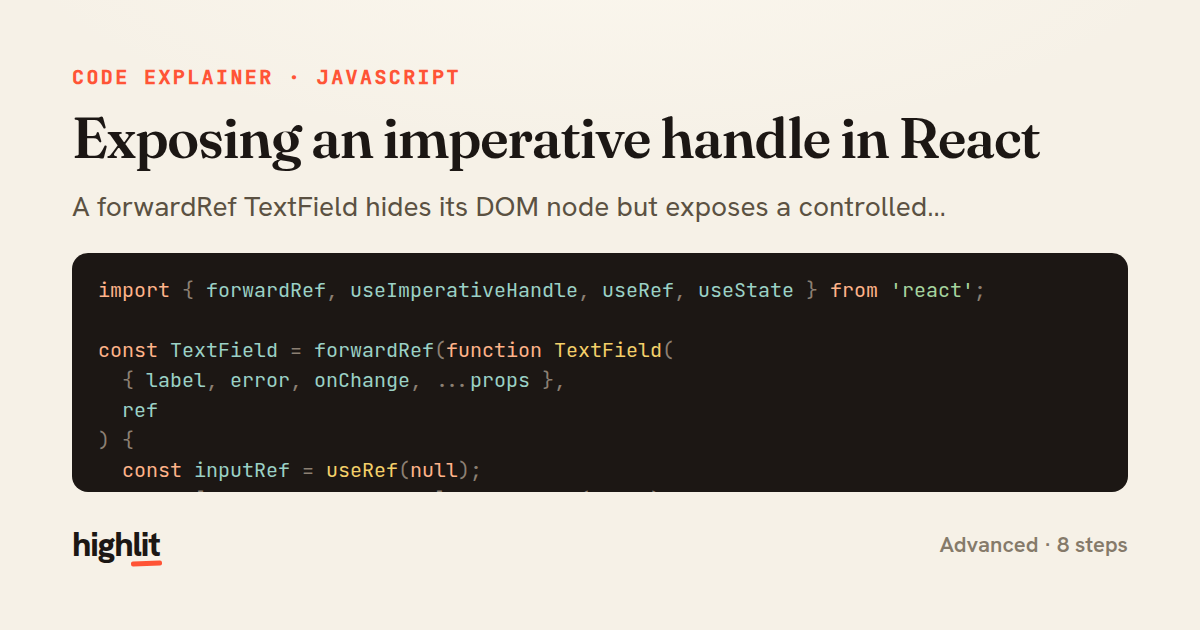
A forwardRef TextField hides its DOM node but exposes a controlled focus/clear API to parents.
Explained by
highlit
1import { forwardRef, useImperativeHandle, useRef, useState } from 'react';
2
3const TextField = forwardRef(function TextField(
4 { label, error, onChange, ...props },
5 ref
6) {
7 const inputRef = useRef(null);
8 const [touched, setTouched] = useState(false);
9
10 useImperativeHandle(
11 ref,
12 () => ({
13 focus: () => inputRef.current?.focus(),
14 select: () => inputRef.current?.select(),
15 clear: () => {
16 if (inputRef.current) inputRef.current.value = '';
17 setTouched(false);
18 },
19 get value() {
20 return inputRef.current?.value ?? '';
21 },
22 }),
23 []
24 );
25
26 return (
27 <label className="text-field">
28 {label && <span className="text-field__label">{label}</span>}
29 <input
30 ref={inputRef}
31 className={error && touched ? 'input input--error' : 'input'}
32 aria-invalid={Boolean(error && touched)}
33 onBlur={() => setTouched(true)}
34 onChange={onChange}
35 {...props}
36 />
37 {error && touched && (
38 <span role="alert" className="text-field__error">
39 {error}
40 </span>
41 )}
42 </label>
43 );
44});
45
46export default TextField;
01 / 01
STEP 01
‹ swipe to step through ›
Walkthrough
Space play
←→ step
click any line
Three takeaways
- 1useImperativeHandle lets a component expose a curated method surface instead of leaking its raw DOM node.
- 2Tracking a touched flag defers error styling until after the user leaves the field.
- 3Spreading remaining props onto the input keeps a wrapper component flexible without re-declaring every attribute.
Related explainers
javascript
function evaluate(expression) {
  const tokens = tokenize(expression);
  let pos = 0;
Building a recursive descent calculator
parsing
recursion
operator-precedence
Intermediate
8 steps
javascript
import { useState, useEffect, useCallback, useRef } from 'react';

const cache = new Map();
const inflight = new Map();
Building a stale-while-revalidate hook in React
caching
request-deduplication
custom-hooks
Advanced
10 steps
typescript
import { useEffect, useState } from "react";

interface Section {
  id: string;
Building a scroll-spy hook in React
custom-hooks
intersectionobserver
dom-observation
Intermediate
8 steps
javascript
import { useEffect, useRef, useState } from 'react';

export function useDelayedFlag(active, delay = 300) {
  const [visible, setVisible] = useState(false);
Delaying a loading spinner with a React hook
custom-hooks
debouncing
cleanup
Intermediate
8 steps
javascript
const SWIPE_THRESHOLD = 80;
const MAX_TRANSLATE = 120;

export function attachSwipeToDismiss(element, onDismiss) {
Building a swipe-to-dismiss gesture in JS
touch-events
gesture-detection
dom-manipulation
Intermediate
10 steps
javascript
const { pool } = require('./db');

function withTransaction() {
  return async (req, res, next) => {
A per-request transaction middleware in Express
middleware
database-transactions
connection-pooling
Advanced
7 steps
Share this explainer
Here's the card — post it anywhere.
Made with highlit — turn any snippet into a walkthrough like this in about a minute.
Explain your code
Embed this explainer
Drop the interactive walkthrough into a blog or docs. Views never cost a credit.
<iframe src="https://highlit.co/explainers/exposing-an-imperative-handle-in-react-explained-javascript-4478/embed?autoplay=1" width="100%" height="520" loading="lazy" style="border:0"></iframe>
Autoplay is on by default — add ?autoplay=0 to start paused.