java
65 lines · 6 steps
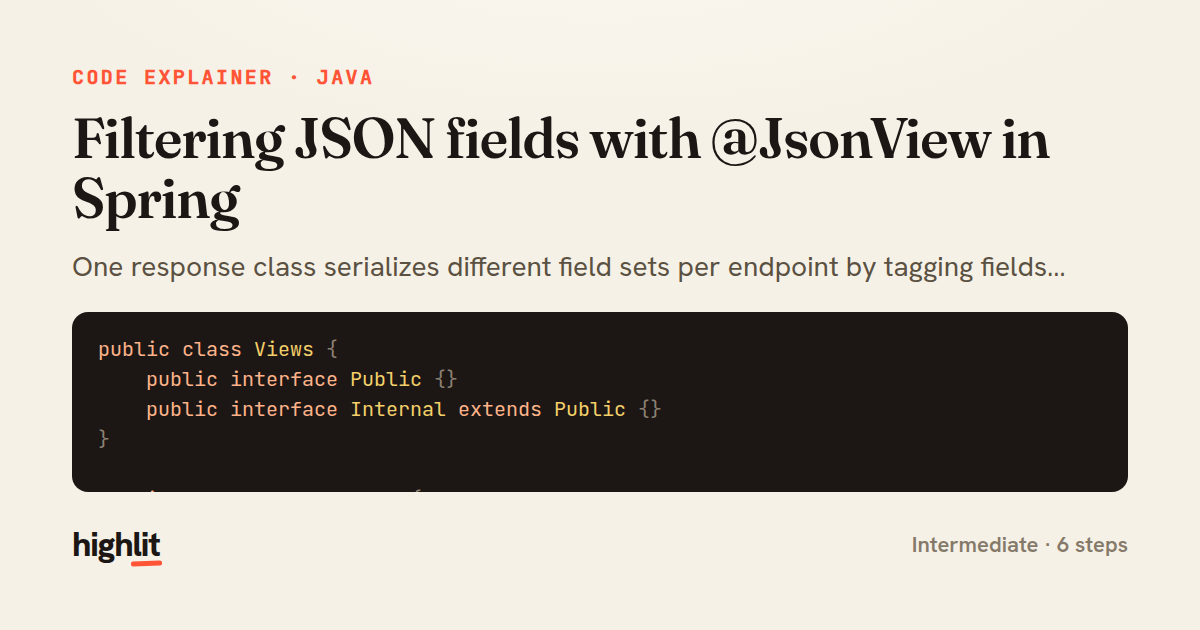
Filtering JSON fields with @JsonView in Spring
One response class serializes different field sets per endpoint by tagging fields with view interfaces.
Explained by
highlit
1public class Views {
2 public interface Public {}
3 public interface Internal extends Public {}
4}
5
6public class UserResponse {
7
8 @JsonView(Views.Public.class)
9 private final Long id;
10
11 @JsonView(Views.Public.class)
12 private final String username;
13
14 @JsonView(Views.Public.class)
15 private final String displayName;
16
17 @JsonView(Views.Internal.class)
18 private final String email;
19
20 @JsonView(Views.Internal.class)
21 private final Instant lastLoginAt;
22
23 @JsonView(Views.Internal.class)
24 private final boolean emailVerified;
25
26 public UserResponse(User user) {
27 this.id = user.getId();
28 this.username = user.getUsername();
29 this.displayName = user.getDisplayName();
30 this.email = user.getEmail();
31 this.lastLoginAt = user.getLastLoginAt();
32 this.emailVerified = user.isEmailVerified();
33 }
34
35 public Long getId() { return id; }
36 public String getUsername() { return username; }
37 public String getDisplayName() { return displayName; }
38 public String getEmail() { return email; }
39 public Instant getLastLoginAt() { return lastLoginAt; }
40 public boolean isEmailVerified() { return emailVerified; }
41}
42
43@RestController
44@RequestMapping("/api/users")
45public class UserController {
46
47 private final UserService userService;
48
49 public UserController(UserService userService) {
50 this.userService = userService;
51 }
52
53 @JsonView(Views.Public.class)
54 @GetMapping("/{id}")
55 public UserResponse getPublicProfile(@PathVariable Long id) {
56 return new UserResponse(userService.findById(id));
57 }
58
59 @JsonView(Views.Internal.class)
60 @GetMapping("/{id}/details")
61 @PreAuthorize("hasRole('ADMIN')")
62 public UserResponse getFullProfile(@PathVariable Long id) {
63 return new UserResponse(userService.findById(id));
64 }
65}
01 / 01
STEP 01
‹ swipe to step through ›
Walkthrough
Space play
←→ step
click any line
Three takeaways
- 1Marker interfaces let one DTO expose different field subsets without duplicate classes.
- 2Extending a base view interface makes internal views inherit every public field automatically.
- 3Pairing @JsonView with @PreAuthorize keeps sensitive fields out of both the payload and unauthorized hands.
Related explainers
java
@Component
@Converter
public class EncryptedStringConverter implements AttributeConverter<String, String> {
Transparent column encryption in Spring & JPA
encryption
aes-gcm
jpa-converter
Advanced
10 steps
rust
use axum::{
    extract::{Path, State},
    response::sse::{Event, KeepAlive, Sse},
};
Streaming import progress with SSE in Axum
server-sent-events
streams
watch-channel
Advanced
7 steps
java
package com.acme.billing.config;

import org.springframework.boot.autoconfigure.condition.ConditionalOnProperty;
import org.springframework.boot.context.properties.ConfigurationProperties;
Feature-flagged beans with Spring @ConditionalOnProperty
feature-flags
conditional-beans
strategy-pattern
Intermediate
5 steps
java
public static Map<String, String> parseCookieHeader(String header) {
    Map<String, String> cookies = new LinkedHashMap<>();
    if (header == null || header.isBlank()) {
        return cookies;
Parsing an HTTP Cookie header in Java
string-parsing
http
url-decoding
Intermediate
6 steps
java
public class TimedSocketReader {

    private static final int READ_TIMEOUT_MS = 5_000;
    private static final int CONNECT_TIMEOUT_MS = 3_000;
Reading a socket with connect and read timeouts
sockets
timeouts
io
Intermediate
8 steps
java
public final class EncodingDetector {

    public enum Encoding {
        UTF_8, UTF_16LE, UTF_16BE, UTF_32LE, UTF_32BE, ASCII, UNKNOWN
Detecting text encoding from raw bytes in Java
byte-manipulation
encoding-detection
bitwise-operations
Intermediate
8 steps
Share this explainer
Here's the card — post it anywhere.
Made with highlit — turn any snippet into a walkthrough like this in about a minute.
Explain your code
Embed this explainer
Drop the interactive walkthrough into a blog or docs. Views never cost a credit.
<iframe src="https://highlit.co/explainers/filtering-json-fields-with-jsonview-in-spring-explained-java-2491/embed?autoplay=1" width="100%" height="520" loading="lazy" style="border:0"></iframe>
Autoplay is on by default — add ?autoplay=0 to start paused.