java
38 lines · 8 steps
Finding duplicate files by content hash
Group files under a directory by their SHA-256 hash to detect duplicates that share identical content.
Explained by
highlit
1public class DuplicateFinder {
2
3 public Map<String, List<Path>> findDuplicates(Path root) throws IOException {
4 Map<String, List<Path>> byHash = new HashMap<>();
5
6 try (Stream<Path> files = Files.walk(root)) {
7 files.filter(Files::isRegularFile)
8 .forEach(path -> {
9 try {
10 String hash = sha256(path);
11 byHash.computeIfAbsent(hash, k -> new ArrayList<>()).add(path);
12 } catch (IOException e) {
13 throw new UncheckedIOException("Failed to hash " + path, e);
14 }
15 });
16 }
17
18 return byHash.entrySet().stream()
19 .filter(e -> e.getValue().size() > 1)
20 .collect(Collectors.toMap(Map.Entry::getKey, Map.Entry::getValue));
21 }
22
23 private String sha256(Path path) throws IOException {
24 try {
25 MessageDigest digest = MessageDigest.getInstance("SHA-256");
26 try (InputStream in = Files.newInputStream(path);
27 DigestInputStream dis = new DigestInputStream(in, digest)) {
28 byte[] buffer = new byte[8192];
29 while (dis.read(buffer) != -1) {
30 // drain the stream so the digest consumes every byte
31 }
32 }
33 return HexFormat.of().formatHex(digest.digest());
34 } catch (NoSuchAlgorithmException e) {
35 throw new IllegalStateException("SHA-256 unavailable", e);
36 }
37 }
38}
01 / 01
STEP 01
‹ swipe to step through ›
Walkthrough
Space play
←→ step
click any line
Three takeaways
- 1Content hashing identifies duplicates regardless of filename, since identical bytes produce identical digests.
- 2computeIfAbsent cleanly builds a multimap by lazily creating each key's list on first insert.
- 3Streaming a file through a DigestInputStream avoids loading large files fully into memory.
Related explainers
java
@Component
@Converter
public class EncryptedStringConverter implements AttributeConverter<String, String> {
Transparent column encryption in Spring & JPA
encryption
aes-gcm
jpa-converter
Advanced
10 steps
rust
use axum::{
    extract::{Path, State},
    response::sse::{Event, KeepAlive, Sse},
};
Streaming import progress with SSE in Axum
server-sent-events
streams
watch-channel
Advanced
7 steps
ruby
class LogAggregator
  BUCKET_FORMAT = "%Y-%m-%dT%H:%M"

  def initialize(entries)
Bucketing log entries by the minute in Ruby
aggregation
hashing
enumerable
Intermediate
5 steps
java
package com.acme.billing.config;

import org.springframework.boot.autoconfigure.condition.ConditionalOnProperty;
import org.springframework.boot.context.properties.ConfigurationProperties;
Feature-flagged beans with Spring @ConditionalOnProperty
feature-flags
conditional-beans
strategy-pattern
Intermediate
5 steps
java
public static Map<String, String> parseCookieHeader(String header) {
    Map<String, String> cookies = new LinkedHashMap<>();
    if (header == null || header.isBlank()) {
        return cookies;
Parsing an HTTP Cookie header in Java
string-parsing
http
url-decoding
Intermediate
6 steps
ruby
class ApplicationController < ActionController::Base
  EXPERIMENTS = {
    checkout_button_color: %w[control blue green],
    onboarding_flow: %w[control streamlined]
How A/B test cohorts are assigned in Rails
a-b-testing
cookies
hashing
Intermediate
8 steps
Share this explainer
Here's the card — post it anywhere.
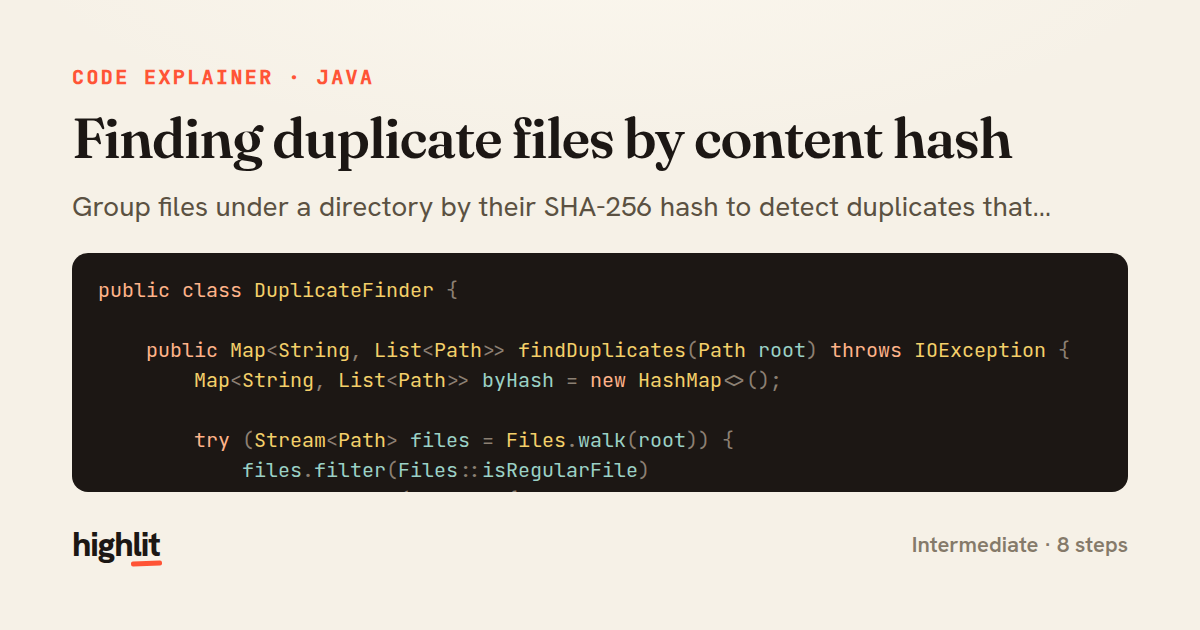
Made with highlit — turn any snippet into a walkthrough like this in about a minute.
Explain your code
Embed this explainer
Drop the interactive walkthrough into a blog or docs. Views never cost a credit.
<iframe src="https://highlit.co/explainers/finding-duplicate-files-by-content-hash-explained-java-1fb0/embed?autoplay=1" width="100%" height="520" loading="lazy" style="border:0"></iframe>
Autoplay is on by default — add ?autoplay=0 to start paused.