javascript
27 lines · 5 steps
Generating a dynamic sitemap in Next.js
A sitemap.js route that merges static pages with published articles pulled from the database.
Explained by
highlit
1import { db } from '@/lib/db'
2
3const SITE_URL = process.env.NEXT_PUBLIC_SITE_URL ?? 'https://example.com'
4
5export default async function sitemap() {
6 const articles = await db.article.findMany({
7 where: { status: 'published', publishedAt: { not: null } },
8 select: { slug: true, updatedAt: true, publishedAt: true },
9 orderBy: { publishedAt: 'desc' },
10 })
11
12 const staticRoutes = ['', '/blog', '/about'].map((path) => ({
13 url: `${SITE_URL}${path}`,
14 lastModified: new Date(),
15 changeFrequency: 'daily',
16 priority: path === '' ? 1 : 0.7,
17 }))
18
19 const articleRoutes = articles.map((article) => ({
20 url: `${SITE_URL}/blog/${article.slug}`,
21 lastModified: article.updatedAt ?? article.publishedAt,
22 changeFrequency: 'weekly',
23 priority: 0.6,
24 }))
25
26 return [...staticRoutes, ...articleRoutes]
27}
01 / 01
STEP 01
‹ swipe to step through ›
Walkthrough
Space play
←→ step
click any line
Three takeaways
- 1Next.js turns a default-exported sitemap function into an XML sitemap automatically from the array you return.
- 2Deriving routes from live database records keeps your sitemap in sync without manual edits.
- 3Reading the base URL from an environment variable lets the same code produce correct URLs across environments.
Related explainers
python
from fastapi import FastAPI, WebSocket, WebSocketDisconnect

app = FastAPI()
Building a WebSocket chat with FastAPI
websockets
broadcast
connection-management
Intermediate
9 steps
javascript
function evaluate(expression) {
  const tokens = tokenize(expression);
  let pos = 0;
Building a recursive descent calculator
parsing
recursion
operator-precedence
Intermediate
8 steps
rust
use axum::{
    extract::{Path, State},
    response::sse::{Event, KeepAlive, Sse},
};
Streaming import progress with SSE in Axum
server-sent-events
streams
watch-channel
Advanced
7 steps
javascript
import { useState, useEffect, useCallback, useRef } from 'react';

const cache = new Map();
const inflight = new Map();
Building a stale-while-revalidate hook in React
caching
request-deduplication
custom-hooks
Advanced
10 steps
javascript
import { useEffect, useRef, useState } from 'react';

export function useDelayedFlag(active, delay = 300) {
  const [visible, setVisible] = useState(false);
Delaying a loading spinner with a React hook
custom-hooks
debouncing
cleanup
Intermediate
8 steps
javascript
const SWIPE_THRESHOLD = 80;
const MAX_TRANSLATE = 120;

export function attachSwipeToDismiss(element, onDismiss) {
Building a swipe-to-dismiss gesture in JS
touch-events
gesture-detection
dom-manipulation
Intermediate
10 steps
Share this explainer
Here's the card — post it anywhere.
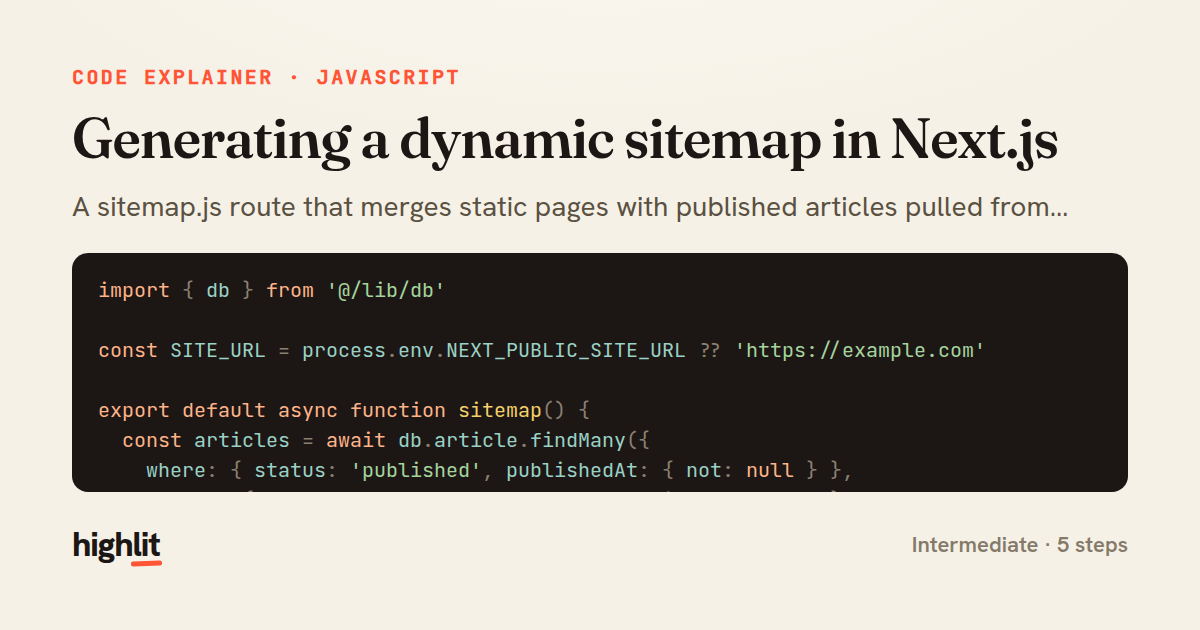
Made with highlit — turn any snippet into a walkthrough like this in about a minute.
Explain your code
Embed this explainer
Drop the interactive walkthrough into a blog or docs. Views never cost a credit.
<iframe src="https://highlit.co/explainers/generating-a-dynamic-sitemap-in-next-js-explained-javascript-c7c3/embed?autoplay=1" width="100%" height="520" loading="lazy" style="border:0"></iframe>
Autoplay is on by default — add ?autoplay=0 to start paused.