go
40 lines · 5 steps
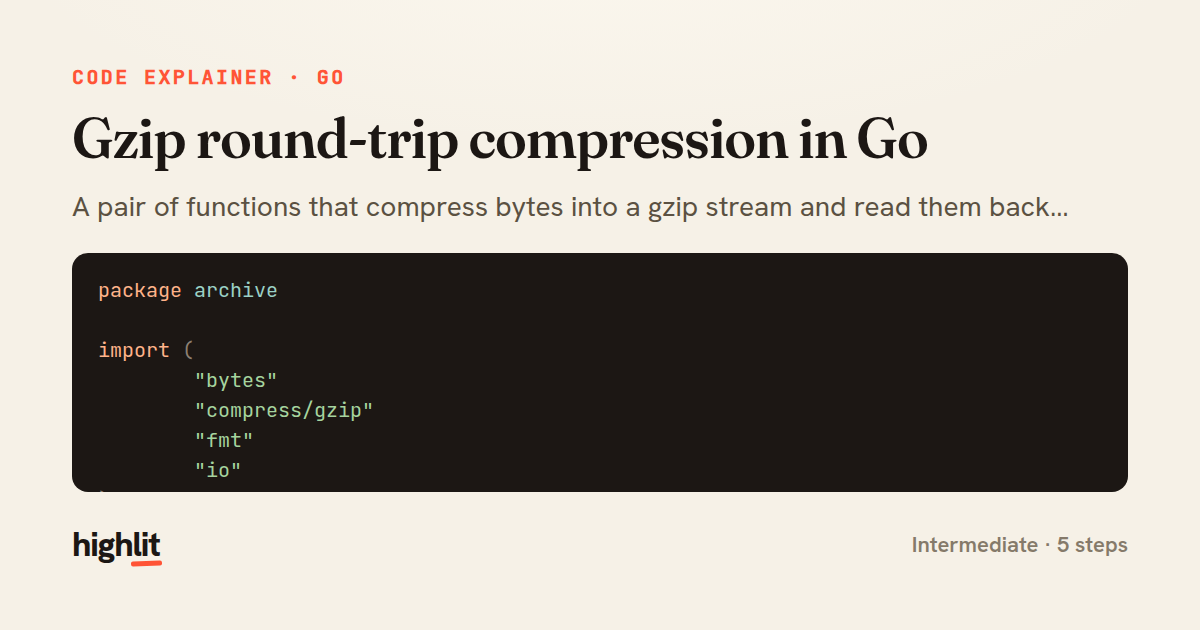
Gzip round-trip compression in Go
A pair of functions that compress bytes into a gzip stream and read them back out again.
Explained by
highlit
1package archive
2
3import (
4 "bytes"
5 "compress/gzip"
6 "fmt"
7 "io"
8)
9
10func Compress(data []byte, name string) ([]byte, error) {
11 var buf bytes.Buffer
12 zw, err := gzip.NewWriterLevel(&buf, gzip.BestCompression)
13 if err != nil {
14 return nil, fmt.Errorf("init gzip writer: %w", err)
15 }
16 zw.Name = name
17
18 if _, err := zw.Write(data); err != nil {
19 zw.Close()
20 return nil, fmt.Errorf("write payload: %w", err)
21 }
22 if err := zw.Close(); err != nil {
23 return nil, fmt.Errorf("flush gzip stream: %w", err)
24 }
25 return buf.Bytes(), nil
26}
27
28func Decompress(gzipped []byte) ([]byte, error) {
29 zr, err := gzip.NewReader(bytes.NewReader(gzipped))
30 if err != nil {
31 return nil, fmt.Errorf("open gzip stream: %w", err)
32 }
33 defer zr.Close()
34
35 out, err := io.ReadAll(zr)
36 if err != nil {
37 return nil, fmt.Errorf("read %q: %w", zr.Name, err)
38 }
39 return out, nil
40}
01 / 01
STEP 01
‹ swipe to step through ›
Walkthrough
Space play
←→ step
click any line
Three takeaways
- 1Wrapping a bytes.Buffer with a gzip writer lets you build a compressed blob entirely in memory.
- 2The gzip Close call flushes trailing data, so its error must be checked rather than deferred and ignored.
- 3Wrapping errors with %w preserves the underlying cause while adding context about which stage failed.
Related explainers
rust
use serde::Deserialize;

#[derive(Debug, Deserialize)]
#[serde(untagged)]
Parsing flexible JSON shapes with serde
deserialization
enums
json
Intermediate
6 steps
ruby
require "shellwords"
require "open3"

module Backup
Building safe shell commands in Ruby
shell-out
subprocess
command-injection
Intermediate
7 steps
go
package streaming

import (
	"bufio"
Streaming NDJSON logs over HTTP in Go
http-streaming
channels
select
Advanced
10 steps
go
package api

import (
	"crypto/sha256"
ETag conditional requests in Gin
http-caching
etag
conditional-requests
Intermediate
6 steps
go
func (w *Watcher) resetDebounce(d time.Duration) {
	if !w.timer.Stop() {
		select {
		case <-w.timer.C:
Debouncing a stream of events in Go
debounce
timers
channels
Advanced
7 steps
rust
use chrono::{Duration, NaiveDate};

#[derive(Debug)]
pub struct DateRange {
Parsing and iterating date ranges in Rust
error-handling
iterators
parsing
Intermediate
7 steps
Share this explainer
Here's the card — post it anywhere.
Made with highlit — turn any snippet into a walkthrough like this in about a minute.
Explain your code
Embed this explainer
Drop the interactive walkthrough into a blog or docs. Views never cost a credit.
<iframe src="https://highlit.co/explainers/gzip-round-trip-compression-in-go-explained-go-6e7e/embed?autoplay=1" width="100%" height="520" loading="lazy" style="border:0"></iframe>
Autoplay is on by default — add ?autoplay=0 to start paused.