python
33 lines · 7 steps
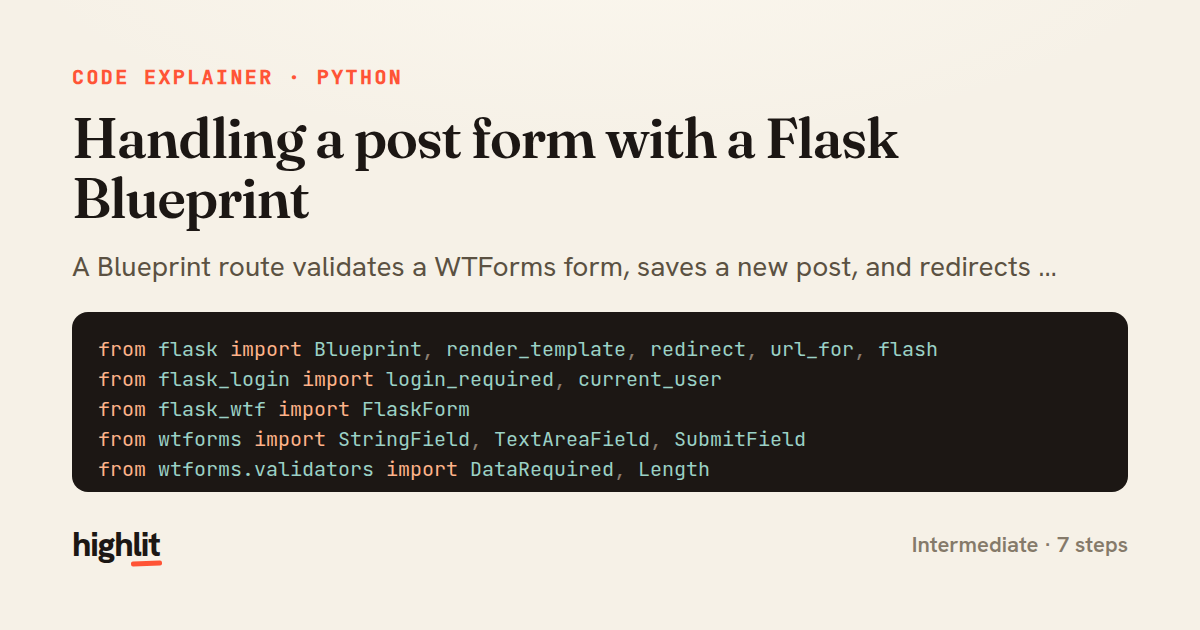
Handling a post form with a Flask Blueprint
A Blueprint route validates a WTForms form, saves a new post, and redirects on success.
Explained by
highlit
1from flask import Blueprint, render_template, redirect, url_for, flash
2from flask_login import login_required, current_user
3from flask_wtf import FlaskForm
4from wtforms import StringField, TextAreaField, SubmitField
5from wtforms.validators import DataRequired, Length
6
7from .models import db, Post
8
9bp = Blueprint("posts", __name__, url_prefix="/posts")
10
11
12class PostForm(FlaskForm):
13 title = StringField("Title", validators=[DataRequired(), Length(max=140)])
14 body = TextAreaField("Body", validators=[DataRequired(), Length(min=10)])
15 submit = SubmitField("Publish")
16
17
18@bp.route("/new", methods=["GET", "POST"])
19@login_required
20def create():
21 form = PostForm()
22 if form.validate_on_submit():
23 post = Post(
24 title=form.title.data.strip(),
25 body=form.body.data.strip(),
26 author=current_user,
27 )
28 db.session.add(post)
29 db.session.commit()
30 flash("Your post has been published.", "success")
31 return redirect(url_for("posts.detail", post_id=post.id))
32
33 return render_template("posts/new.html", form=form)
01 / 01
STEP 01
‹ swipe to step through ›
Walkthrough
Space play
←→ step
click any line
Three takeaways
- 1Blueprints group related routes under a shared URL prefix so features stay modular.
- 2validate_on_submit collapses the GET-render and POST-handle branches into one clean function.
- 3Redirecting after a successful POST prevents duplicate submissions on browser refresh.
Related explainers
python
from fastapi import FastAPI, WebSocket, WebSocketDisconnect

app = FastAPI()
Building a WebSocket chat with FastAPI
websockets
broadcast
connection-management
Intermediate
9 steps
python
import time
import uuid

from django.utils.deprecation import MiddlewareMixin
Attaching per-request context in Django
middleware
request lifecycle
multi-tenancy
Intermediate
7 steps
python
import random
from typing import Iterator, List
How reservoir sampling picks k items
reservoir-sampling
streaming
randomness
Intermediate
5 steps
python
import secrets

from django.contrib.auth import authenticate, login
from django.core.cache import cache
Two-factor login with OTP in Django
two-factor-auth
one-time-passwords
caching
Intermediate
9 steps
python
import re
from functools import total_ordering
from typing import Optional
Parsing and comparing semantic versions
regex
operator-overloading
sorting
Intermediate
7 steps
ruby
require "openssl"
require "base32"

class TOTP
How TOTP one-time codes work in Ruby
hmac
authentication
totp
Intermediate
7 steps
Share this explainer
Here's the card — post it anywhere.
Made with highlit — turn any snippet into a walkthrough like this in about a minute.
Explain your code
Embed this explainer
Drop the interactive walkthrough into a blog or docs. Views never cost a credit.
<iframe src="https://highlit.co/explainers/handling-a-post-form-with-a-flask-blueprint-explained-python-fbd0/embed?autoplay=1" width="100%" height="520" loading="lazy" style="border:0"></iframe>
Autoplay is on by default — add ?autoplay=0 to start paused.