javascript
36 lines · 7 steps
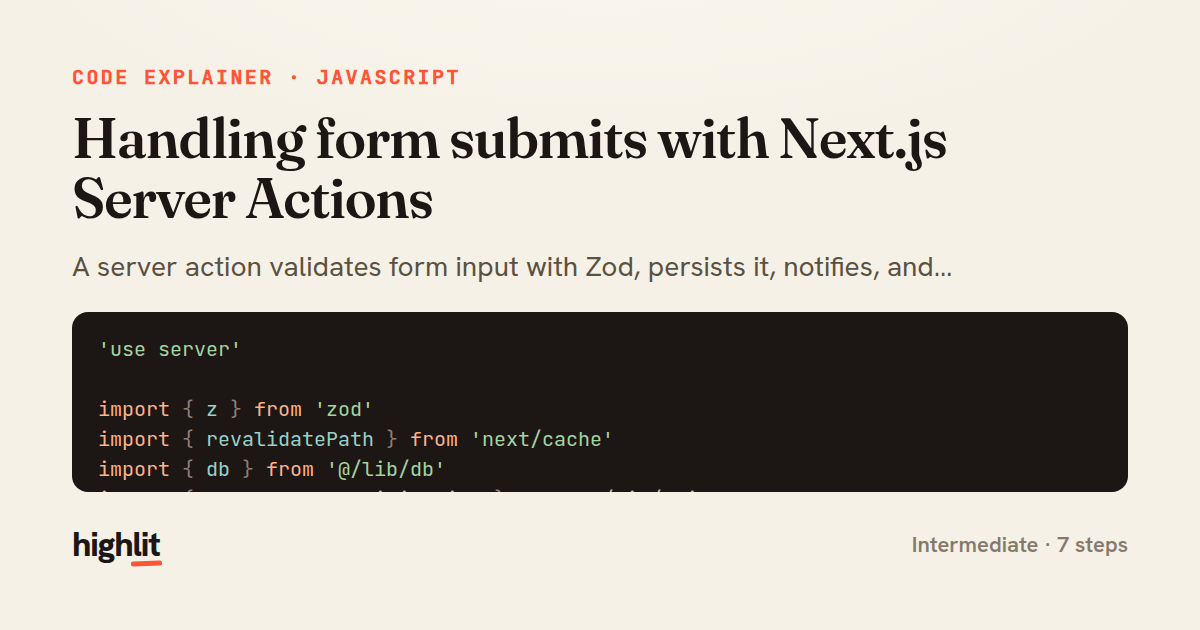
Handling form submits with Next.js Server Actions
A server action validates form input with Zod, persists it, notifies, and revalidates the page cache.
Explained by
highlit
1'use server'
2
3import { z } from 'zod'
4import { revalidatePath } from 'next/cache'
5import { db } from '@/lib/db'
6import { sendContactNotification } from '@/lib/mailer'
7
8const ContactSchema = z.object({
9 name: z.string().trim().min(1, 'Name is required').max(120),
10 email: z.string().trim().email('Enter a valid email address'),
11 message: z.string().trim().min(10, 'Message must be at least 10 characters'),
12})
13
14export async function submitContact(_prevState, formData) {
15 const parsed = ContactSchema.safeParse({
16 name: formData.get('name'),
17 email: formData.get('email'),
18 message: formData.get('message'),
19 })
20
21 if (!parsed.success) {
22 return {
23 status: 'error',
24 errors: parsed.error.flatten().fieldErrors,
25 }
26 }
27
28 const submission = await db.contactSubmission.create({
29 data: parsed.data,
30 })
31
32 await sendContactNotification(submission)
33 revalidatePath('/contact')
34
35 return { status: 'success', message: "Thanks! We'll be in touch soon." }
36}
01 / 01
STEP 01
‹ swipe to step through ›
Walkthrough
Space play
←→ step
click any line
Three takeaways
- 1Validating on the server with a schema keeps trusted logic off the client and returns structured errors.
- 2Server actions can talk directly to your database and side-effect services without a separate API route.
- 3Calling revalidatePath after a mutation keeps cached pages in sync with fresh data.
Related explainers
php
<?php

namespace App\Services\Checkout;
Validating coupons with Laravel's Pipeline
pipeline
chain of responsibility
transactions
Intermediate
7 steps
javascript
function evaluate(expression) {
  const tokens = tokenize(expression);
  let pos = 0;
Building a recursive descent calculator
parsing
recursion
operator-precedence
Intermediate
8 steps
php
<?php

namespace App\Services;
How a password strength validator works in PHP
validation
regular-expressions
data-driven
Intermediate
8 steps
javascript
import { useState, useEffect, useCallback, useRef } from 'react';

const cache = new Map();
const inflight = new Map();
Building a stale-while-revalidate hook in React
caching
request-deduplication
custom-hooks
Advanced
10 steps
rust
use chrono::{Duration, NaiveDate};

#[derive(Debug)]
pub struct DateRange {
Parsing and iterating date ranges in Rust
error-handling
iterators
parsing
Intermediate
7 steps
javascript
import { useEffect, useRef, useState } from 'react';

export function useDelayedFlag(active, delay = 300) {
  const [visible, setVisible] = useState(false);
Delaying a loading spinner with a React hook
custom-hooks
debouncing
cleanup
Intermediate
8 steps
Share this explainer
Here's the card — post it anywhere.
Made with highlit — turn any snippet into a walkthrough like this in about a minute.
Explain your code
Embed this explainer
Drop the interactive walkthrough into a blog or docs. Views never cost a credit.
<iframe src="https://highlit.co/explainers/handling-form-submits-with-next-js-server-actions-explained-javascript-2507/embed?autoplay=1" width="100%" height="520" loading="lazy" style="border:0"></iframe>
Autoplay is on by default — add ?autoplay=0 to start paused.