typescript
34 lines · 7 steps
Handling HTTP redirects in NestJS
A NestJS controller shows three ways to redirect: static, query-tuned, and database-resolved short links.
Explained by
highlit
1import { Controller, Get, Param, Query, Redirect, NotFoundException } from '@nestjs/common';
2import { LinksService } from './links.service';
3
4@Controller('links')
5export class LinksController {
6 constructor(private readonly linksService: LinksService) {}
7
8 @Get('docs')
9 @Redirect('https://docs.nestjs.com', 301)
10 toDocs() {}
11
12 @Get('version')
13 @Redirect('https://docs.nestjs.com')
14 version(@Query('v') version?: string) {
15 if (version === 'beta') {
16 return { url: 'https://docs.nestjs.com/next', statusCode: 302 };
17 }
18 return { url: 'https://docs.nestjs.com', statusCode: 301 };
19 }
20
21 @Get(':slug')
22 @Redirect()
23 async resolve(@Param('slug') slug: string) {
24 const link = await this.linksService.findBySlug(slug);
25
26 if (!link || link.expiresAt < new Date()) {
27 throw new NotFoundException(`No active link for '${slug}'`);
28 }
29
30 await this.linksService.recordVisit(link.id);
31
32 return { url: link.target, statusCode: link.permanent ? 301 : 302 };
33 }
34}
01 / 01
STEP 01
‹ swipe to step through ›
Walkthrough
Space play
←→ step
click any line
Three takeaways
- 1The @Redirect decorator accepts a static target or lets the handler override url and statusCode by returning them.
- 2Returning statusCode 301 vs 302 controls whether a redirect is cached as permanent or treated as temporary.
- 3Throwing NotFoundException from a handler cleanly maps a missing resource to a 404 without manual response wiring.
Related explainers
typescript
import { registerLocaleData } from '@angular/common';
import localeFr from '@angular/common/locales/fr';
import localeFrExtra from '@angular/common/locales/extra/fr';
import localeDe from '@angular/common/locales/de';
Locale-aware bootstrapping in Angular
i18n
localization
dependency-injection
Intermediate
8 steps
rust
use serde::Deserialize;

#[derive(Debug, Deserialize)]
#[serde(untagged)]
Parsing flexible JSON shapes with serde
deserialization
enums
json
Intermediate
6 steps
ruby
require "shellwords"
require "open3"

module Backup
Building safe shell commands in Ruby
shell-out
subprocess
command-injection
Intermediate
7 steps
typescript
import { Module } from '@nestjs/common';
import { ConfigModule } from '@nestjs/config';
import * as Joi from 'joi';
Validating env config at boot in NestJS
configuration
schema-validation
environment-variables
Intermediate
8 steps
java
@Component
@Converter
public class EncryptedStringConverter implements AttributeConverter<String, String> {
Transparent column encryption in Spring & JPA
encryption
aes-gcm
jpa-converter
Advanced
10 steps
typescript
import { Inject, Injectable, Logger } from '@nestjs/common';
import { CACHE_MANAGER } from '@nestjs/cache-manager';
import { Cache } from 'cache-manager';
import { InjectRepository } from '@nestjs/typeorm';
A cache-aside country lookup in NestJS
cache-aside
dependency-injection
batch-lookup
Intermediate
8 steps
Share this explainer
Here's the card — post it anywhere.
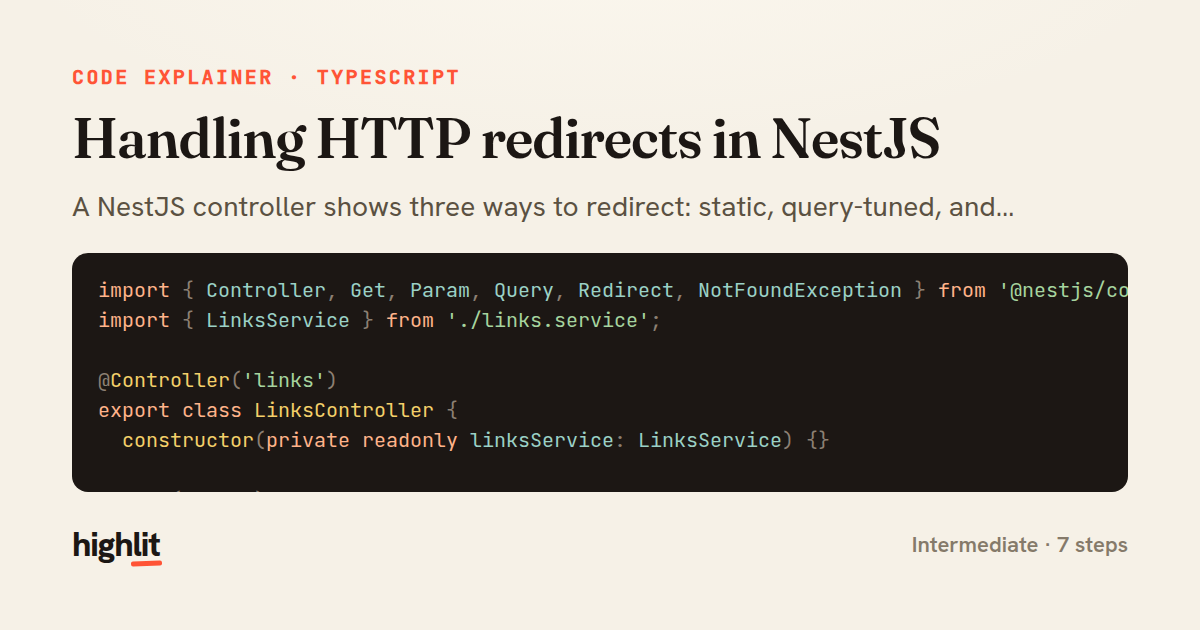
Made with highlit — turn any snippet into a walkthrough like this in about a minute.
Explain your code
Embed this explainer
Drop the interactive walkthrough into a blog or docs. Views never cost a credit.
<iframe src="https://highlit.co/explainers/handling-http-redirects-in-nestjs-explained-typescript-63f7/embed?autoplay=1" width="100%" height="520" loading="lazy" style="border:0"></iframe>
Autoplay is on by default — add ?autoplay=0 to start paused.