java
42 lines · 10 steps
Handling secure file uploads in Spring
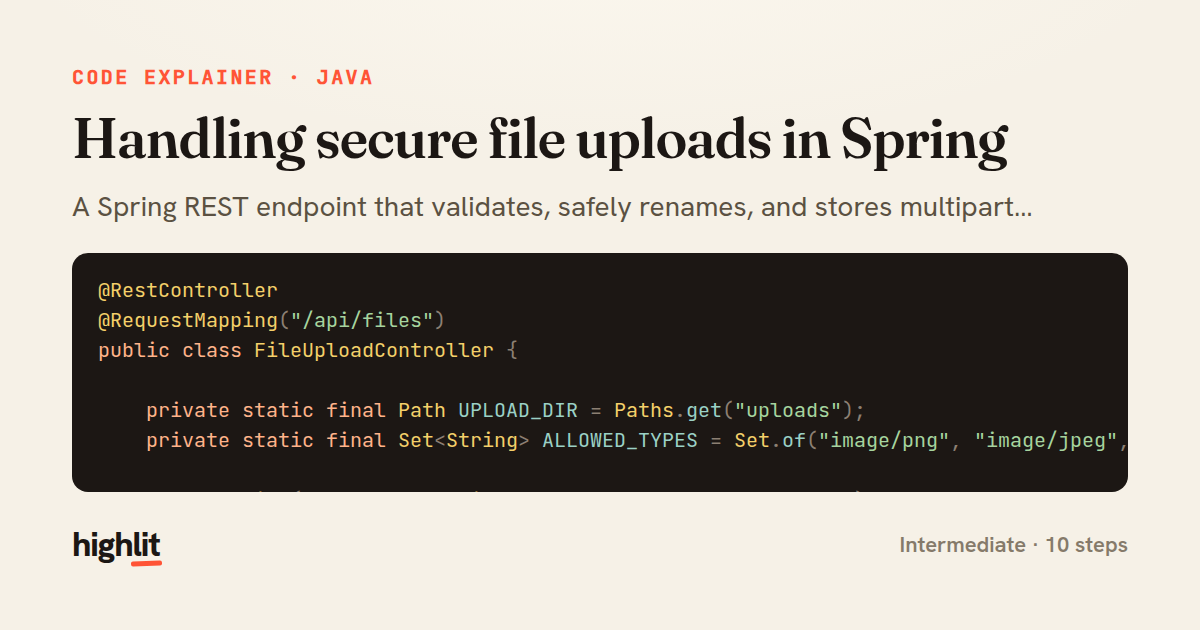
A Spring REST endpoint that validates, safely renames, and stores multipart uploads while guarding against path traversal.
Explained by
highlit
1@RestController
2@RequestMapping("/api/files")
3public class FileUploadController {
4
5 private static final Path UPLOAD_DIR = Paths.get("uploads");
6 private static final Set<String> ALLOWED_TYPES = Set.of("image/png", "image/jpeg", "application/pdf");
7
8 @PostMapping(consumes = MediaType.MULTIPART_FORM_DATA_VALUE)
9 public ResponseEntity<UploadResponse> upload(@RequestParam("file") MultipartFile file) throws IOException {
10 if (file.isEmpty()) {
11 throw new ResponseStatusException(HttpStatus.BAD_REQUEST, "File is empty");
12 }
13 if (!ALLOWED_TYPES.contains(file.getContentType())) {
14 throw new ResponseStatusException(HttpStatus.UNSUPPORTED_MEDIA_TYPE, "Unsupported file type");
15 }
16
17 Files.createDirectories(UPLOAD_DIR);
18
19 String original = StringUtils.cleanPath(Objects.requireNonNull(file.getOriginalFilename()));
20 String extension = StringUtils.getFilenameExtension(original);
21 String storedName = UUID.randomUUID() + (extension != null ? "." + extension : "");
22 Path target = UPLOAD_DIR.resolve(storedName).normalize();
23
24 if (!target.startsWith(UPLOAD_DIR)) {
25 throw new ResponseStatusException(HttpStatus.BAD_REQUEST, "Invalid file path");
26 }
27
28 try (InputStream in = file.getInputStream()) {
29 Files.copy(in, target, StandardCopyOption.REPLACE_EXISTING);
30 }
31
32 URI location = ServletUriComponentsBuilder.fromCurrentRequest()
33 .path("/{name}")
34 .buildAndExpand(storedName)
35 .toUri();
36
37 return ResponseEntity.created(location)
38 .body(new UploadResponse(storedName, original, file.getSize()));
39 }
40
41 public record UploadResponse(String storedName, String originalName, long size) {}
42}
01 / 01
STEP 01
‹ swipe to step through ›
Walkthrough
Space play
←→ step
click any line
Three takeaways
- 1Validate uploads on both emptiness and content type before touching the filesystem.
- 2Generate server-side filenames and normalize paths to defend against path traversal attacks.
- 3Return 201 Created with a Location header so clients can immediately reference the stored resource.
Related explainers
java
@Component
@Converter
public class EncryptedStringConverter implements AttributeConverter<String, String> {
Transparent column encryption in Spring & JPA
encryption
aes-gcm
jpa-converter
Advanced
10 steps
java
package com.acme.billing.config;

import org.springframework.boot.autoconfigure.condition.ConditionalOnProperty;
import org.springframework.boot.context.properties.ConfigurationProperties;
Feature-flagged beans with Spring @ConditionalOnProperty
feature-flags
conditional-beans
strategy-pattern
Intermediate
5 steps
java
public static Map<String, String> parseCookieHeader(String header) {
    Map<String, String> cookies = new LinkedHashMap<>();
    if (header == null || header.isBlank()) {
        return cookies;
Parsing an HTTP Cookie header in Java
string-parsing
http
url-decoding
Intermediate
6 steps
java
public class TimedSocketReader {

    private static final int READ_TIMEOUT_MS = 5_000;
    private static final int CONNECT_TIMEOUT_MS = 3_000;
Reading a socket with connect and read timeouts
sockets
timeouts
io
Intermediate
8 steps
go
package middleware

import (
	"net/http"
Per-plan export limits in Gin middleware
middleware
rate-limiting
authorization
Intermediate
7 steps
java
public final class EncodingDetector {

    public enum Encoding {
        UTF_8, UTF_16LE, UTF_16BE, UTF_32LE, UTF_32BE, ASCII, UNKNOWN
Detecting text encoding from raw bytes in Java
byte-manipulation
encoding-detection
bitwise-operations
Intermediate
8 steps
Share this explainer
Here's the card — post it anywhere.
Made with highlit — turn any snippet into a walkthrough like this in about a minute.
Explain your code
Embed this explainer
Drop the interactive walkthrough into a blog or docs. Views never cost a credit.
<iframe src="https://highlit.co/explainers/handling-secure-file-uploads-in-spring-explained-java-987b/embed?autoplay=1" width="100%" height="520" loading="lazy" style="border:0"></iframe>
Autoplay is on by default — add ?autoplay=0 to start paused.