php
67 lines · 8 steps
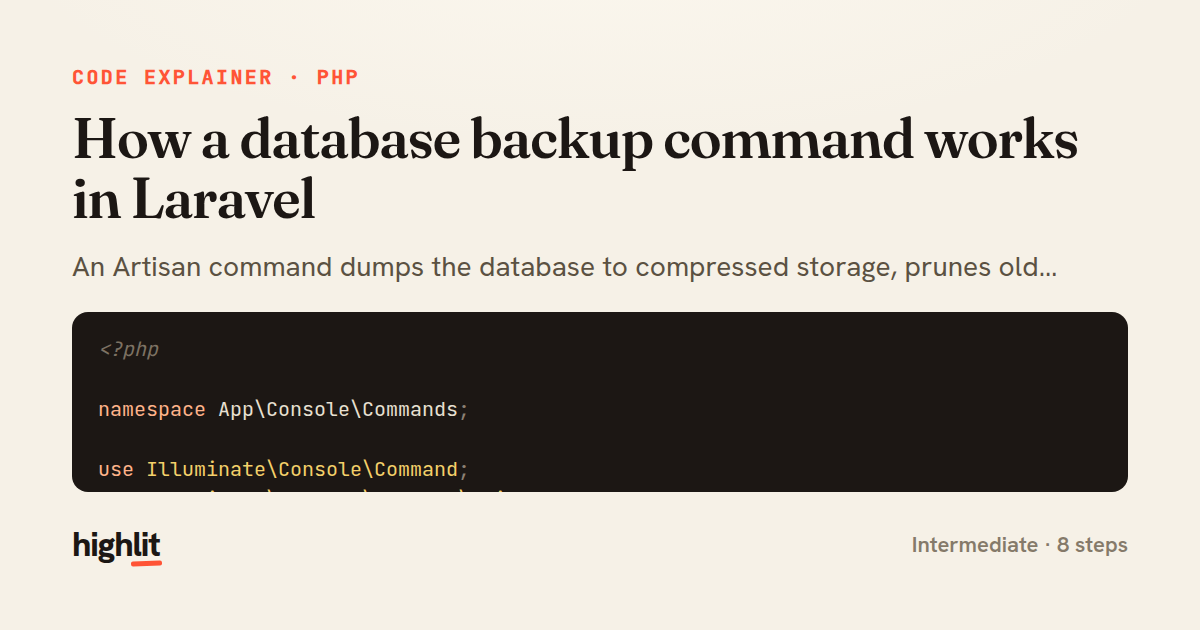
How a database backup command works in Laravel
An Artisan command dumps the database to compressed storage, prunes old copies, and emails admins when it fails.
Explained by
highlit
1<?php
2
3namespace App\Console\Commands;
4
5use Illuminate\Console\Command;
6use Illuminate\Support\Facades\Mail;
7use Illuminate\Support\Facades\Storage;
8use App\Mail\BackupFailed;
9use Symfony\Component\Process\Process;
10use Symfony\Component\Process\Exception\ProcessFailedException;
11use Throwable;
12
13class BackupDatabase extends Command
14{
15 protected $signature = 'db:backup {--keep=7 : Number of nightly backups to retain}';
16
17 protected $description = 'Dump the database to storage and notify admins on failure';
18
19 public function handle(): int
20 {
21 $connection = config('database.default');
22 $db = config("database.connections.{$connection}");
23
24 $filename = sprintf('backups/%s-%s.sql.gz', $db['database'], now()->format('Y-m-d_His'));
25 $target = Storage::disk('local')->path($filename);
26
27 Storage::disk('local')->makeDirectory('backups');
28
29 $command = sprintf(
30 'mysqldump --host=%s --port=%s --user=%s --password=%s --single-transaction %s | gzip > %s',
31 escapeshellarg($db['host']),
32 escapeshellarg((string) $db['port']),
33 escapeshellarg($db['username']),
34 escapeshellarg($db['password']),
35 escapeshellarg($db['database']),
36 escapeshellarg($target)
37 );
38
39 try {
40 $process = Process::fromShellCommandline($command)->setTimeout(600);
41 $process->mustRun();
42
43 $this->pruneOldBackups((int) $this->option('keep'));
44 $this->info("Backup written to {$filename}");
45
46 return self::SUCCESS;
47 } catch (ProcessFailedException|Throwable $e) {
48 report($e);
49
50 Mail::to(config('backup.notify_email'))
51 ->send(new BackupFailed($e->getMessage()));
52
53 $this->error('Database backup failed: ' . $e->getMessage());
54
55 return self::FAILURE;
56 }
57 }
58
59 protected function pruneOldBackups(int $keep): void
60 {
61 $files = collect(Storage::disk('local')->files('backups'))
62 ->sortDesc()
63 ->slice($keep);
64
65 Storage::disk('local')->delete($files->all());
66 }
67}
01 / 01
STEP 01
‹ swipe to step through ›
Walkthrough
Space play
←→ step
click any line
Three takeaways
- 1Wrapping external shell processes in try/catch lets you turn failures into reports and notifications instead of silent crashes.
- 2Escaping every shell argument prevents injection when interpolating config values into a command string.
- 3Retention is a separate concern: sort backups and slice off everything beyond the keep count to prune.
Related explainers
php
<?php

class NameParser
{
Parsing a full name into components in PHP
string-parsing
arrays
normalization
Intermediate
8 steps
rust
use serde::Deserialize;

#[derive(Debug, Deserialize)]
#[serde(untagged)]
Parsing flexible JSON shapes with serde
deserialization
enums
json
Intermediate
6 steps
ruby
require "shellwords"
require "open3"

module Backup
Building safe shell commands in Ruby
shell-out
subprocess
command-injection
Intermediate
7 steps
php
<?php

namespace App\Services\Checkout;
Validating coupons with Laravel's Pipeline
pipeline
chain of responsibility
transactions
Intermediate
7 steps
php
<?php

namespace App\Services;
How a password strength validator works in PHP
validation
regular-expressions
data-driven
Intermediate
8 steps
php
<?php

namespace App\Services;
Building a cached daily leaderboard in Laravel
caching
aggregation
eager-loading
Intermediate
9 steps
Share this explainer
Here's the card — post it anywhere.
Made with highlit — turn any snippet into a walkthrough like this in about a minute.
Explain your code
Embed this explainer
Drop the interactive walkthrough into a blog or docs. Views never cost a credit.
<iframe src="https://highlit.co/explainers/how-a-database-backup-command-works-in-laravel-explained-php-b584/embed?autoplay=1" width="100%" height="520" loading="lazy" style="border:0"></iframe>
Autoplay is on by default — add ?autoplay=0 to start paused.