python
53 lines · 9 steps
How a Flask image upload endpoint works
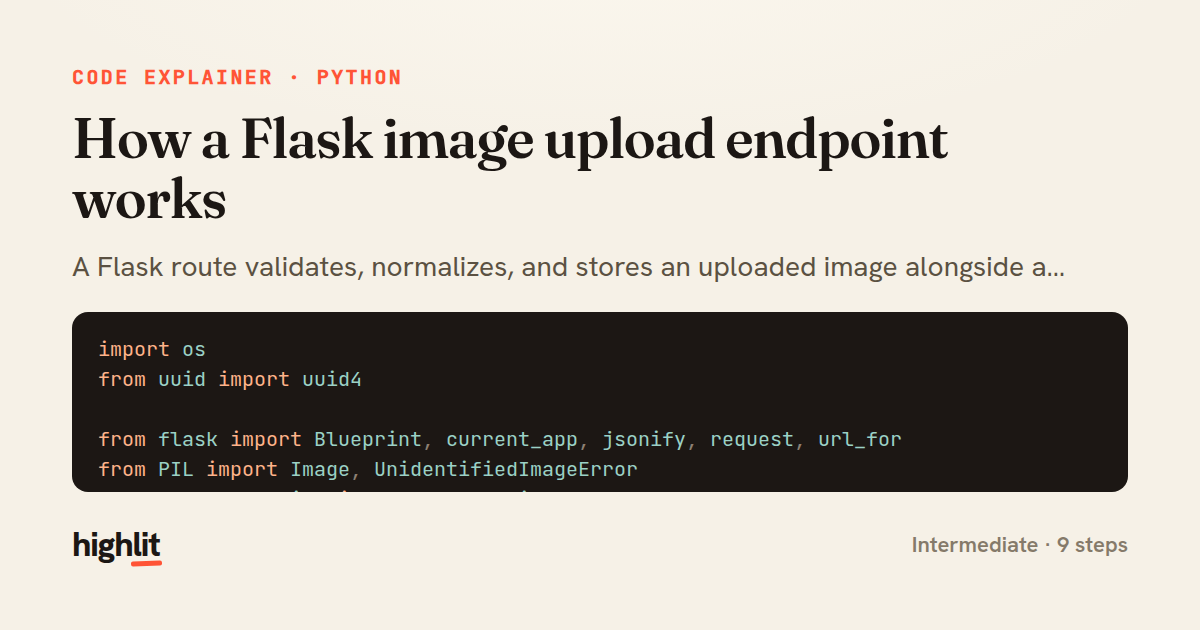
A Flask route validates, normalizes, and stores an uploaded image alongside a generated thumbnail.
Explained by
highlit
1import os
2from uuid import uuid4
3
4from flask import Blueprint, current_app, jsonify, request, url_for
5from PIL import Image, UnidentifiedImageError
6from werkzeug.utils import secure_filename
7
8uploads = Blueprint("uploads", __name__)
9
10ALLOWED = {"png", "jpg", "jpeg", "webp"}
11THUMB_SIZE = (320, 320)
12
13
14def _allowed(filename):
15 return "." in filename and filename.rsplit(".", 1)[1].lower() in ALLOWED
16
17
18@uploads.route("/images", methods=["POST"])
19def upload_image():
20 file = request.files.get("image")
21 if file is None or file.filename == "":
22 return jsonify(error="no image provided"), 400
23 if not _allowed(file.filename):
24 return jsonify(error="unsupported file type"), 415
25
26 try:
27 image = Image.open(file.stream)
28 image.verify()
29 file.stream.seek(0)
30 image = Image.open(file.stream)
31 except UnidentifiedImageError:
32 return jsonify(error="invalid image data"), 400
33
34 if image.mode in ("P", "RGBA"):
35 image = image.convert("RGB")
36
37 stem = f"{uuid4().hex}_{secure_filename(file.filename.rsplit('.', 1)[0])}"
38 media_dir = current_app.config["MEDIA_ROOT"]
39 original_name = f"{stem}.jpg"
40 thumb_name = f"{stem}_thumb.jpg"
41
42 image.save(os.path.join(media_dir, original_name), "JPEG", quality=90)
43
44 thumb = image.copy()
45 thumb.thumbnail(THUMB_SIZE, Image.LANCZOS)
46 thumb.save(os.path.join(media_dir, thumb_name), "JPEG", quality=80)
47
48 return jsonify(
49 original=url_for("static", filename=f"media/{original_name}"),
50 thumbnail=url_for("static", filename=f"media/{thumb_name}"),
51 width=image.width,
52 height=image.height,
53 ), 201
01 / 01
STEP 01
‹ swipe to step through ›
Walkthrough
Space play
←→ step
click any line
Three takeaways
- 1Validate uploads by both extension and actual decodable content before trusting them.
- 2Randomizing and sanitizing filenames prevents collisions and path-traversal attacks.
- 3Normalizing to a single format and mode keeps stored media predictable downstream.
Related explainers
python
from fastapi import FastAPI, WebSocket, WebSocketDisconnect

app = FastAPI()
Building a WebSocket chat with FastAPI
websockets
broadcast
connection-management
Intermediate
9 steps
php
<?php

namespace App\Services\Checkout;
Validating coupons with Laravel's Pipeline
pipeline
chain of responsibility
transactions
Intermediate
7 steps
python
import time
import uuid

from django.utils.deprecation import MiddlewareMixin
Attaching per-request context in Django
middleware
request lifecycle
multi-tenancy
Intermediate
7 steps
php
<?php

namespace App\Services;
How a password strength validator works in PHP
validation
regular-expressions
data-driven
Intermediate
8 steps
python
import random
from typing import Iterator, List
How reservoir sampling picks k items
reservoir-sampling
streaming
randomness
Intermediate
5 steps
rust
use chrono::{Duration, NaiveDate};

#[derive(Debug)]
pub struct DateRange {
Parsing and iterating date ranges in Rust
error-handling
iterators
parsing
Intermediate
7 steps
Share this explainer
Here's the card — post it anywhere.
Made with highlit — turn any snippet into a walkthrough like this in about a minute.
Explain your code
Embed this explainer
Drop the interactive walkthrough into a blog or docs. Views never cost a credit.
<iframe src="https://highlit.co/explainers/how-a-flask-image-upload-endpoint-works-explained-python-6a6e/embed?autoplay=1" width="100%" height="520" loading="lazy" style="border:0"></iframe>
Autoplay is on by default — add ?autoplay=0 to start paused.