typescript
36 lines · 7 steps
How a JWT strategy authenticates in NestJS
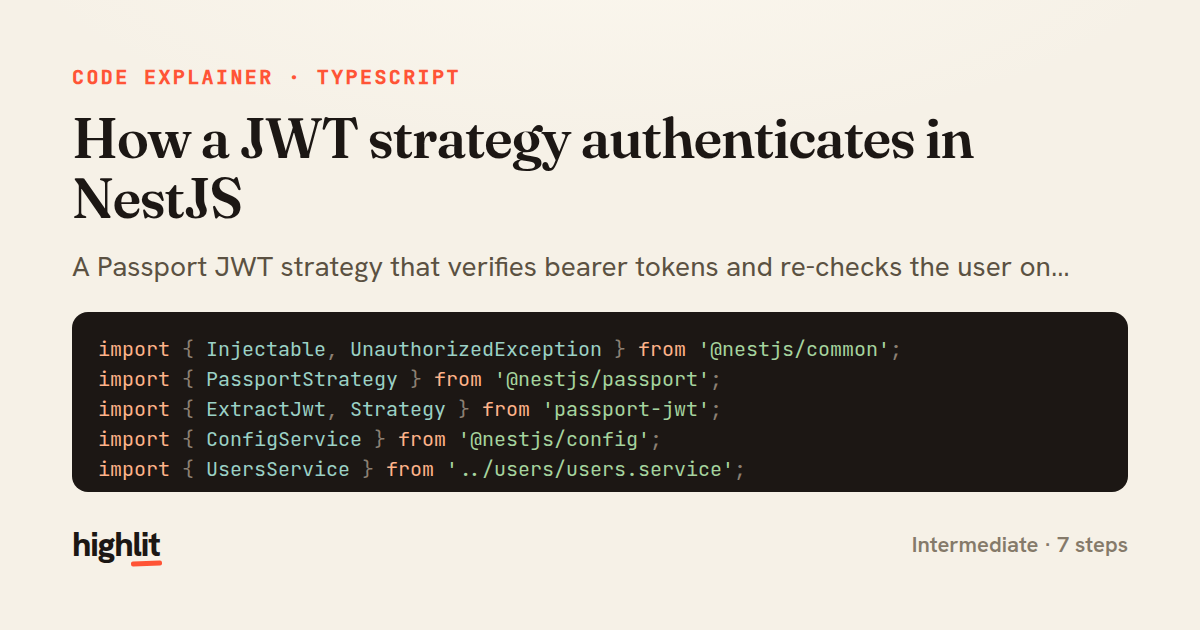
A Passport JWT strategy that verifies bearer tokens and re-checks the user on every request.
Explained by
highlit
1import { Injectable, UnauthorizedException } from '@nestjs/common';
2import { PassportStrategy } from '@nestjs/passport';
3import { ExtractJwt, Strategy } from 'passport-jwt';
4import { ConfigService } from '@nestjs/config';
5import { UsersService } from '../users/users.service';
6
7interface JwtPayload {
8 sub: string;
9 email: string;
10 role: string;
11}
12
13@Injectable()
14export class JwtStrategy extends PassportStrategy(Strategy) {
15 constructor(
16 private readonly config: ConfigService,
17 private readonly usersService: UsersService,
18 ) {
19 super({
20 jwtFromRequest: ExtractJwt.fromAuthHeaderAsBearerToken(),
21 ignoreExpiration: false,
22 secretOrKey: config.getOrThrow<string>('JWT_SECRET'),
23 issuer: config.get<string>('JWT_ISSUER'),
24 });
25 }
26
27 async validate(payload: JwtPayload) {
28 const user = await this.usersService.findById(payload.sub);
29
30 if (!user || user.disabledAt) {
31 throw new UnauthorizedException('Account is no longer active');
32 }
33
34 return { id: user.id, email: user.email, role: user.role };
35 }
36}
01 / 01
STEP 01
‹ swipe to step through ›
Walkthrough
Space play
←→ step
click any line
Three takeaways
- 1Passport handles signature and expiry verification before your validate method ever runs.
- 2Re-loading the user on each request lets you revoke access even while a token is still valid.
- 3Whatever validate returns becomes the request user, so return only the fields your app needs.
Related explainers
typescript
import { registerLocaleData } from '@angular/common';
import localeFr from '@angular/common/locales/fr';
import localeFrExtra from '@angular/common/locales/extra/fr';
import localeDe from '@angular/common/locales/de';
Locale-aware bootstrapping in Angular
i18n
localization
dependency-injection
Intermediate
8 steps
typescript
import { Module } from '@nestjs/common';
import { ConfigModule } from '@nestjs/config';
import * as Joi from 'joi';
Validating env config at boot in NestJS
configuration
schema-validation
environment-variables
Intermediate
8 steps
java
@Component
@Converter
public class EncryptedStringConverter implements AttributeConverter<String, String> {
Transparent column encryption in Spring & JPA
encryption
aes-gcm
jpa-converter
Advanced
10 steps
python
import time
import uuid

from django.utils.deprecation import MiddlewareMixin
Attaching per-request context in Django
middleware
request lifecycle
multi-tenancy
Intermediate
7 steps
typescript
import { Inject, Injectable, Logger } from '@nestjs/common';
import { CACHE_MANAGER } from '@nestjs/cache-manager';
import { Cache } from 'cache-manager';
import { InjectRepository } from '@nestjs/typeorm';
A cache-aside country lookup in NestJS
cache-aside
dependency-injection
batch-lookup
Intermediate
8 steps
java
package com.acme.billing.config;

import org.springframework.boot.autoconfigure.condition.ConditionalOnProperty;
import org.springframework.boot.context.properties.ConfigurationProperties;
Feature-flagged beans with Spring @ConditionalOnProperty
feature-flags
conditional-beans
strategy-pattern
Intermediate
5 steps
Share this explainer
Here's the card — post it anywhere.
Made with highlit — turn any snippet into a walkthrough like this in about a minute.
Explain your code
Embed this explainer
Drop the interactive walkthrough into a blog or docs. Views never cost a credit.
<iframe src="https://highlit.co/explainers/how-a-jwt-strategy-authenticates-in-nestjs-explained-typescript-9161/embed?autoplay=1" width="100%" height="520" loading="lazy" style="border:0"></iframe>
Autoplay is on by default — add ?autoplay=0 to start paused.