javascript
42 lines · 8 steps
How a Next.js error boundary recovers
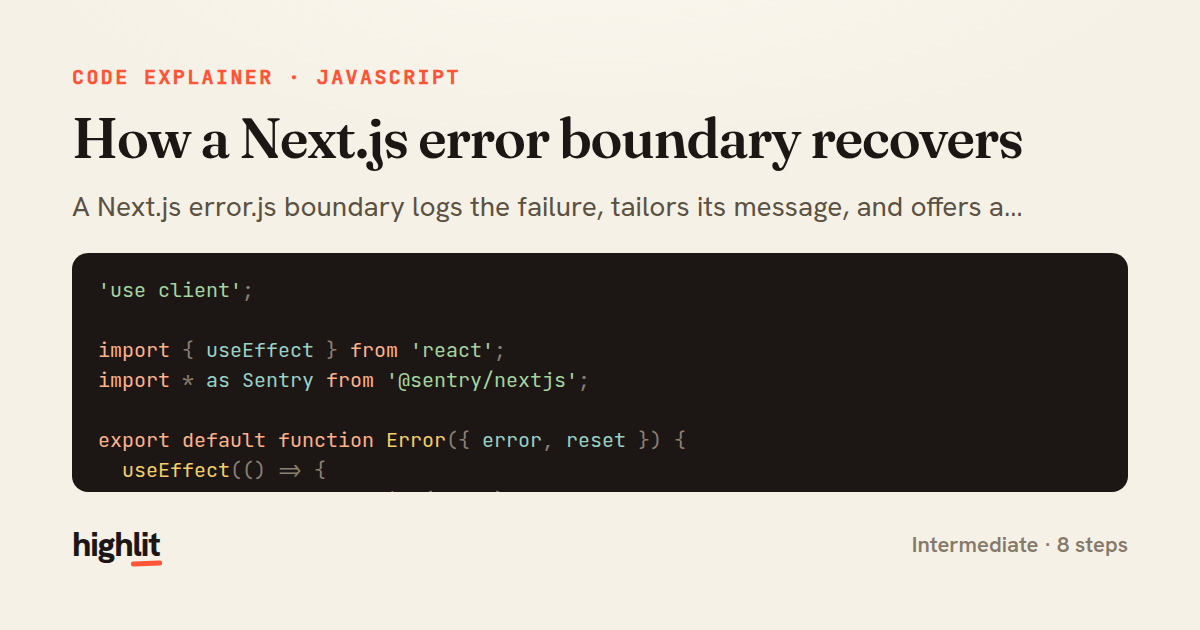
A Next.js error.js boundary logs the failure, tailors its message, and offers a retry that re-renders the segment.
Explained by
highlit
1'use client';
2
3import { useEffect } from 'react';
4import * as Sentry from '@sentry/nextjs';
5
6export default function Error({ error, reset }) {
7 useEffect(() => {
8 Sentry.captureException(error);
9 }, [error]);
10
11 const isTimeout = error?.message?.includes('timeout');
12
13 return (
14 <div className="rounded-lg border border-red-200 bg-red-50 p-6">
15 <h2 className="text-lg font-semibold text-red-800">
16 {isTimeout ? 'This is taking longer than usual' : 'Something went wrong'}
17 </h2>
18 <p className="mt-1 text-sm text-red-600">
19 We couldn't load your dashboard data.
20 {error?.digest && (
21 <span className="ml-1 font-mono text-xs text-red-400">
22 ({error.digest})
23 </span>
24 )}
25 </p>
26 <div className="mt-4 flex gap-3">
27 <button
28 onClick={() => reset()}
29 className="rounded-md bg-red-600 px-4 py-2 text-sm font-medium text-white hover:bg-red-700"
30 >
31 Try again
32 </button>
33 <a
34 href="/support"
35 className="rounded-md border border-red-300 px-4 py-2 text-sm font-medium text-red-700 hover:bg-red-100"
36 >
37 Contact support
38 </a>
39 </div>
40 </div>
41 );
42}
01 / 01
STEP 01
‹ swipe to step through ›
Walkthrough
Space play
←→ step
click any line
Three takeaways
- 1A Next.js error.js file must be a client component and receives error and reset props to catch and recover from segment failures.
- 2Reporting the error inside useEffect keyed on error ensures every distinct failure is logged exactly once.
- 3Calling reset() re-renders the failed segment, giving users an in-place retry instead of a full reload.
Related explainers
rust
use serde::Deserialize;

#[derive(Debug, Deserialize)]
#[serde(untagged)]
Parsing flexible JSON shapes with serde
deserialization
enums
json
Intermediate
6 steps
ruby
require "shellwords"
require "open3"

module Backup
Building safe shell commands in Ruby
shell-out
subprocess
command-injection
Intermediate
7 steps
python
import time
import uuid

from django.utils.deprecation import MiddlewareMixin
Attaching per-request context in Django
middleware
request lifecycle
multi-tenancy
Intermediate
7 steps
javascript
function evaluate(expression) {
  const tokens = tokenize(expression);
  let pos = 0;
Building a recursive descent calculator
parsing
recursion
operator-precedence
Intermediate
8 steps
javascript
import { useState, useEffect, useCallback, useRef } from 'react';

const cache = new Map();
const inflight = new Map();
Building a stale-while-revalidate hook in React
caching
request-deduplication
custom-hooks
Advanced
10 steps
rust
use chrono::{Duration, NaiveDate};

#[derive(Debug)]
pub struct DateRange {
Parsing and iterating date ranges in Rust
error-handling
iterators
parsing
Intermediate
7 steps
Share this explainer
Here's the card — post it anywhere.
Made with highlit — turn any snippet into a walkthrough like this in about a minute.
Explain your code
Embed this explainer
Drop the interactive walkthrough into a blog or docs. Views never cost a credit.
<iframe src="https://highlit.co/explainers/how-a-next-js-error-boundary-recovers-explained-javascript-faec/embed?autoplay=1" width="100%" height="520" loading="lazy" style="border:0"></iframe>
Autoplay is on by default — add ?autoplay=0 to start paused.