ruby
55 lines · 9 steps
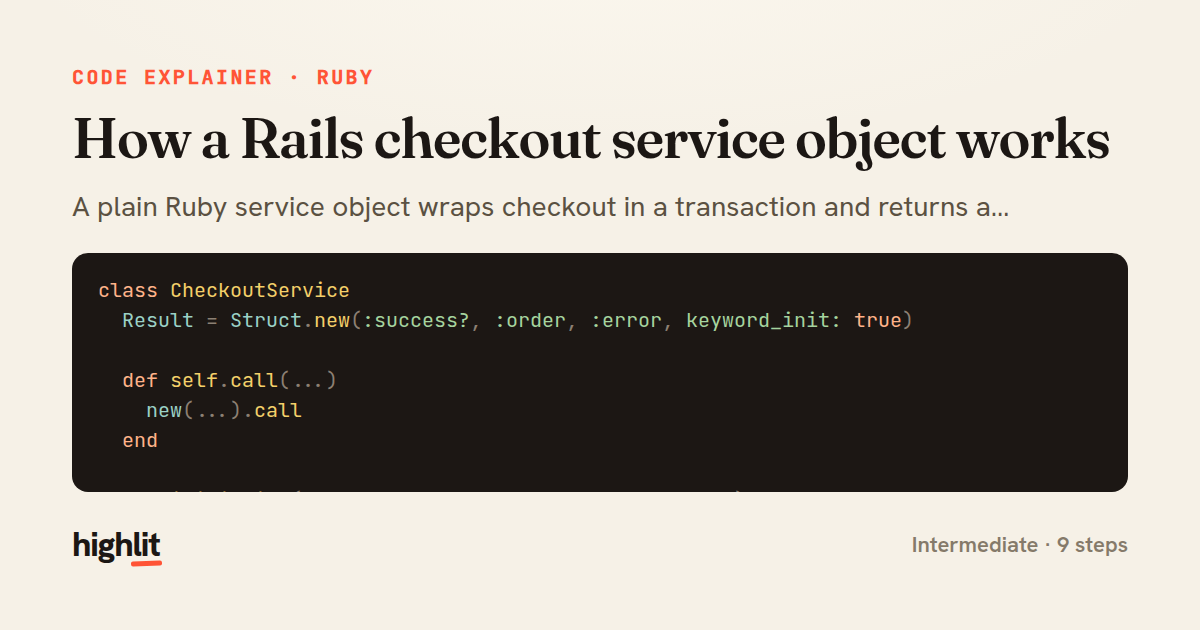
How a Rails checkout service object works
A plain Ruby service object wraps checkout in a transaction and returns a structured result instead of raising.
Explained by
highlit
1class CheckoutService
2 Result = Struct.new(:success?, :order, :error, keyword_init: true)
3
4 def self.call(...)
5 new(...).call
6 end
7
8 def initialize(cart:, payment_token:, current_user:)
9 @cart = cart
10 @payment_token = payment_token
11 @current_user = current_user
12 end
13
14 def call
15 return failure("Your cart is empty") if @cart.empty?
16
17 order = nil
18 ActiveRecord::Base.transaction do
19 order = build_order
20 order.save!
21 reserve_inventory!(order)
22 charge = PaymentGateway.charge(token: @payment_token, amount_cents: order.total_cents)
23 order.update!(payment_reference: charge.id, status: :paid)
24 end
25
26 OrderMailer.confirmation(order).deliver_later
27 @cart.clear!
28 Result.new(success?: true, order: order)
29 rescue PaymentGateway::Error => e
30 failure("Payment failed: #{e.message}")
31 rescue InventoryReservation::OutOfStock => e
32 failure("#{e.item_name} is out of stock")
33 end
34
35 private
36
37 def build_order
38 @current_user.orders.build(
39 total_cents: @cart.total_cents,
40 currency: @cart.currency,
41 status: :pending,
42 line_items_attributes: @cart.to_line_item_attributes
43 )
44 end
45
46 def reserve_inventory!(order)
47 order.line_items.each do |item|
48 InventoryReservation.reserve!(item.variant, quantity: item.quantity)
49 end
50 end
51
52 def failure(message)
53 Result.new(success?: false, error: message)
54 end
55end
01 / 01
STEP 01
‹ swipe to step through ›
Walkthrough
Space play
←→ step
click any line
Three takeaways
- 1Service objects keep multi-step business logic out of controllers and models in one testable place.
- 2Wrapping side effects in a transaction guarantees the order, inventory, and payment commit together or not at all.
- 3Returning a Result struct lets callers branch on success without rescuing exceptions themselves.
Related explainers
ruby
require "shellwords"
require "open3"

module Backup
Building safe shell commands in Ruby
shell-out
subprocess
command-injection
Intermediate
7 steps
php
<?php

namespace App\Services\Checkout;
Validating coupons with Laravel's Pipeline
pipeline
chain of responsibility
transactions
Intermediate
7 steps
ruby
class UserAgentParser
  BROWSERS = [
    [/Edg\/([\d.]+)/, "Edge"],
    [/OPR\/([\d.]+)/, "Opera"],
Parsing user-agent strings in Ruby
regex
pattern-matching
lookup-tables
Intermediate
8 steps
ruby
class LogAggregator
  BUCKET_FORMAT = "%Y-%m-%dT%H:%M"

  def initialize(entries)
Bucketing log entries by the minute in Ruby
aggregation
hashing
enumerable
Intermediate
5 steps
ruby
class WeeklySignupsReport
  DEFAULT_WEEKS = 12

  def initialize(weeks: DEFAULT_WEEKS, source: User.all)
Building a weekly signups report in Rails
service object
aggregation
group by
Intermediate
7 steps
ruby
class ApplicationController < ActionController::Base
  EXPERIMENTS = {
    checkout_button_color: %w[control blue green],
    onboarding_flow: %w[control streamlined]
How A/B test cohorts are assigned in Rails
a-b-testing
cookies
hashing
Intermediate
8 steps
Share this explainer
Here's the card — post it anywhere.
Made with highlit — turn any snippet into a walkthrough like this in about a minute.
Explain your code
Embed this explainer
Drop the interactive walkthrough into a blog or docs. Views never cost a credit.
<iframe src="https://highlit.co/explainers/how-a-rails-checkout-service-object-works-explained-ruby-d924/embed?autoplay=1" width="100%" height="520" loading="lazy" style="border:0"></iframe>
Autoplay is on by default — add ?autoplay=0 to start paused.