ruby
34 lines · 8 steps
How a soft-delete concern works in Rails
A concern that hides deleted records by default and turns destruction into a timestamp flag instead of a real delete.
Explained by
highlit
1module SoftDeletable
2 extend ActiveSupport::Concern
3
4 included do
5 default_scope { where(deleted_at: nil) }
6
7 scope :with_deleted, -> { unscope(where: :deleted_at) }
8 scope :only_deleted, -> { with_deleted.where.not(deleted_at: nil) }
9 end
10
11 def destroy
12 run_callbacks(:destroy) do
13 update_column(:deleted_at, Time.current)
14 end
15 end
16
17 def restore
18 update_column(:deleted_at, nil)
19 end
20
21 def destroy_fully!
22 self.class.with_deleted.where(id: id).delete_all
23 end
24
25 def deleted?
26 deleted_at.present?
27 end
28
29 class_methods do
30 def restore_all
31 only_deleted.update_all(deleted_at: nil)
32 end
33 end
34end
01 / 01
STEP 01
‹ swipe to step through ›
Walkthrough
Space play
←→ step
click any line
Three takeaways
- 1A default_scope silently filters every query, so always provide an escape hatch like with_deleted to reach the hidden rows.
- 2Overriding destroy to set a timestamp keeps records recoverable while preserving callback behavior.
- 3update_column and delete_all skip validations and callbacks, making them fast but blunt tools for bulk soft-delete operations.
Related explainers
ruby
require "shellwords"
require "open3"

module Backup
Building safe shell commands in Ruby
shell-out
subprocess
command-injection
Intermediate
7 steps
ruby
class UserAgentParser
  BROWSERS = [
    [/Edg\/([\d.]+)/, "Edge"],
    [/OPR\/([\d.]+)/, "Opera"],
Parsing user-agent strings in Ruby
regex
pattern-matching
lookup-tables
Intermediate
8 steps
ruby
class LogAggregator
  BUCKET_FORMAT = "%Y-%m-%dT%H:%M"

  def initialize(entries)
Bucketing log entries by the minute in Ruby
aggregation
hashing
enumerable
Intermediate
5 steps
ruby
class WeeklySignupsReport
  DEFAULT_WEEKS = 12

  def initialize(weeks: DEFAULT_WEEKS, source: User.all)
Building a weekly signups report in Rails
service object
aggregation
group by
Intermediate
7 steps
ruby
class ApplicationController < ActionController::Base
  EXPERIMENTS = {
    checkout_button_color: %w[control blue green],
    onboarding_flow: %w[control streamlined]
How A/B test cohorts are assigned in Rails
a-b-testing
cookies
hashing
Intermediate
8 steps
ruby
class SnippetHighlighter
  CONTEXT_RADIUS = 60
  MAX_TERMS = 8
Building search-result snippets in Ruby
regular-expressions
text-processing
search
Intermediate
9 steps
Share this explainer
Here's the card — post it anywhere.
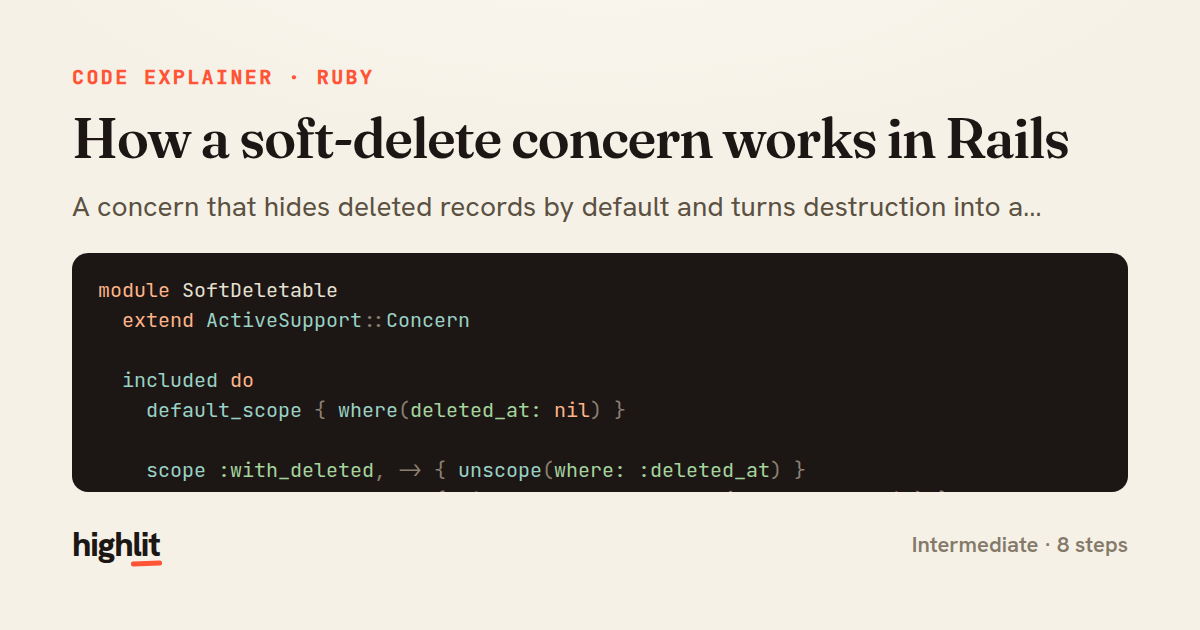
Made with highlit — turn any snippet into a walkthrough like this in about a minute.
Explain your code
Embed this explainer
Drop the interactive walkthrough into a blog or docs. Views never cost a credit.
<iframe src="https://highlit.co/explainers/how-a-soft-delete-concern-works-in-rails-explained-ruby-05ff/embed?autoplay=1" width="100%" height="520" loading="lazy" style="border:0"></iframe>
Autoplay is on by default — add ?autoplay=0 to start paused.