typescript
47 lines · 8 steps
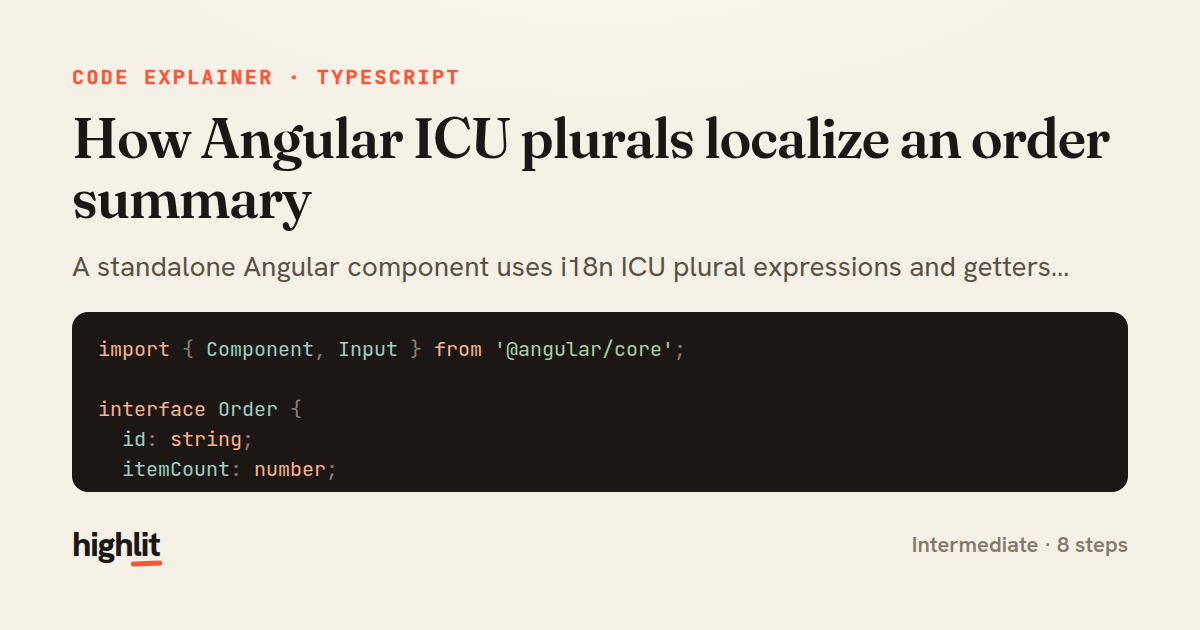
How Angular ICU plurals localize an order summary
A standalone Angular component uses i18n ICU plural expressions and getters to render grammatically correct, localizable order text.
Explained by
highlit
1import { Component, Input } from '@angular/core';
2
3interface Order {
4 id: string;
5 itemCount: number;
6 total: number;
7}
8
9@Component({
10 selector: 'app-order-summary',
11 standalone: true,
12 template: `
13 <section class="order-summary">
14 <h2 i18n="@@orderSummaryHeading">Your orders</h2>
15
16 <p i18n="@@orderCount">
17 You have {{ orders.length }}
18 {orders.length, plural,
19 =0 {no orders yet}
20 =1 {one order}
21 other {{{ orders.length }} orders}
22 }.
23 </p>
24
25 <p *ngIf="orders.length" i18n="@@itemTotals">
26 {{ totalItems }}
27 {totalItems, plural,
28 =1 {item}
29 other {items}
30 }
31 across all orders, worth {{ grandTotal | currency:currencyCode }}.
32 </p>
33 </section>
34 `,
35})
36export class OrderSummaryComponent {
37 @Input() orders: Order[] = [];
38 @Input() currencyCode = 'USD';
39
40 get totalItems(): number {
41 return this.orders.reduce((sum, o) => sum + o.itemCount, 0);
42 }
43
44 get grandTotal(): number {
45 return this.orders.reduce((sum, o) => sum + o.total, 0);
46 }
47}
01 / 01
STEP 01
‹ swipe to step through ›
Walkthrough
Space play
←→ step
click any line
Three takeaways
- 1ICU plural expressions let one template branch on count so translators can supply grammatically correct wording per language.
- 2Stable i18n IDs like @@orderCount give translation tools a reliable key that survives copy changes.
- 3Derived display values belong in getters, keeping the template declarative while inputs drive the data.
Related explainers
typescript
import { registerLocaleData } from '@angular/common';
import localeFr from '@angular/common/locales/fr';
import localeFrExtra from '@angular/common/locales/extra/fr';
import localeDe from '@angular/common/locales/de';
Locale-aware bootstrapping in Angular
i18n
localization
dependency-injection
Intermediate
8 steps
typescript
import { Module } from '@nestjs/common';
import { ConfigModule } from '@nestjs/config';
import * as Joi from 'joi';
Validating env config at boot in NestJS
configuration
schema-validation
environment-variables
Intermediate
8 steps
typescript
import { Inject, Injectable, Logger } from '@nestjs/common';
import { CACHE_MANAGER } from '@nestjs/cache-manager';
import { Cache } from 'cache-manager';
import { InjectRepository } from '@nestjs/typeorm';
A cache-aside country lookup in NestJS
cache-aside
dependency-injection
batch-lookup
Intermediate
8 steps
typescript
import { Injectable, effect, signal, computed } from '@angular/core';

interface Preferences {
  theme: 'light' | 'dark';
A signal-based preferences store in Angular
signals
state-management
persistence
Intermediate
7 steps
typescript
import { useEffect, useState } from "react";

interface Section {
  id: string;
Building a scroll-spy hook in React
custom-hooks
intersectionobserver
dom-observation
Intermediate
8 steps
typescript
import { Injectable, Scope, Inject, NotFoundException } from '@nestjs/common';
import { REQUEST } from '@nestjs/core';
import { Request } from 'express';
import { DataSource } from 'typeorm';
Per-tenant database connections in NestJS
multi-tenancy
connection-pooling
dependency-injection
Advanced
8 steps
Share this explainer
Here's the card — post it anywhere.
Made with highlit — turn any snippet into a walkthrough like this in about a minute.
Explain your code
Embed this explainer
Drop the interactive walkthrough into a blog or docs. Views never cost a credit.
<iframe src="https://highlit.co/explainers/how-angular-icu-plurals-localize-an-order-summary-explained-typescript-00cb/embed?autoplay=1" width="100%" height="520" loading="lazy" style="border:0"></iframe>
Autoplay is on by default — add ?autoplay=0 to start paused.