python
36 lines · 7 steps
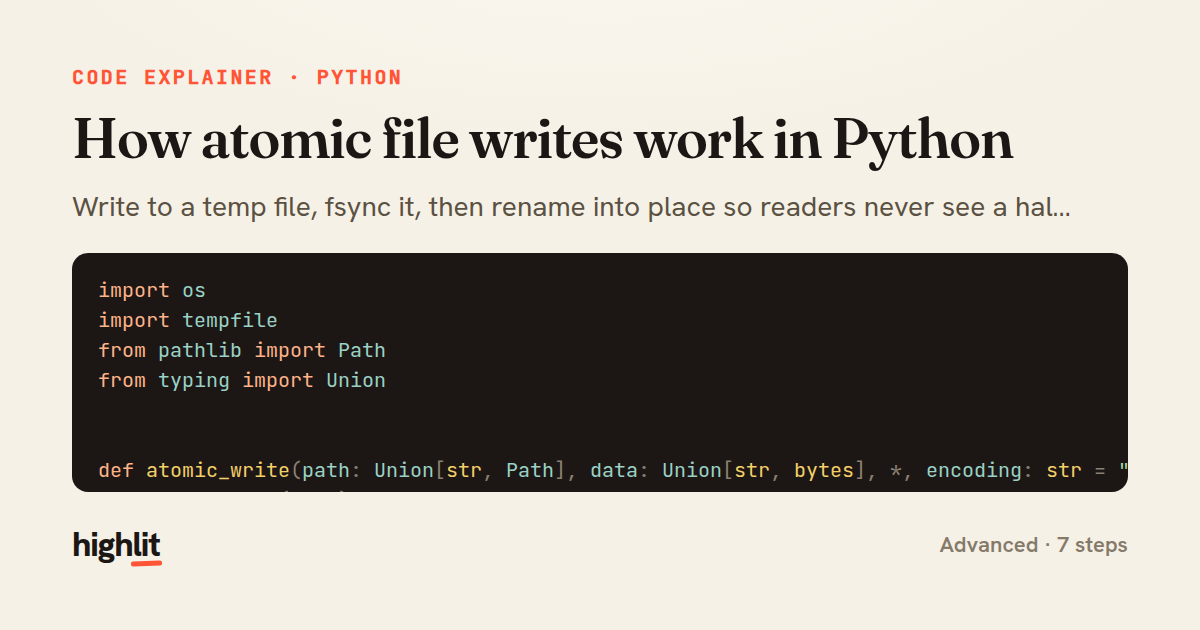
How atomic file writes work in Python
Write to a temp file, fsync it, then rename into place so readers never see a half-written file.
Explained by
highlit
1import os
2import tempfile
3from pathlib import Path
4from typing import Union
5
6
7def atomic_write(path: Union[str, Path], data: Union[str, bytes], *, encoding: str = "utf-8") -> None:
8 path = Path(path)
9 directory = path.parent
10
11 if isinstance(data, str):
12 mode = "w"
13 kwargs = {"encoding": encoding}
14 else:
15 mode = "wb"
16 kwargs = {}
17
18 fd, tmp_name = tempfile.mkstemp(dir=directory, prefix=f".{path.name}.", suffix=".tmp")
19 tmp_path = Path(tmp_name)
20
21 try:
22 with os.fdopen(fd, mode, **kwargs) as f:
23 f.write(data)
24 f.flush()
25 os.fsync(f.fileno())
26
27 os.replace(tmp_path, path)
28
29 dir_fd = os.open(directory, os.O_RDONLY)
30 try:
31 os.fsync(dir_fd)
32 finally:
33 os.close(dir_fd)
34 except BaseException:
35 tmp_path.unlink(missing_ok=True)
36 raise
01 / 01
STEP 01
‹ swipe to step through ›
Walkthrough
Space play
←→ step
click any line
Three takeaways
- 1A rename on the same filesystem is atomic, so writing to a temp file and replacing avoids ever exposing partial data.
- 2Durability needs fsync on both the file and its parent directory, since the rename itself must be flushed to survive a crash.
- 3Cleaning up the temp file on any exception keeps failures from littering the directory with stale partial files.
Related explainers
rust
use serde::Deserialize;

#[derive(Debug, Deserialize)]
#[serde(untagged)]
Parsing flexible JSON shapes with serde
deserialization
enums
json
Intermediate
6 steps
ruby
require "shellwords"
require "open3"

module Backup
Building safe shell commands in Ruby
shell-out
subprocess
command-injection
Intermediate
7 steps
python
from fastapi import FastAPI, WebSocket, WebSocketDisconnect

app = FastAPI()
Building a WebSocket chat with FastAPI
websockets
broadcast
connection-management
Intermediate
9 steps
python
import time
import uuid

from django.utils.deprecation import MiddlewareMixin
Attaching per-request context in Django
middleware
request lifecycle
multi-tenancy
Intermediate
7 steps
python
import random
from typing import Iterator, List
How reservoir sampling picks k items
reservoir-sampling
streaming
randomness
Intermediate
5 steps
rust
use chrono::{Duration, NaiveDate};

#[derive(Debug)]
pub struct DateRange {
Parsing and iterating date ranges in Rust
error-handling
iterators
parsing
Intermediate
7 steps
Share this explainer
Here's the card — post it anywhere.
Made with highlit — turn any snippet into a walkthrough like this in about a minute.
Explain your code
Embed this explainer
Drop the interactive walkthrough into a blog or docs. Views never cost a credit.
<iframe src="https://highlit.co/explainers/how-atomic-file-writes-work-in-python-explained-python-18d1/embed?autoplay=1" width="100%" height="520" loading="lazy" style="border:0"></iframe>
Autoplay is on by default — add ?autoplay=0 to start paused.