java
50 lines · 8 steps
How OIDC login works in Spring Security
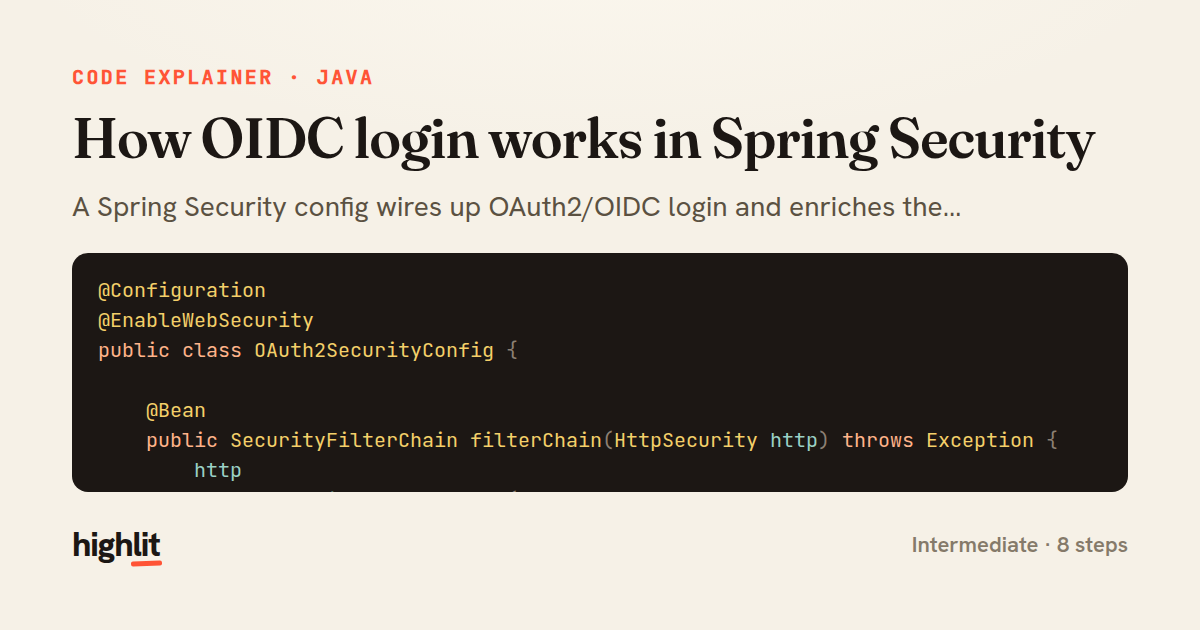
A Spring Security config wires up OAuth2/OIDC login and enriches the authenticated user with a custom role based on claims.
Explained by
highlit
1@Configuration
2@EnableWebSecurity
3public class OAuth2SecurityConfig {
4
5 @Bean
6 public SecurityFilterChain filterChain(HttpSecurity http) throws Exception {
7 http
8 .authorizeHttpRequests(auth -> auth
9 .requestMatchers("/", "/error", "/webjars/**").permitAll()
10 .anyRequest().authenticated()
11 )
12 .oauth2Login(oauth2 -> oauth2
13 .userInfoEndpoint(userInfo -> userInfo
14 .oidcUserService(this.oidcUserService())
15 )
16 .defaultSuccessUrl("/dashboard", true)
17 )
18 .logout(logout -> logout
19 .logoutSuccessUrl("/")
20 .clearAuthentication(true)
21 );
22 return http.build();
23 }
24
25 private OAuth2UserService<OidcUserRequest, OidcUser> oidcUserService() {
26 OidcUserService delegate = new OidcUserService();
27 return userRequest -> {
28 OidcUser oidcUser = delegate.loadUser(userRequest);
29 String registrationId = userRequest.getClientRegistration().getRegistrationId();
30 Set<GrantedAuthority> authorities = new LinkedHashSet<>(oidcUser.getAuthorities());
31 if (Boolean.TRUE.equals(oidcUser.getClaimAsBoolean("email_verified"))) {
32 authorities.add(new SimpleGrantedAuthority("ROLE_VERIFIED"));
33 }
34 return new DefaultOidcUser(authorities, oidcUser.getIdToken(), oidcUser.getUserInfo());
35 };
36 }
37}
38
39@Controller
40class DashboardController {
41
42 @GetMapping("/dashboard")
43 public String dashboard(@AuthenticationPrincipal OidcUser principal, Model model) {
44 model.addAttribute("name", principal.getFullName());
45 model.addAttribute("email", principal.getEmail());
46 model.addAttribute("picture", principal.getClaimAsString("picture"));
47 model.addAttribute("issuer", principal.getIssuer());
48 return "dashboard";
49 }
50}
01 / 01
STEP 01
‹ swipe to step through ›
Walkthrough
Space play
←→ step
click any line
Three takeaways
- 1A SecurityFilterChain bean is where you declare which routes are public and how login and logout behave.
- 2Wrapping the default OidcUserService lets you add custom authorities derived from token claims.
- 3Once login succeeds, the OidcUser can be injected straight into controllers as the authentication principal.
Related explainers
java
@Component
@Converter
public class EncryptedStringConverter implements AttributeConverter<String, String> {
Transparent column encryption in Spring & JPA
encryption
aes-gcm
jpa-converter
Advanced
10 steps
python
import time
import uuid

from django.utils.deprecation import MiddlewareMixin
Attaching per-request context in Django
middleware
request lifecycle
multi-tenancy
Intermediate
7 steps
java
package com.acme.billing.config;

import org.springframework.boot.autoconfigure.condition.ConditionalOnProperty;
import org.springframework.boot.context.properties.ConfigurationProperties;
Feature-flagged beans with Spring @ConditionalOnProperty
feature-flags
conditional-beans
strategy-pattern
Intermediate
5 steps
java
public static Map<String, String> parseCookieHeader(String header) {
    Map<String, String> cookies = new LinkedHashMap<>();
    if (header == null || header.isBlank()) {
        return cookies;
Parsing an HTTP Cookie header in Java
string-parsing
http
url-decoding
Intermediate
6 steps
java
public class TimedSocketReader {

    private static final int READ_TIMEOUT_MS = 5_000;
    private static final int CONNECT_TIMEOUT_MS = 3_000;
Reading a socket with connect and read timeouts
sockets
timeouts
io
Intermediate
8 steps
go
package middleware

import (
	"net/http"
Per-plan export limits in Gin middleware
middleware
rate-limiting
authorization
Intermediate
7 steps
Share this explainer
Here's the card — post it anywhere.
Made with highlit — turn any snippet into a walkthrough like this in about a minute.
Explain your code
Embed this explainer
Drop the interactive walkthrough into a blog or docs. Views never cost a credit.
<iframe src="https://highlit.co/explainers/how-oidc-login-works-in-spring-security-explained-java-1e25/embed?autoplay=1" width="100%" height="520" loading="lazy" style="border:0"></iframe>
Autoplay is on by default — add ?autoplay=0 to start paused.